
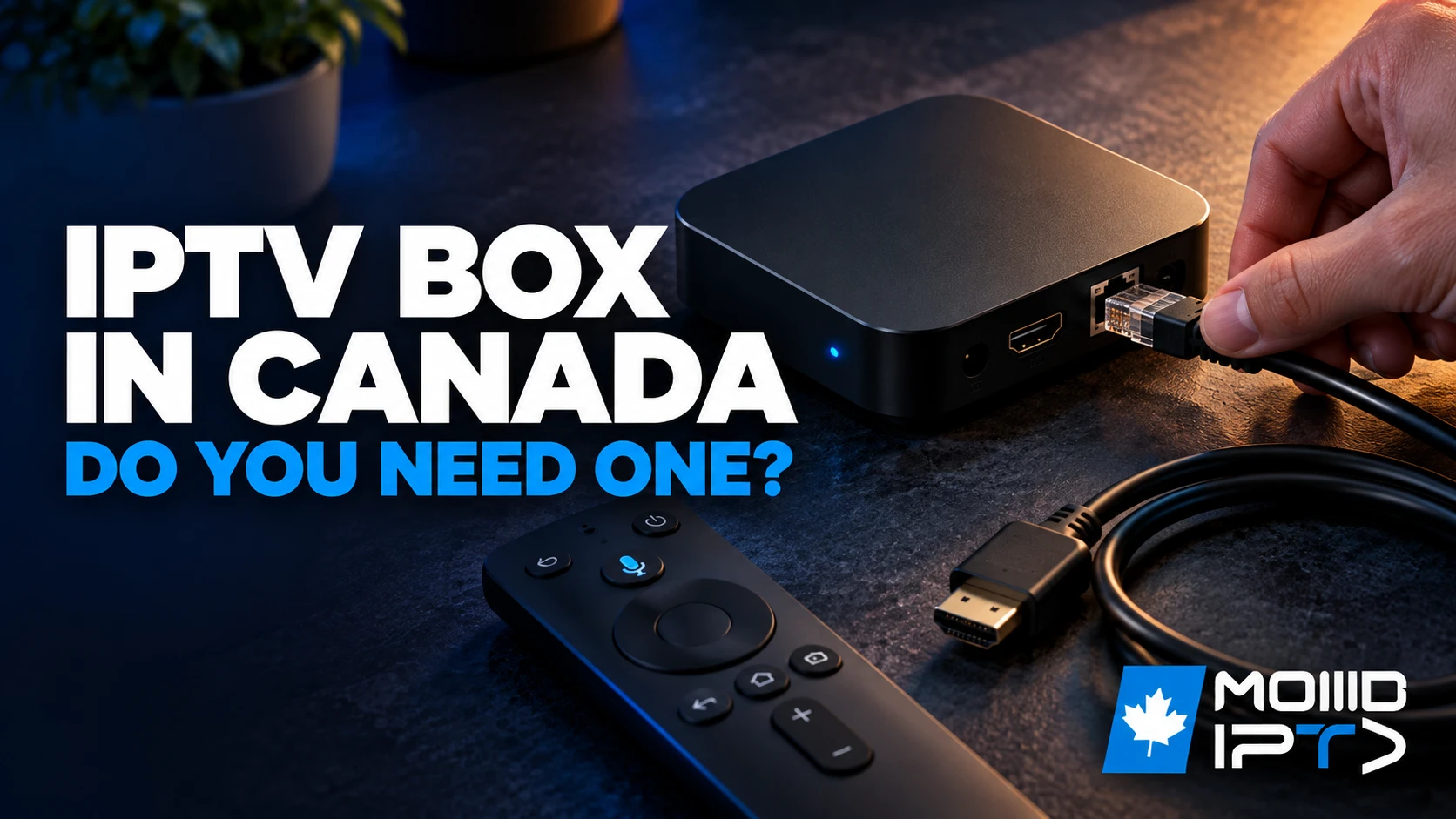
An IPTV box is a small streaming device that plugs into your TV’s HDMI port and runs the apps that play your IPTV Canada service: live channels, movies and series streamed over your internet connection. The box doesn’t come with any channels. Those are part of your IPTV subscription; the box is just the device that plays them. Plenty of Canadian homes don’t need one at all, because a recent smart TV or a 4K streaming stick runs the same apps.
A box earns its place on an older TV, on a main TV where you want a wired connection and fast 4K, or with a service that logs in through a portal and MAC address. This guide helps you decide first, then compares the types of IPTV box sold in Canada, the models worth a look, what they cost and what to stay away from.
1. What Is an IPTV Box?
IPTV is a service and an IPTV box is hardware. One answers “what am I watching”, the other “what am I watching it on”. They’re often bought together, which is why the two get confused.
- The IPTV service is the content and the delivery: a provider gives you a login or playlist, you enter it in an app, and channels stream to whatever screen runs that app. It’s a recurring cost. Our guide to how IPTV works in Canada explains the service side.
- The IPTV box is a one-time purchase: a small device on an HDMI port that runs Android TV, Google TV, Fire OS, Apple’s tvOS or a portal system, and turns any TV into one that can play IPTV.
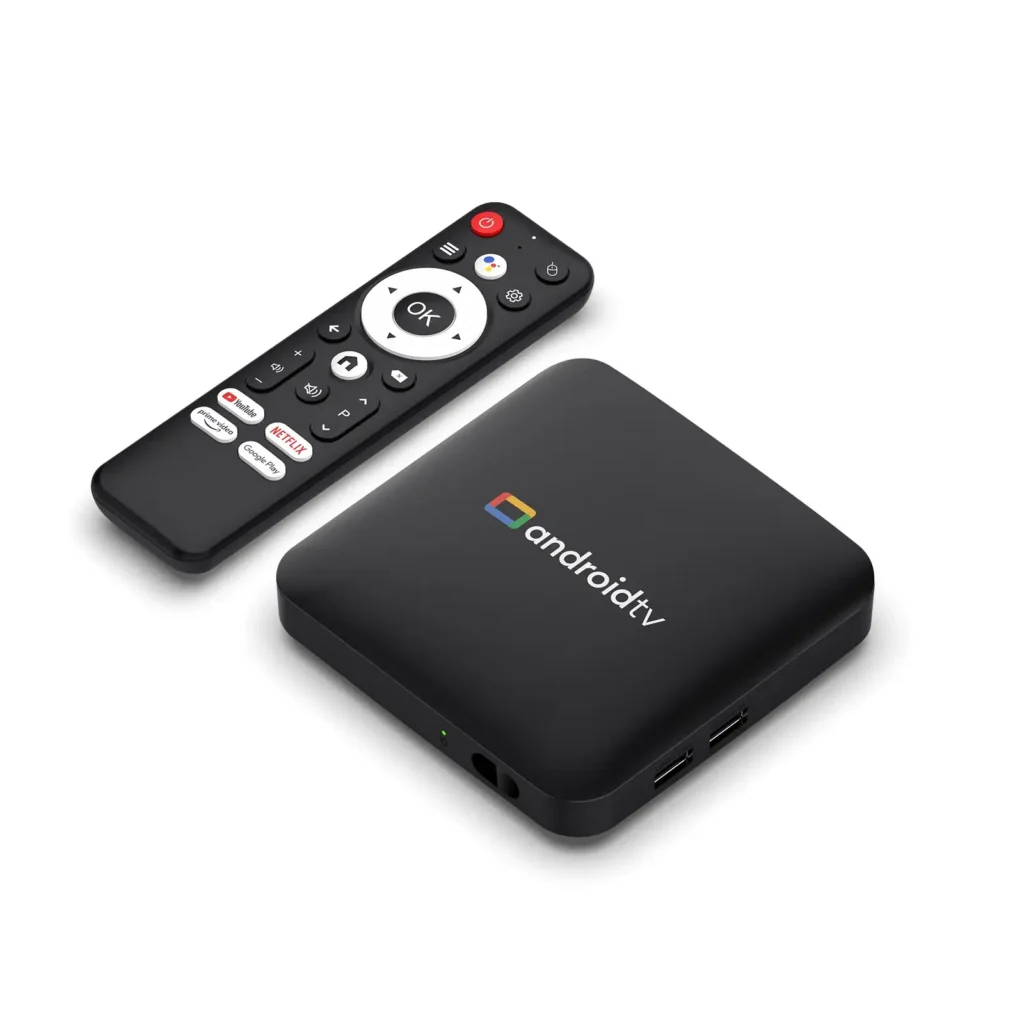
You’ll see the same kind of device sold as an Android box, a streaming box, a set-top box or a MAG box. The name matters less than two questions: which IPTV apps it can run, and whether your provider supports it.
2. Do You Need an IPTV Box?
Only if your TV can’t run a good IPTV app, or runs it badly. Find your setup:
| Your setup | What you need |
|---|---|
| Recent Android TV or Google TV set | No box. The apps install from Google Play; our Android TV guide shows how. |
| Samsung or LG smart TV with the app available | Usually no box, though built-in apps update slowly. See our Samsung guide or LG guide. |
| Samsung or LG, app missing, crashing or poor in 4K | A box or 4K stick on an HDMI port. |
| Older TV with no apps | A box or stick. Any TV with HDMI works. |
| Fire Stick, Google TV Streamer or Apple TV already connected | Nothing more; it already is an IPTV box. |
| Your provider activates by MAC address (portal login) | A portal box such as Formuler or MAG, or an app that emulates one. |
| Watching mainly on a phone, tablet or laptop | No box. |
Two things tip the decision. Built-in smart TV apps are the weakest link in many setups: TV makers update their systems on their own schedule, so IPTV apps there can lag behind, miss codecs and crash more often. And a dedicated box handles high-bitrate 4K streams and a wired connection far better than most built-in apps. If HD on your TV’s own app is fine and 4K doesn’t matter to you, keep your money and revisit later.
3. Types of IPTV Boxes
Four kinds of device do the job in Canada, and they differ more in apps and login method than in picture quality:
| Type | Examples | IPTV apps | Typical price (CAD) | Best for |
|---|---|---|---|---|
| Fire TV stick or Cube | Fire TV Stick 4K, 4K Max, Fire TV Cube | TiviMate and others via Downloader | $40 to $180 | Budget 4K, second TVs, travel |
| Android TV or Google TV box | Google TV Streamer, NVIDIA Shield TV Pro | Any Google Play IPTV app | $140 to $300 | The main TV, 4K, Ethernet |
| Apple TV | Apple TV 4K | IPTV Smarters Pro, GSE Smart IPTV, IPTVX | $279 to $429 | Homes already on iPhone and iPad |
| Portal (MAC) box | Formuler, MAG, Dreamlink, AVOV | Built-in portal; Formuler also runs Android apps | $110 to $340 | Services that log in by MAC address |
Prices are regular Canadian retail in October 2026 and move with sales and new models.
Fire TV sticks and the Fire TV Cube
The cheapest way to put IPTV on a TV. A Fire TV Stick 4K or 4K Max plays 4K with HDR and runs TiviMate, installed with the Downloader app. The Cube adds an Ethernet port and a faster processor. Avoid the Fire TV Stick 4K Select: it runs Amazon’s Vega OS, which can’t install sideloaded apps like TiviMate. Our Fire Stick guide has the full setup.
Android TV and Google TV boxes
The most flexible IPTV box. Every major IPTV player is on Google Play, updates arrive automatically, and the better boxes have Ethernet and enough memory for big channel lists. Stick to Google-certified models from a named brand; uncertified no-name boxes are where most of the problems in section 8 come from.
Apple TV 4K
Fast, well supported and simple to use, with a choice of good IPTV apps from the App Store. It’s also the priciest option after Apple raised its Canadian prices, and only the 128 GB model has an Ethernet port. Our Apple TV guide covers the apps and setup.
Portal (MAC) boxes
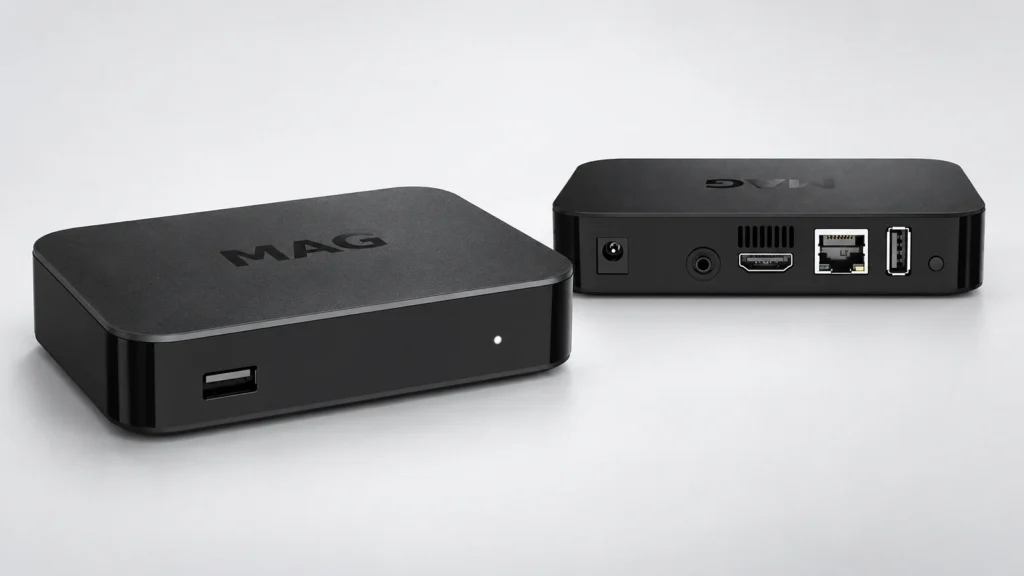
Formuler, MAG, Dreamlink and AVOV boxes connect to a provider’s portal: you enter a portal URL, and the provider activates the box’s MAC address. Nothing to type on the remote beyond that. Formuler’s current models also run Android apps, which makes them a good bridge between the two worlds.
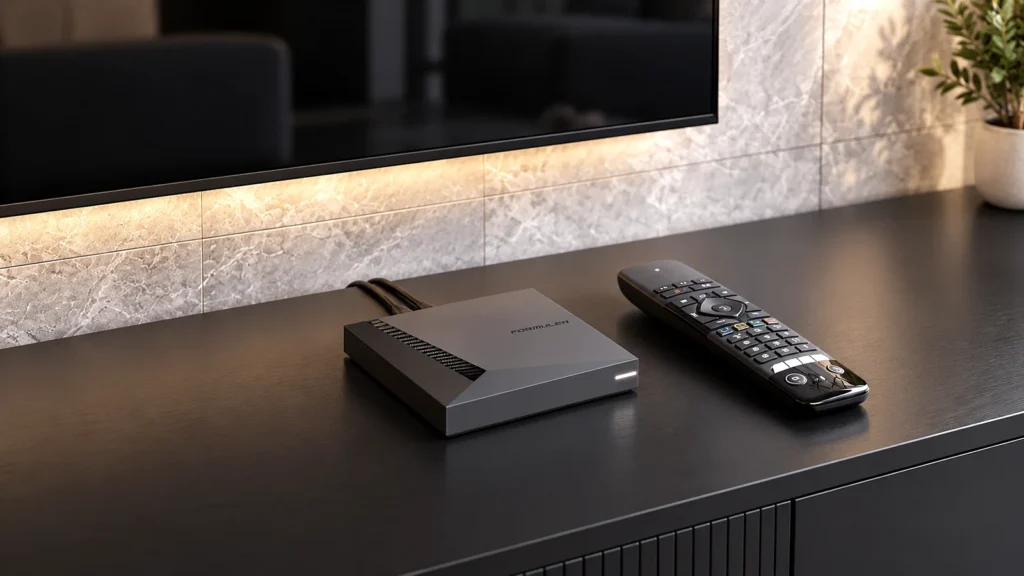
If your provider gives you a portal login, our guide to setting up a Formuler, MAG, Dreamlink or AVOV box walks through each one.
4. Which IPTV Box Is Best in Canada?
There’s no single best IPTV box, but there is a sensible pick for each situation. Here are the main models side by side:
| IPTV box | Typical price (CAD) | 4K and HDR | Ethernet | Best for |
|---|---|---|---|---|
| Fire TV Stick 4K Max | About $80 | 4K, Dolby Vision | Adapter, sold separately | Budget 4K, second TVs |
| Google TV Streamer | About $140 to $170 | 4K, Dolby Vision | Built in | Most homes, the main TV |
| NVIDIA Shield TV Pro | About $260 to $300 | 4K, Dolby Vision | Built in | Power users, sharper HD channels |
| Apple TV 4K | $279 to $429 | 4K, Dolby Vision | 128 GB model only | Homes on iPhone and iPad |
| Formuler Z11 Pro Max | About $200 to $340 | 4K HDR | Built in | Portal login plus Android apps |
| MAG 524 or 540 | About $110 to $160 | 4K HEVC | Built in | A simple portal (MAC) service |
In more detail:
- Best all-round: Google TV Streamer. 4 GB of memory, 32 GB of storage, Ethernet, 4K with Dolby Vision, and every Play Store IPTV app. The safest choice for a main TV.
- Best for power users: NVIDIA Shield TV Pro. Older but still one of the fastest boxes, with two USB ports and AI upscaling that sharpens HD channels on a 4K TV. Expensive, and stock in Canada comes and goes.
- Best on a budget: Fire TV Stick 4K Max. 4K, HDR and Wi-Fi 6E for well under $100, and it runs TiviMate. Add an Ethernet adapter if your Wi-Fi is weak.
- Best for Apple homes: Apple TV 4K. Pick the model with Ethernet if the TV is near the router.
- Best portal box: Formuler Z11 Pro Max or a MAG 524/540. The Formuler runs both a portal and Android apps; a MAG is a simpler, cheaper Linux box that does one job well.
Whatever you choose, check it’s a current model still receiving updates. A box discontinued years ago may be cheap, but it’s also the first to lose app support.
5. Specs Worth Paying For
Memory is the spec that separates a box that lasts years from one that struggles within months. Treat 2 GB of RAM as the floor and 4 GB as the target:
| Spec | Minimum | Recommended | Why it matters |
|---|---|---|---|
| RAM | 2 GB | 4 GB | Less memory means slow channel lists and dropped frames on high-bitrate streams |
| Processor | Quad-core | Recent quad-core or better | Channel switching speed and how responsive the app feels |
| Storage | 8 GB | 16 to 32 GB | Room for app updates, cache and recordings |
| Video | 4K with hardware decoding | 4K HDR with HEVC (H.265) | Without hardware decoding even a fast processor stutters on 4K |
| Ports | HDMI 2.0, Ethernet | HDMI 2.0 or newer, Gigabit Ethernet, USB | Ethernet is the single biggest stability upgrade |
| System | Google Play or an official app store | Android TV 11 or newer, Google certified | App compatibility and security updates |
The most common mistake is shopping on “4K” alone. A 4K box with 1 GB of memory still buffers, because it can’t keep up with the data rate of a real 4K stream.
6. Operating System and App Compatibility
The operating system decides which IPTV apps you can install, and that matters more than any spec. Android TV and Google TV run TiviMate, IPTV Smarters Pro, XCIPTV and most others; Fire OS runs the same apps through Downloader; Apple TV has its own App Store choice; portal boxes use the player built into the box. Our roundup of the best free IPTV apps shows which app suits which device, and the TiviMate guide covers the app most box owners end up using.
Before buying, check three things: the box has an official app store, it runs a current system version, and the maker still ships updates. Custom Android builds on cheap boxes often skip security updates and come with software you didn’t ask for. A box that can’t install the main apps pushes you into a weaker built-in player, and then its specs don’t matter.
7. What an IPTV Box Costs in Canada
Expect to pay about $40 to $90 for a good 4K stick, $140 to $300 for an Android TV or Google TV box, $110 to $340 for a portal box and $279 to $429 for an Apple TV 4K. It’s a one-time cost: there’s no rental fee as with a cable box, and a well-supported box lasts three to five years.
- Buy where you can return it: Best Buy, Amazon.ca, Walmart, Canada Computers or the maker’s own store (Apple, Google) all sell the mainstream boxes; portal boxes like Formuler and MAG come from established Canadian sellers. Skip marketplace listings with no return policy.
- Check the warranty and the support page. Canada’s Office of Consumer Affairs recommends confirming the seller, the return policy and the warranty before you buy electronics.
- Don’t pay extra for a box sold with a subscription included. Buy the hardware and the service separately so you can change either one.
Below about $40, something has been cut: memory, the processor, or the updates that keep apps working.
8. What to Avoid
Walk away from any box sold as “fully loaded”, “jailbroken” or with free channels included. Those are the boxes behind most bad experiences:
- Pre-loaded unauthorized streams. They rely on services that infringe copyright in Canada and are the target of court-ordered internet provider blocks.
- Malware and adware disguised as preinstalled IPTV apps, common on no-name imports.
- No firmware updates, so apps stop working within months.
- No warranty or support, which means the money is gone if the box fails.
- Old hardware at new prices, aimed at buyers who don’t know what to look for.
A listing that promises “lifetime free IPTV” can’t deliver it legally, and the box is almost certainly compromised.
9. Setting Up Your IPTV Box
Connect the box with an Ethernet cable if you can, since a wired connection fixes more playback problems than any spec upgrade. Then plug it into the TV’s HDMI port, run the setup wizard, install your IPTV app and enter the details from your provider. Our IPTV setup guide has the steps for every device, with pictures.
Pair the box with a provider whose login method it supports: Xtream Codes or M3U for app-based boxes, a portal URL and MAC address for portal boxes. Then test before you commit to either. An IPTV free trial on the box during the evening, when networks are busiest, tells you more than any spec sheet.
Once it’s running, these guides cover the jobs box owners ask about most:
- Changing the URL on an IPTV box when your provider moves servers.
- Recharging an IPTV box online when the plan is due.
- Resetting an IPTV box and clearing the cache when it slows down or freezes.
- Setting a parental control PIN before the kids find the remote.
One box feeds one TV. For a second TV you need a second device, or an HDMI splitter if both screens can show the same picture, and each device that plays at the same time uses one connection on your plan. Our guide on watching on multiple devices at once covers the options.
10. Legal and Practical Considerations in Canada
Buying and owning an IPTV box is legal in Canada. The hardware is neutral; what matters is the service you connect it to.
Pre-loaded boxes are the exception. Devices sold with thousands of free channels rely on unauthorized streams, which infringe the Copyright Act, and the services behind them are the ones Canadian internet providers are ordered to block. A Federal Court order in July 2026 widened those blocks, so unlicensed services now disappear faster, taking subscribers’ money with them. Our guides on whether IPTV is legal in Canada and whether internet providers can block IPTV cover the details.
Frequently Asked Questions
What is an IPTV box?
A small device that connects to your TV by HDMI and runs IPTV apps or a provider portal. It plays the channels from your IPTV service; it doesn’t include any channels itself.
Do I need a box to watch IPTV?
No. IPTV runs on smart TVs, phones, tablets, computers and streaming sticks. A box is most useful for older TVs, wired 4K on the main TV, or services that use a portal login.
How much is an IPTV box in Canada?
About $40 to $90 for a 4K streaming stick, $140 to $300 for an Android TV or Google TV box, $110 to $340 for a portal box like Formuler or MAG, and $279 to $429 for an Apple TV 4K.
Are IPTV boxes legal in Canada?
Yes, the boxes are legal. Boxes sold pre-loaded with free channels are the problem, because they rely on unauthorized streams that infringe the Copyright Act.
Which IPTV box is best in Canada?
For most people a Google TV Streamer or a Fire TV Stick 4K Max on a budget. NVIDIA Shield TV Pro suits power users, Apple TV 4K suits Apple homes, and Formuler or MAG suit portal-based services.
Is an IPTV box better than my smart TV’s app?
Usually, yes. Boxes get app updates faster, handle 4K HEVC better and offer Ethernet, while built-in TV apps can lag behind and crash more often.
Can I use one IPTV box on two TVs?
Not at the same time with different channels. Move it between TVs, use an HDMI splitter for the same picture on both, or add a second device on another connection of your plan.
How do I connect an IPTV box to my TV?
Plug the box into a free HDMI port on the TV and into power, and run an Ethernet cable to your router if the box has a port. Switch the TV to that HDMI input, follow the setup wizard, then install your IPTV app or enter the portal URL and add the login from your provider.
Where can I buy an IPTV box in Canada?
Mainstream boxes such as Fire TV, Google TV Streamer, NVIDIA Shield and Apple TV are at Best Buy, Amazon.ca, Walmart and the makers’ own stores. Formuler and MAG portal boxes are sold by established Canadian sellers. Buy where there’s a return policy and a warranty.
How long does an IPTV box last?
Three to five years for a box that still gets updates. Boxes that stop receiving updates lose app support long before the hardware wears out.
Have another question? Find more answers in our IPTV FAQ.
Conclusion
Most of the value in an IPTV box comes from the apps it can run and the updates it keeps getting, not the spec sheet. That’s why a named, current model from a real store beats a cheaper unbranded box with bigger numbers on the label. Check first whether your TV or a stick you already own does the job; if it doesn’t, choose the box that runs your provider’s login method, plug in an Ethernet cable, and test it on a busy evening before you settle in.