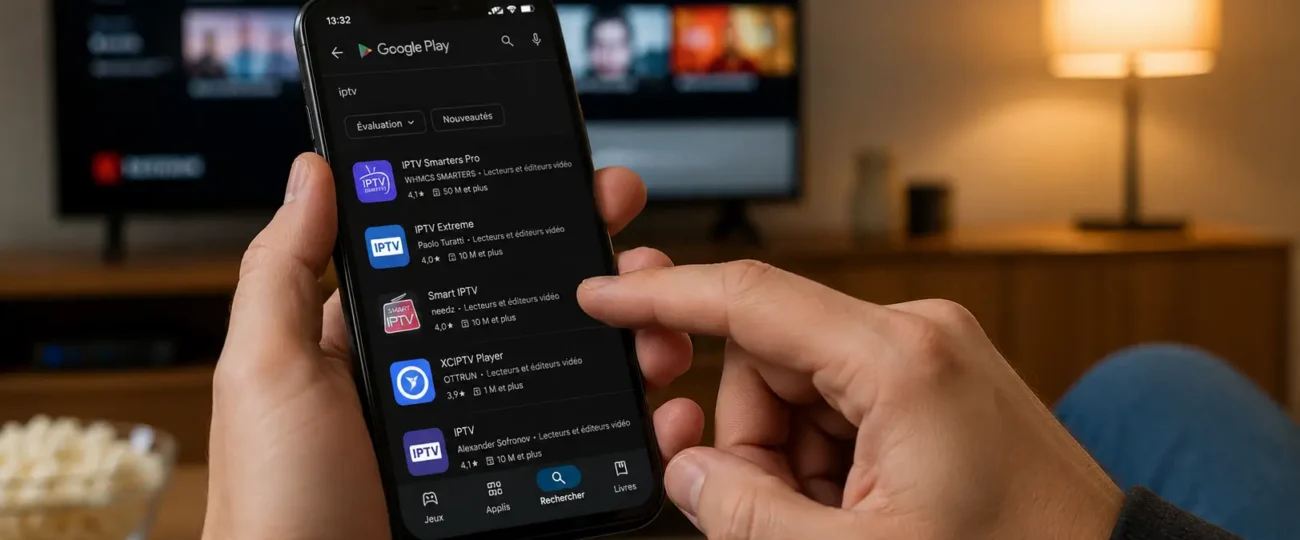


 Written by Rana
The best free IPTV apps are TiviMate, IPTV Smarters Pro, GSE Smart IPTV, XCIPTV, OTT Navigator, Perfect Player, Televizo, Sparkle TV, Ibo Player Pro, Flix IPTV, and IPTV Stream Player — each suited to different devices and user needs. All support M3U playlists and most accept Xtream Codes, with EPG integration and multi-device compatibility
But the player is only the tool: the IPTV service feeding it determines whether your streams are stable, your channels load, and your EPG actually works. A premium player on an unstable free playlist will still freeze mid-match. The winning combination is a free, well-coded player paired with a reliable IPTV Subscription offering stable servers, 24/7 support, and a free trial before commitment. This guide covers both halves: which player to pick for your device, and exactly how to install, configure, and troubleshoot it.
If you’re searching for “the best free IPTV for Firestick,” you’re likely conflating two different things:
| Term | What It Is |
| IPTV Player | The app that reads and plays your stream — the software itself |
| IPTV Service | The source providing the channel lists, EPG data, and streams |
The player is your tool; the service is your content source. You need both working together — and the service is what determines quality. Most users who complain about “bad IPTV” are actually complaining about a bad service running through a good player: switching apps won’t fix what only a stable provider can solve. Free players have genuinely matured, but they still depend entirely on the quality of the stream behind them.
Before installing anything, check the app against this list:
A poorly optimized app will buffer even on a fast connection — the player matters nearly as much as the source.
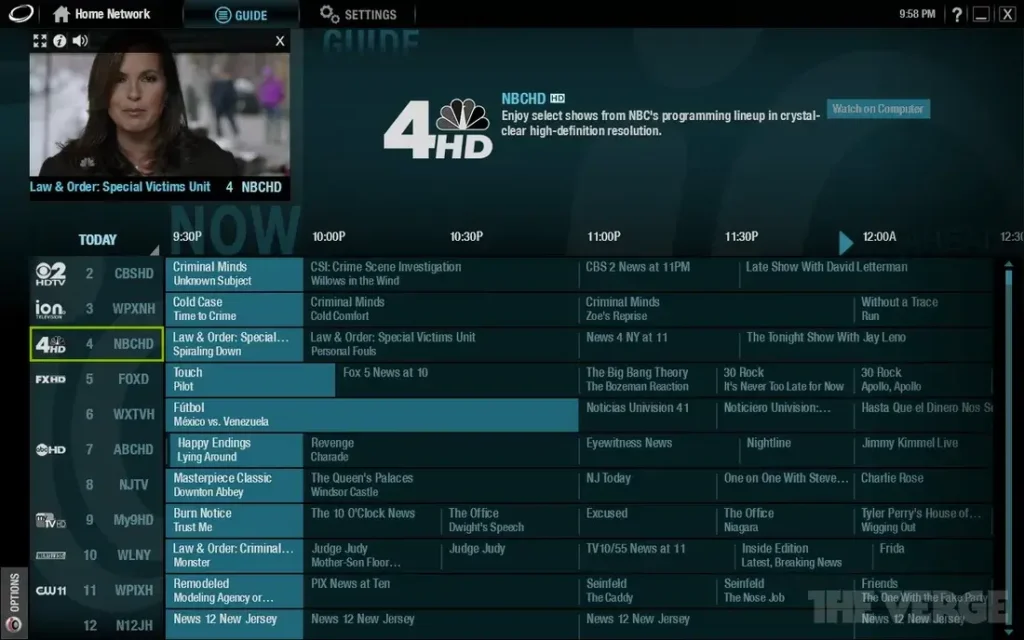
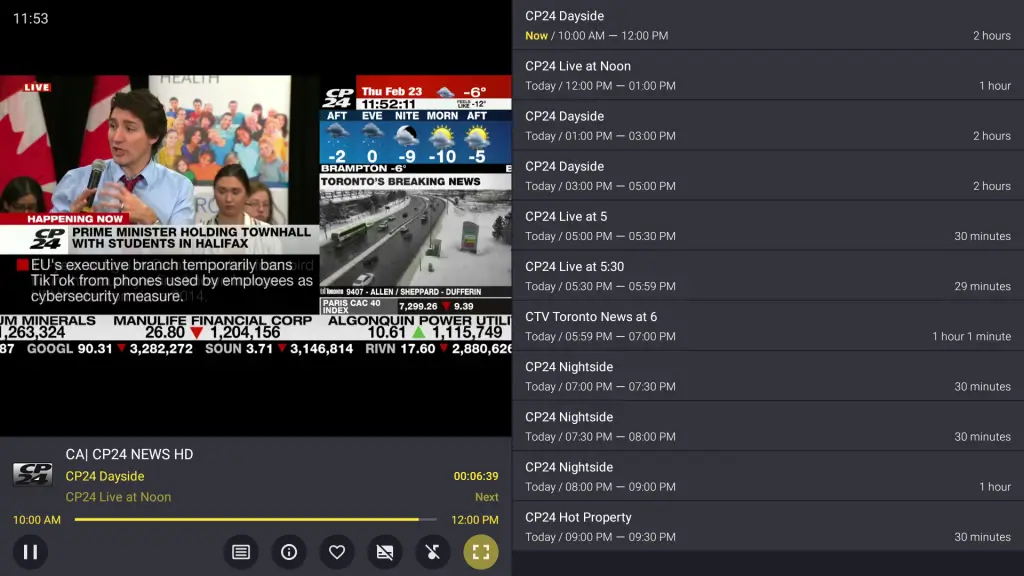
Best for Android TV and Firestick. The gold standard, with a cable-like, highly customizable EPG offering multi-day program guides that community discussions consistently rank first. It goes far beyond playback: multi-screen viewing of up to four channels at once, DVR-style scheduled recording (where supported), catch-up TV integration, frame-rate matching for smoother playback, custom channel groups, and program reminders. The free tier supports one M3U playlist; the one-time premium upgrade unlocks multiple playlists and extended EPG retention.
Best cross-platform choice (Android, iOS, Windows, macOS, Smart TV). The same interface and features on every device, with full Xtream Codes API and M3U support — the go-to when your household mixes Firesticks, iPhones, and laptops. Standout extras: multiple user profiles with separate preferences, settings sync across devices, a built-in player that handles most codecs without external apps, catch-up TV, and parental controls to keep kids away from unfiltered channel lists.
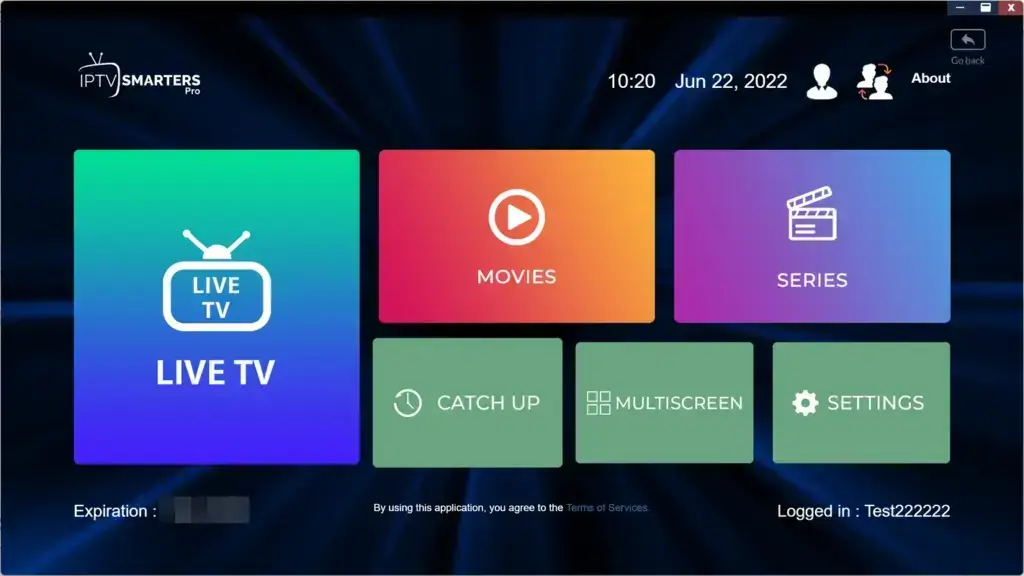
Best all-format player (iOS, Android, Apple TV). Handles M3U, JSON, API, and Xtream Codes in one unified interface, with hardware decoding for reliable 4K playback, advanced EPG integration, recording where supported, multi-screen viewing, parental controls, and automatic reconnection that keeps streams alive through brief network drops. The versatile pick for users juggling multiple IPTV formats.
Best for customization (Android, Android TV). Nearly every visual element — categories, banners, colour schemes — is adjustable, and it manages VOD libraries cleanly alongside live TV. Set up custom category filters to speed navigation dramatically.
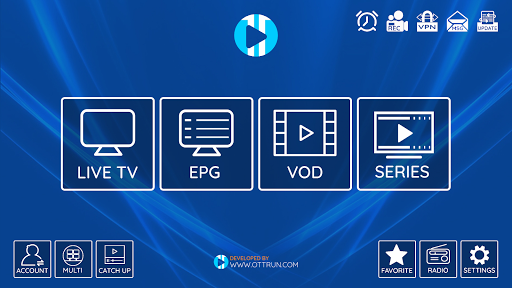
Best for power users (Android TV). Multiple simultaneous playlists, custom grouping, and EPG matching tools most players skip. Enable auto-update so channel lists refresh without manual work.
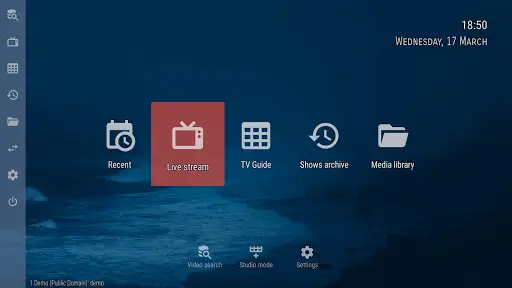
Best for older or budget hardware. The lightweight champion at roughly a 15 MB footprint: fast loading, minimal RAM, and a clean EPG grid even on devices that choke on heavier apps. If buffering persists, switch its engine to an external player like MX Player for better hardware decoding.
Best remote-friendly interface (Android, Android TV). Fast channel switching, straightforward playlist import, and a UI that scales from phone to big screen. Its favourites management is exceptionally smooth.
Best for Apple TV and iOS. A genuinely native Apple experience that most Android-first apps fail to replicate, with M3U support and clean AirPlay casting from iPhone to any compatible screen.
Best minimalist player for existing subscriptions (Smart TV, Android box, Fire Stick, mobile). Fast M3U loading via URL or file, Full HD and 4K support, multiple playback engines with hardware acceleration for low- and high-end devices alike, plus parental controls, favourites, and multi-language subtitle/audio support — all behind a clean interface built for speed. It provides no channels itself, making it ideal when you already have a subscription and just want a stable, device-friendly way to watch it.
Best for multi-device households (Smart TV, mobile, streaming boxes). Fully cloud-based: upload your M3U playlist once to Flix’s servers and it syncs in real time to every connected device — no manual transfers, no local storage dependence, and automatic refreshes whenever your provider updates channels or categories. The convenience pick when one subscription feeds several screens.
Best for beginners (Android and iOS). A simple, no-frills player available on Google Play and the App Store, with the fastest path from install to watching: add a playlist, tap a channel, done. The full setup walkthrough below uses it as the example.
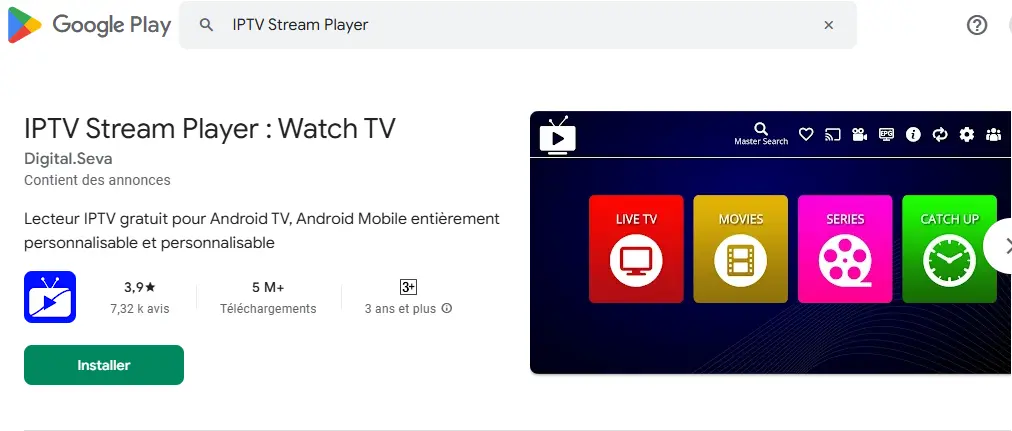
Using IPTV Stream Player as the example — the flow is nearly identical in every player:
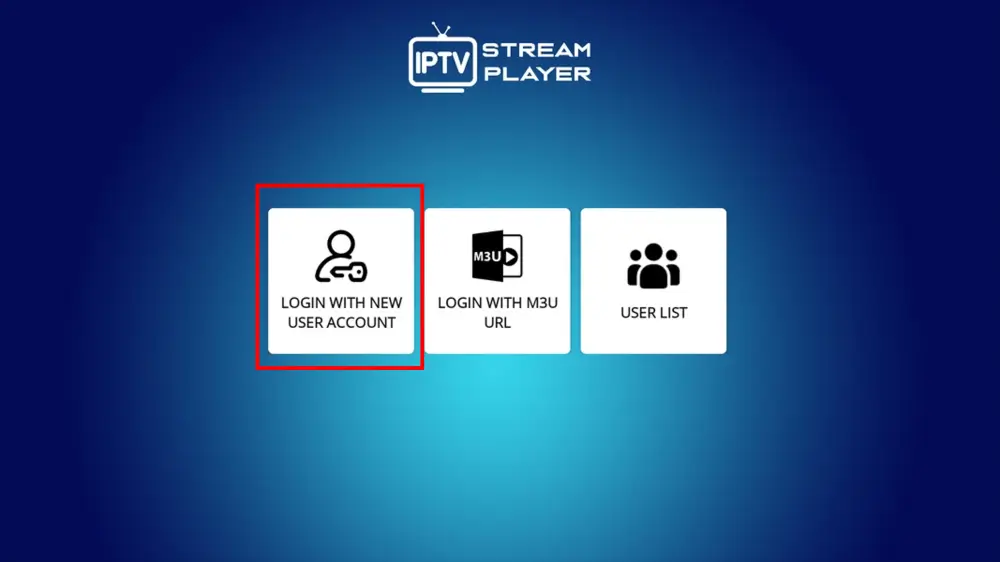
Option A — M3U playlist URL:
Option B — Local M3U file:
Option C — Xtream Codes (in players that support it, like IPTV Smarters Pro):
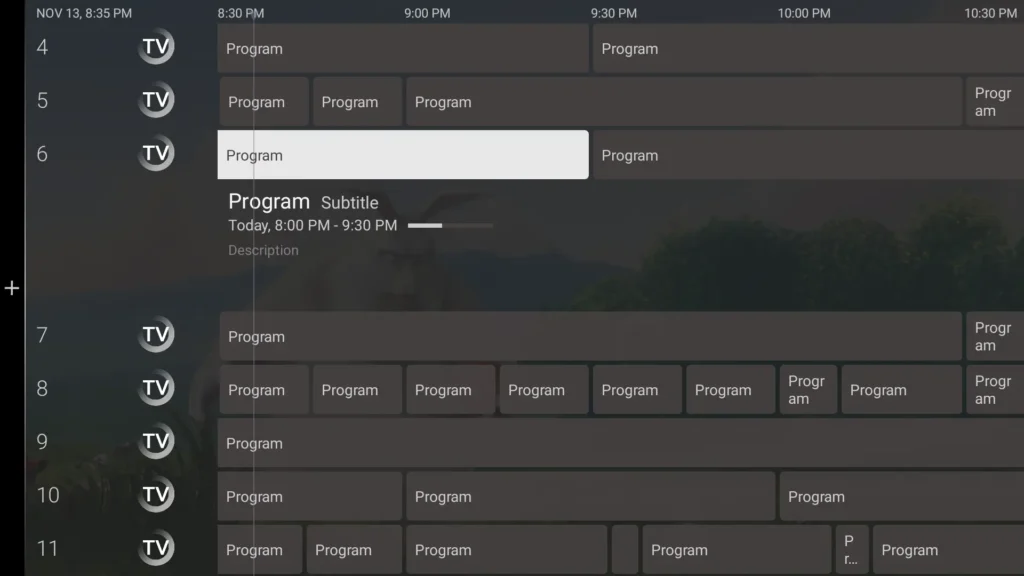
An Electronic Program Guide turns a raw channel list into a real TV experience — schedules, now-playing info, and what’s-next at a glance:
Five minutes of setup pays off nightly:
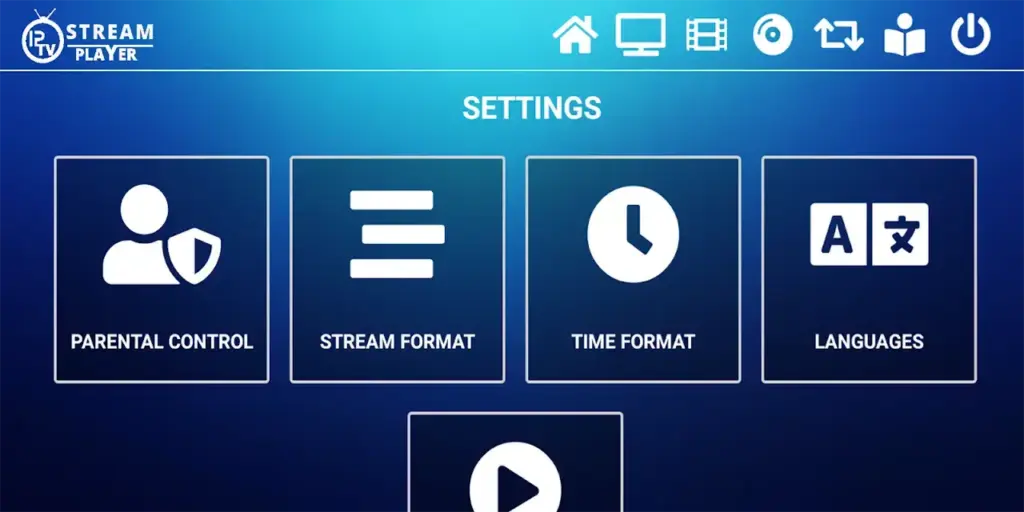
Then open any channel and start streaming — everything after this point is just watching TV.
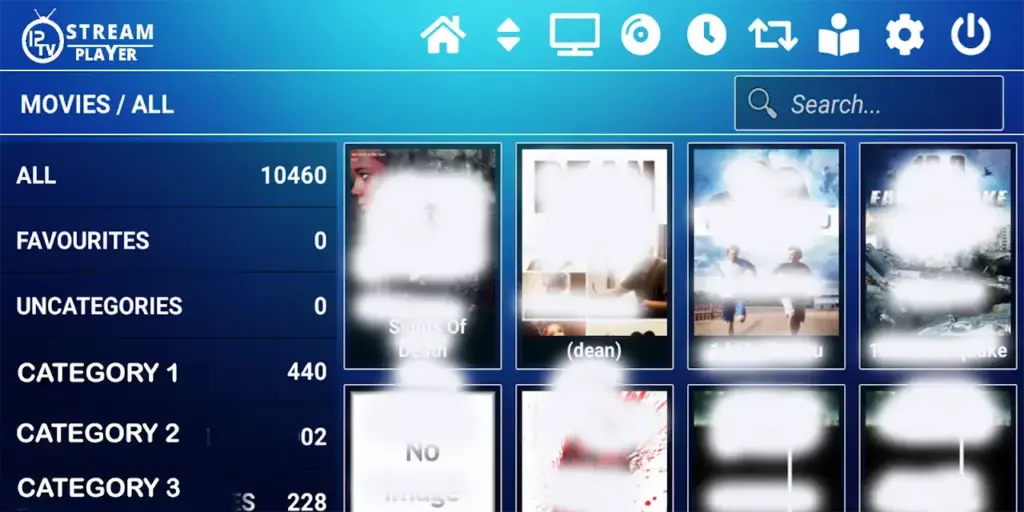
Work through these in order:
The traditional TV model is collapsing: households tired of stacking monthly bills want one service that delivers everything, and IPTV has become that answer. Market analysts at MarketsandMarkets projected the global IPTV market to reach $115.2 billion by 2026 at a 17.8% annual growth rate — proof that viewers will pay, as long as they pay once, in the right place.
But not all services are equal. The “free” or $5 offers flooding social media disappear overnight, with frozen servers and no refunds. Free public M3U playlists are worse still: unstable, frequently offline, and mostly low-quality channels. A reliable subscription — stable servers, 24/7 support, and a free trial before commitment — is the only way to cut the cord for good without surprises. Pair any player on this list with that kind of service and you get everything cable used to deliver, minus the contract and the inflated bill.
Free IPTV players are completely legal — they’re just software, the same way a web browser is. What determines legality is the source of the streams you load into them:
It depends on your device: TiviMate leads on Android TV and Fire TV, IPTV Smarters Pro and GSE Smart IPTV cover cross-platform households, Sparkle TV is the smoothest native option on Apple devices, Flix IPTV suits multi-device homes, and IPTV Stream Player is the simplest starting point for beginners. Remember the player is half the equation — your IPTV service determines stream stability.
Download it from Google Play or the App Store, tap Add Playlist, enter your provider’s M3U URL (or select a local M3U file), save, and refresh the playlist. With a stable connection, channels load in under a minute.
Channels come from your playlist, not the app: use Add Playlist to input your M3U URL or file, and every channel in your subscription appears automatically. To change lineups, update the subscription with your provider — the app just displays what the service delivers.
The app runs without payment, but a player without a stream source shows nothing. You need either a free public M3U playlist (unstable, frequently offline) or a paid subscription (stable servers, full EPG, premium channels). The app is free; the viewing experience depends on what you connect to it.
The players are legal software everywhere — but streaming regulations vary significantly by country, with legitimacy determined by content licensing and distribution rights. In Canada and elsewhere, connecting a player to a licensed service is fully lawful, while loading unlicensed playlists that rebroadcast premium channels constitutes copyright infringement. You’re responsible for verifying compliance where you live.
Yes — every player in this guide installs on multiple devices at no extra cost. Simultaneous streaming, however, depends on your service plan: most reliable providers allow 2 to 5 connections per subscription.
Yes — VPNs work with virtually every player on this list, adding encrypted connections and helping with geo-restrictions while travelling. It’s optional, not a requirement, for licensed services; expect a slight speed reduction depending on server proximity, so verify you still clear the bandwidth you need.
Plan on 5–8 Mbps for HD and at least 25 Mbps for 4K. Buffer-free performance also depends on network stability, how many devices share your connection, and your provider’s server capacity — the app itself is rarely the bottleneck on a fast line.
Typically $10–$30 for solid plans, with premium packages running $40–$50 for extensive channel lineups and extra features. The apps in this guide are free; the subscription is the ongoing cost — and where quality is decided.
Most cover Samsung, LG, and Android TV, with streaming-device support across Fire TV, Apple TV, and Chromecast — though exact availability varies by app and region. Roku is the notable exception: its closed store carries few IPTV players, so check our Roku guide for the workarounds.
A simple player like IPTV Stream Player or IPTV Smarters Pro paired with a verified subscription from a reliable provider in your region — installed from the official app store, configured with copy-pasted credentials, and tested during the provider’s free trial.
Check that your M3U link or Xtream Codes are entered correctly, confirm your subscription is active, test your internet connection, and refresh the playlist. If problems persist, try the same credentials in a second player to isolate app vs. service, then contact your provider’s support.
The players on this list are excellent free tools — TiviMate for the cable-like guide and multi-screen viewing, Smarters Pro and GSE for cross-platform households, Perfect Player for aging hardware, Sparkle TV for the Apple ecosystem, Flix IPTV for cloud-synced multi-device homes, IPTV Stream Player for the fastest first setup — but they’re only as powerful as the service feeding them. The smart move isn’t choosing between paid and free: it’s pairing a great free player with a stable, trustworthy IPTV service, configured once with copy-pasted credentials, a properly time-zoned EPG, and a favourites list of what you actually watch. That combination delivers everything cable used to — minus the contract, minus the inflated bill, minus the frozen channels. Install the player that fits your device, test your provider during its free trial, and the whole setup is done in the time it takes to watch a single commercial break on the TV you’re leaving behind.

Premium IPTV subscription built for Canadian viewers