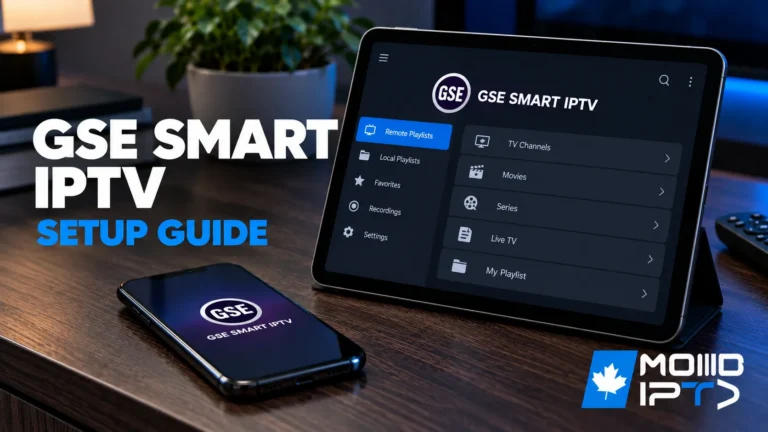
Installing IPTV on GSE Smart IPTV takes 7 steps: download and install the app, open the main menu, select Remote Playlists, enter your M3U URL or Xtream Codes credentials, save and wait for channels to load, configure your EPG, then test playback. The app supports Android, iOS, macOS, and Fire TV, with Xtream Codes being […]
GSE Smart IPTV
Get detailed instructions and helpful advice for using the GSE Smart IPTV player with your favorite IPTV subscriptions for an enhanced streaming experience.
How to Set Up IPTV on Apple TV ?
To set up IPTV on your Apple TV, you’ll need a compatible device, stable internet, and a reputable IPTV provider. Install the GSE Smart IPTV app from the App Store, launch it, and enter your IPTV subscription details. Configure the service provider details accurately, and you’ll be able to access live TV channels and on-demand […]
How to Set Up IPTV on Android TV?
To setting up IPTV on Android TV you need to install a compatible IPTV player from the Google Play Store, allow installations from unknown sources if needed, enter your M3U URL or Xtream Codes credentials, configure your EPG for live program guides, optimize playback settings for stable streaming, and test your channels with peak-hour stress […]