IPTV Edmonton: Live TV, Movies & Series

Looking for IPTV in Edmonton? Mode IPTV's IPTV Canada service streams live TV, movies and series to your TV, streaming device or computer. Choose a Standard (HD/FHD) or Premium (4K) IPTV Subscription, or start with a 24-hour IPTV Free Trial on your own screen. Below you'll find what's included and how to get your living-room setup ready.

IPTV in Edmonton: finding the Oilers, and what your internet needs

For Edmonton viewers the practical questions are where the Oilers are shown, which network the house is on and what time a broadcast starts locally.

Local TV and teams in Edmonton

The Canadian section of the guide carries local stations province by province, Alberta among them. The Edmonton essentials to find there:

  • Edmonton's local newscasts
  • The western regional sports feed that carries Oilers games
  • Elks football

A 7 p.m. Eastern start is 5 p.m. in Edmonton, so check an important game against your own clock. During a playoff run, set up and test a day early instead of at puck drop. The live guide shows what is available that day; message us on WhatsApp if something you need is missing.

Internet providers in Edmonton

Most Edmonton homes are on Telus, which has run fibre through much of the city, or on Rogers, which took over Shaw's cable network. Mode IPTV is not tied to either: it needs around 25 Mbps for HD/FHD streams and 50 Mbps for 4K, on either network. A plan can cover one screen or up to five at once.

Support for Edmonton viewers

You reach us on live chat or WhatsApp at any hour, in English or French. There is no storefront in Edmonton; setup help is given online, step by step, for the device you name. Guide listings follow Mountain Time.

Prepare before an important broadcast

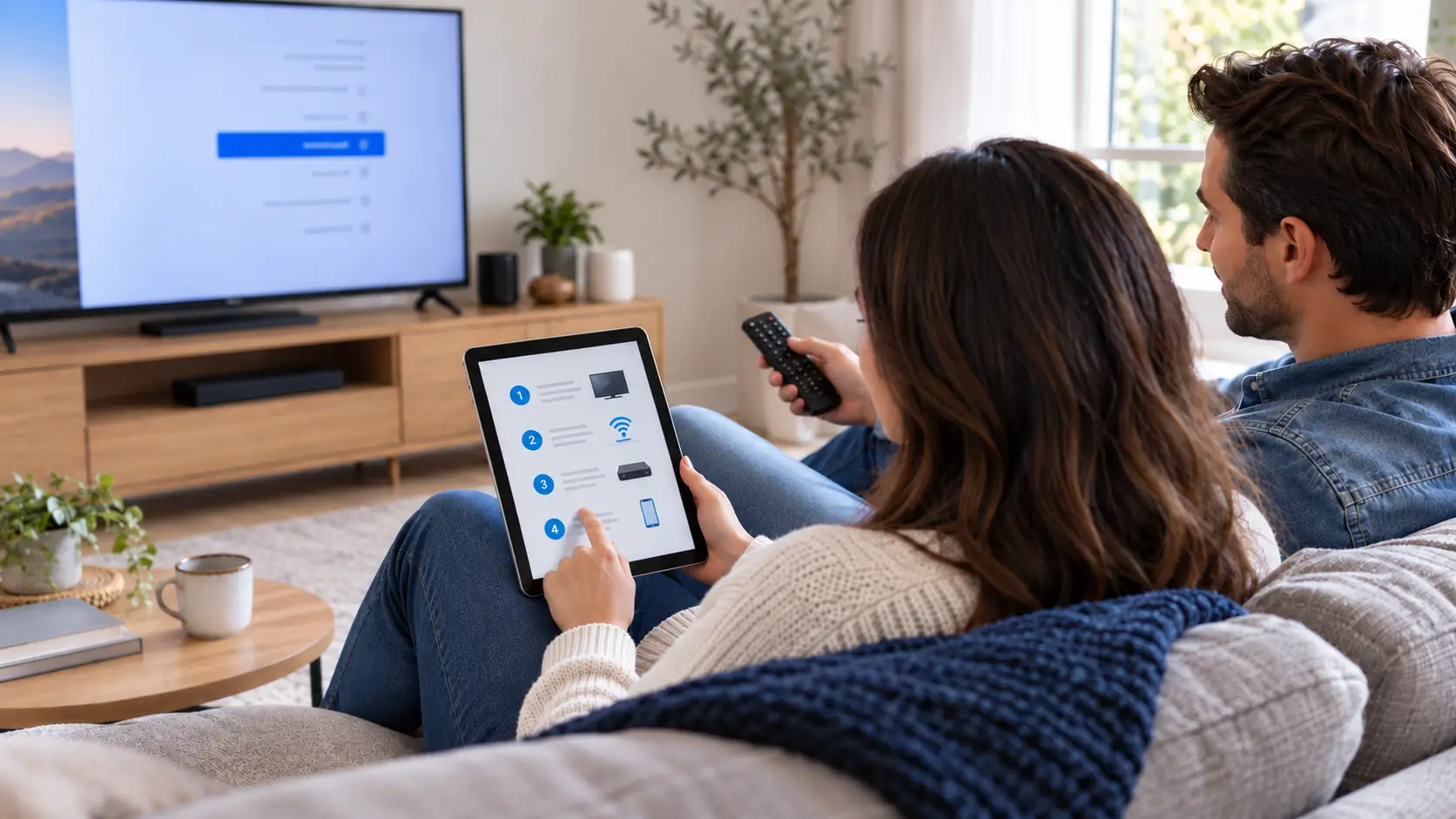
If there is a live programme you do not want to miss, install and test the player beforehand. Check that your login works, the remote is comfortable and you can find the correct channel. Beginning with those basics gives you time to resolve a setup question before you intend to watch.

For viewers in Mill Woods, the Meadows and other parts of Edmonton, the useful test is the one on their own television and connection. A neighbourhood name cannot establish how a device will perform inside a particular home. Use your normal room, network and viewing hours for the evaluation.

Evaluate more than the first picture

Stay with a programme long enough to assess picture and sound, then switch to another channel and return. Check whether the guide is understandable and favourites are easy to find. If you use a soundbar, include it in the test rather than checking the television speakers alone.

For sports or other scheduled events, ask about the specific broadcast you want. A sport appearing in a category list does not confirm every fixture, feed or replay. The current channel information can help you prepare those questions without assuming an entire season is included.

Choose the plan for your main screen

Compare the IPTV Subscription tiers using the display and content you tested. Look at the full subscription period, picture-quality options and connection allowance. If you want another person to watch on a second screen, check that requirement explicitly instead of assuming an extra installation adds another connection.

For help installing the player, use the IPTV setup guides that match your device. Keep your credentials private when sharing a screenshot or asking someone to help with the setup.

Plans & pricing

IPTV Canada Subscription Plans & Pricing

Choose the IPTV subscription that matches your home display setup: Standard (HD/FHD) or Premium (4K + priority servers). Every IPTV Canada plan is priced in Canadian dollars, with no hidden fees, activation charges or automatic renewals.

Standard

3 Months

$39.99 CAD

Equivalent to $13.33 CAD/month


  • Instant Activation
  • Live TV and EPG Guide
  • Movies and VOD Shows
  • 15 000+ live IPTV channels
  • 60 000+ movies & series
  • Full EPG + 7-day catch-up
  • HD/FHD streams
  • Compatible with all devices
  • Anti-Freeze Technology
  • PPV and Sports Events
  • 7-day money-back guarantee
  • 24/7 bilingual support
Subscribe Now (Standard, 3 months)

Standard

6 Months

$59.99 CAD

Equivalent to $10.00 CAD/month

Save 25% vs the 3-month rate

  • Instant Activation
  • Live TV and EPG Guide
  • Movies and VOD Shows
  • 15 000+ live IPTV channels
  • 60 000+ movies & series
  • Full EPG + 7-day catch-up
  • HD/FHD streams
  • Compatible with all devices
  • Anti-Freeze Technology
  • PPV and Sports Events
  • 7-day money-back guarantee
  • 24/7 bilingual support
Subscribe Now (Standard, 6 months)

Standard

24 Months

$139.99 CAD

Equivalent to $5.83 CAD/month

Save 56% vs the 3-month rate

  • Instant Activation
  • Live TV and EPG Guide
  • Movies and VOD Shows
  • 15 000+ live IPTV channels
  • 60 000+ movies & series
  • Full EPG + 7-day catch-up
  • HD/FHD streams
  • Compatible with all devices
  • Anti-Freeze Technology
  • PPV and Sports Events
  • 7-day money-back guarantee
  • 24/7 bilingual support
Subscribe Now (Standard, 24 months)

7‑day money‑back guarantee on every IPTV Canada plan Learn More about the money-back guarantee

Keep a useful test record

  • Device brand and exact model.
  • Player-app name and version, if shown.
  • Whether the device uses Wi-Fi or a cable connection.
  • Channel or title tested and the approximate time.
  • What happened: login problem, loading, picture, sound or guide issue.

These details make a support conversation more specific. They also help distinguish a recurring problem from a one-off result when you repeat the test.

Test Mode IPTV in your Edmonton home

Start an IPTV Free Trial with your device details and viewing shortlist ready. Compare plans once you have checked the screen, sound and everyday controls together.

IPTV Edmonton questions

Can I check a particular hockey broadcast before subscribing?

Yes, ask about the exact event, channel and feed you need, then check what is available during your trial. Do not assume that a general sports category guarantees a particular game.

What should I do if sound and picture do not match?

Note the channel, device, player and audio equipment involved. Check whether the issue occurs on another programme and send those details to support.

Will a higher internet package automatically solve a playback problem?

Not necessarily. Test your current setup and identify the cause before changing your internet plan or purchasing new equipment.