
To watch IPTV on Roku, add the IPTVplayerio app from the Roku Streaming Store and upload the M3U link from your IPTV Canada provider to the app’s MAC address on its website, or play the channels on your phone and cast them to the Roku. Roku has no built-in IPTV support and won’t install apps from outside its store, so those are the two ways that work for everyday viewing.
There’s also a third, advanced route through Developer Mode, covered at the end for completeness. If you’re choosing a device rather than using a Roku you already own, our IPTV setup guide compares the easier options.
1. What Changed on Roku, and What Still Works
Roku runs its own closed system: you can only add apps that Roku lists in its store. For years the workaround was “private channels” added with a code on Roku’s website, and many old guides still tell you to do that. Roku removed non-certified channels in 2022, so those codes no longer work. What’s left is the store itself, casting from a phone, and Developer Mode, which is meant for app developers.
Whichever route you take, the app is only a player. The channels come from your IPTV subscription, through the M3U link in your welcome email.
2. What You’ll Need With a Roku
- A phone or computer next to you. On Roku, the playlist is added on a website rather than typed with the remote, so keep your M3U link on a device with a keyboard.
- Your M3U link. It’s in your welcome email. No subscription yet? An IPTV free trial sends one, which is worth doing before you pay for anything on a Roku.
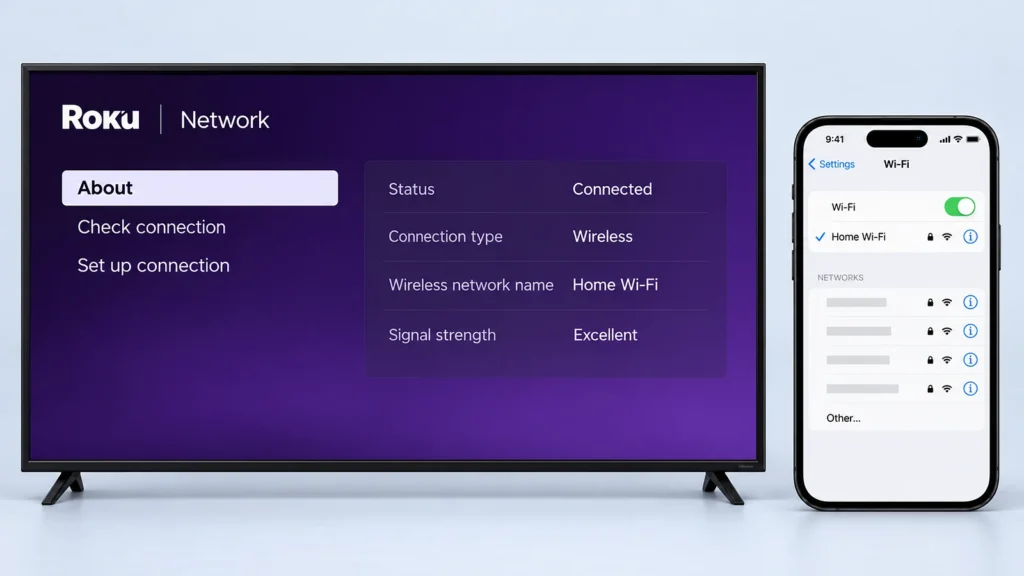
- The same Wi-Fi for everything. Casting only works when the phone and the Roku are on the same network. You’ll find the Roku’s network name under Settings, Network, About.
- A model that keeps up. A Roku Ultra or a Streaming Stick 4K handles high-bitrate channels far better than a Roku Express. The Ultra also has an Ethernet port. HD needs about 25 Mbps and 4K about 50 Mbps; see our internet speed guide.
3. Choose Your Method
| Method | Cost | Best for |
|---|---|---|
| IPTVplayerio from the Streaming Store | Free app, with its own activation fee | Most Roku owners: everything stays on the Roku |
| Casting from your phone | Free | Occasional viewing, or trying a provider |
| Developer Mode | Free | App developers testing their own Roku apps |
4. Method 1: IPTVplayerio From the Streaming Store
IPTVplayerio, by X-PLAYERS, is a Roku app that plays an M3U playlist you send to it from its website, so the remote never has to type your link.
Step 1: Open the Streaming Store
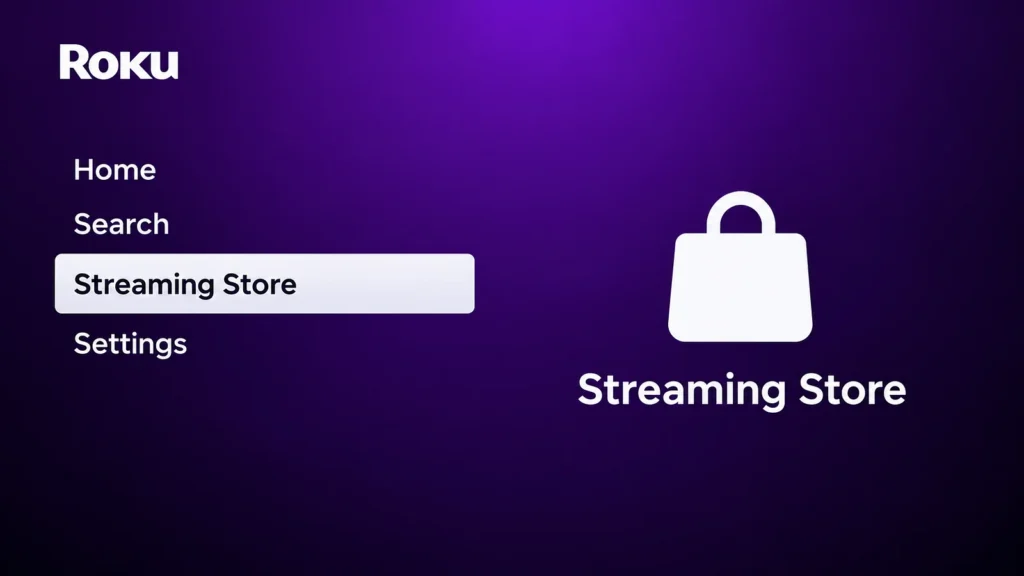
Press Home on your Roku remote and open Streaming Store (Streaming Channels on older Roku software).
Step 2: Find IPTVplayerio
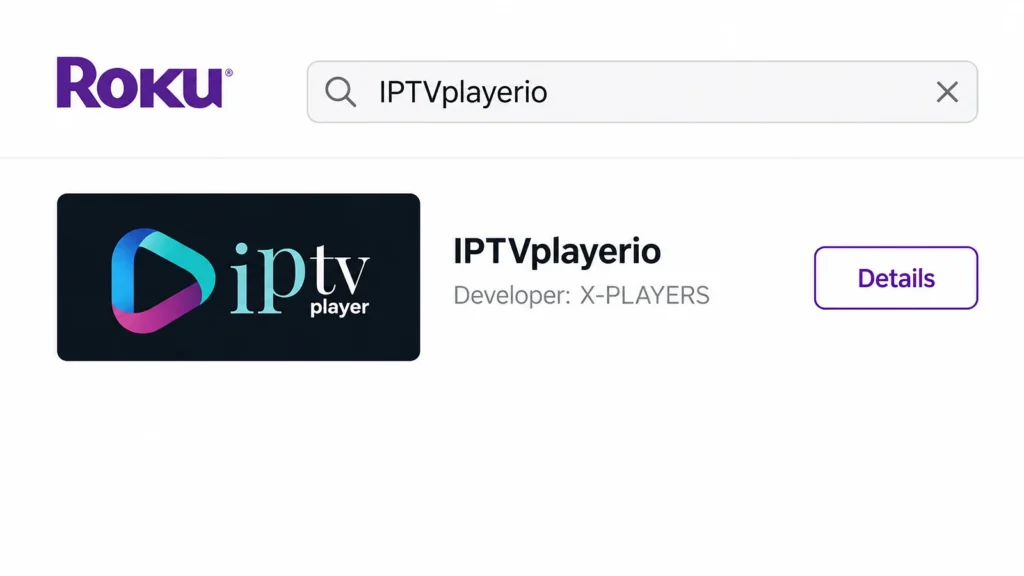
Search for IPTVplayerio, or find it on the Roku web store from your phone. Check the developer is X-PLAYERS.
Step 3: Add it and open it
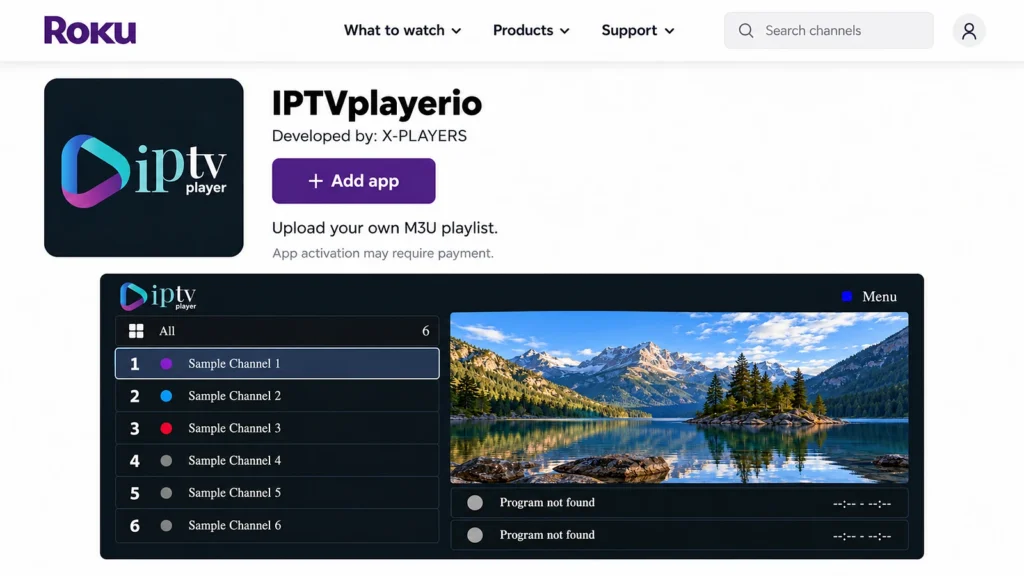
Select Add app (or Add Channel), then open IPTVplayerio on your Roku. The app’s own activation is separate from your Mode IPTV subscription, so check its current terms.
Step 4: Note the MAC address
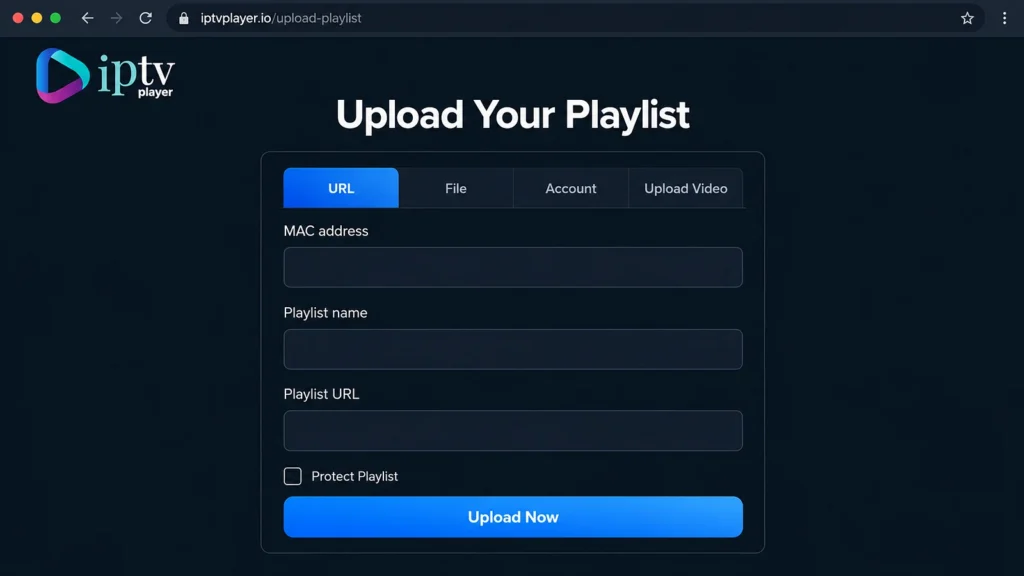
Write down the MAC address IPTVplayerio shows. On a phone or computer, open iptvplayer.io/upload-playlist and select URL.
Step 5: Upload your playlist
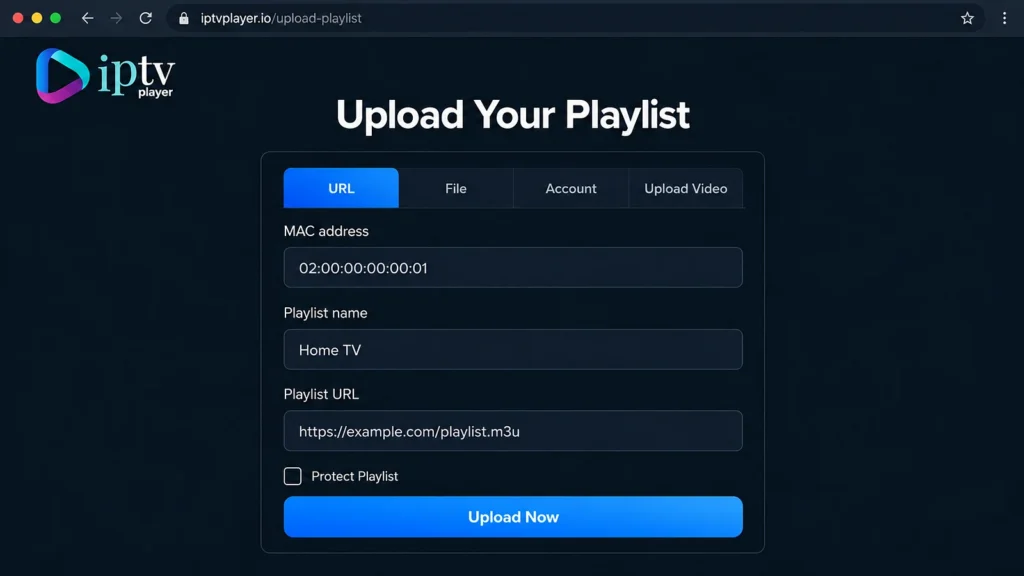
Enter that MAC address, a playlist name and your full M3U link from your welcome email, then select Upload Now.
Step 6: Load it on the Roku
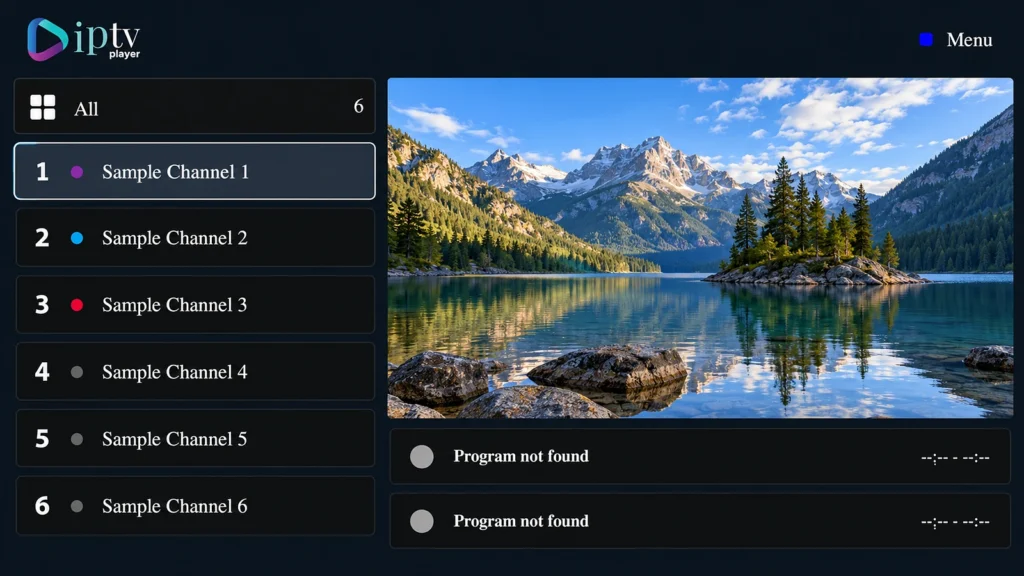
Go back to IPTVplayerio on the Roku and let it load your playlist (reopen the app if needed), then pick a channel.
Watch for lookalike apps that borrow the names of players from other platforms. TiviMate, IPTV Smarters Pro and GSE Smart IPTV don’t publish Roku versions, so a Roku app using those names isn’t theirs.
5. Method 2: Cast From Your Phone
Casting needs nothing installed on the Roku: the IPTV app runs on your phone and the Roku shows the picture. It’s the quickest way to try a provider on the big screen.
Step 1: Put both on the same Wi-Fi
Put your phone and the Roku on the same Wi-Fi network. On the Roku, check the network name under Settings, Network, About.
Step 2: iPhone or iPad: use AirPlay
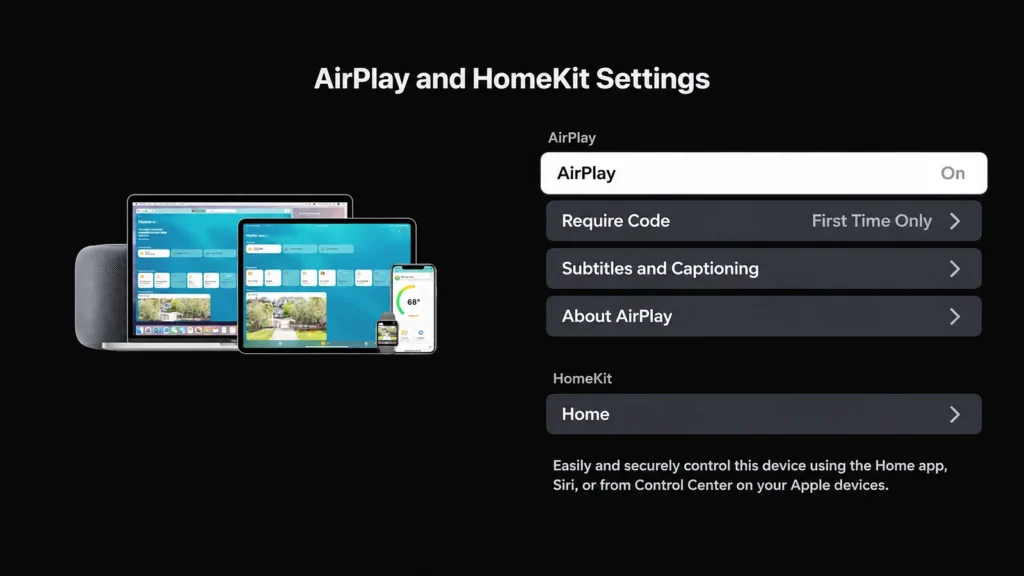
On an AirPlay-compatible Roku, turn AirPlay on under Settings, Apple AirPlay and HomeKit. Play the channel in your player app, tap AirPlay, select the Roku and enter the code if asked. Roku lists the compatible models on its AirPlay support page; our iPhone guide covers the player apps.
Step 3: Android: use screen mirroring
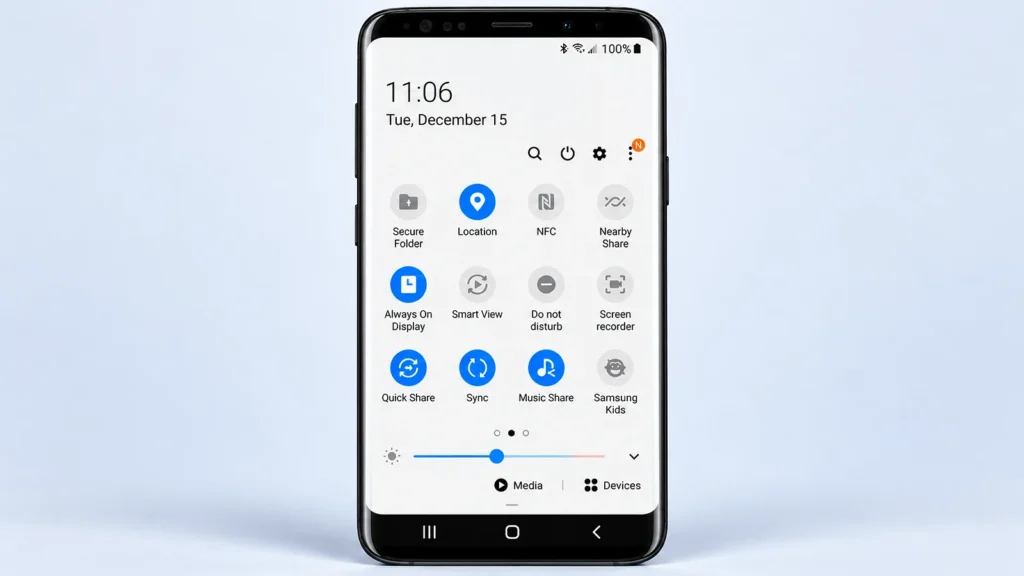
Allow Screen mirroring on the Roku (Settings, System, Screen mirroring). On a Samsung phone, open Quick Settings, tap Smart View, select the Roku and accept on the TV. Other phones use different names, and Google Pixel phones don’t support Roku mirroring. Roku’s screen mirroring guide has the details by phone.
Step 4: Keep the phone charged
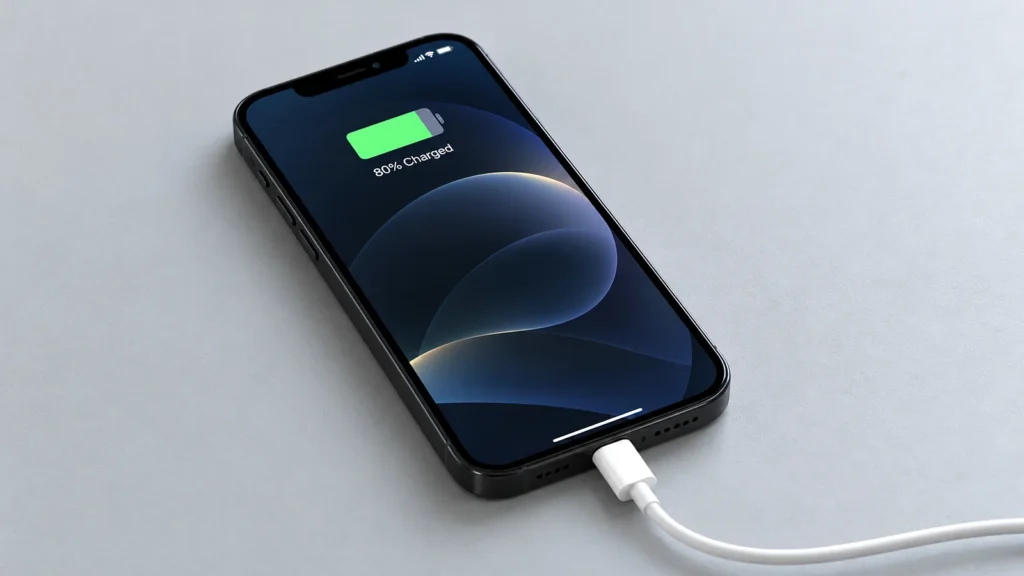
Keep the phone plugged in for long sessions, since mirroring drains the battery.
Mirroring adds a second wireless hop, so a crowded network shows up as stutter on the TV. Use 5 GHz Wi-Fi, and if you mirror most evenings, an app on the TV itself (Method 1) is steadier.
6. Getting the Most From IPTV on Roku
- Favourites first. Mark the channels you actually watch, so you’re not scrolling thousands of entries with the arrow keys.
- Wire it if you can. Ethernet on a Roku Ultra removes most buffering; otherwise use 5 GHz Wi-Fi.
- Restart now and then. Settings, System, Power, System restart clears most playback glitches.
- Know the hardware limit. If channels stutter on a good connection, an entry-level Roku may be the bottleneck rather than the stream. Our buffering and outage guide helps tell the two apart.
7. Advanced: Developer Mode (for App Developers)
Roku’s Developer Mode lets developers install one app package for testing. It doesn’t add IPTV on its own, a new sideloaded app replaces the previous one, and sideloaded apps can stop working after a system update. Only install packages you trust.
Step 1: Unlock Developer Mode
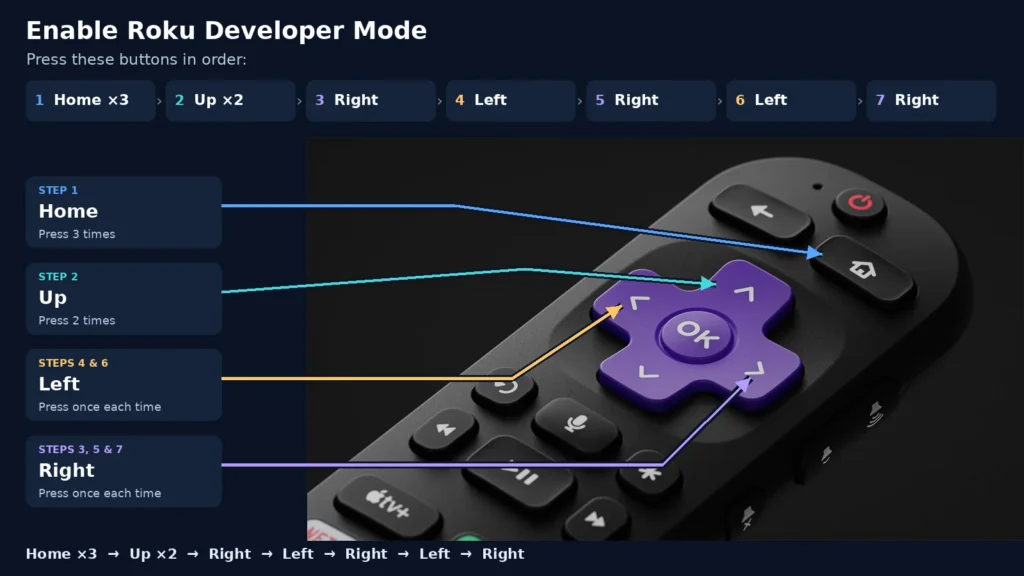
For developers: enroll in Roku’s developer program first. On the Roku remote press Home three times, Up twice, then Right, Left, Right, Left, Right.
Step 2: Enable the installer
Select Enable installer and restart, accept the licence and set a developer password, then let the Roku restart. Note the address shown on your Roku.
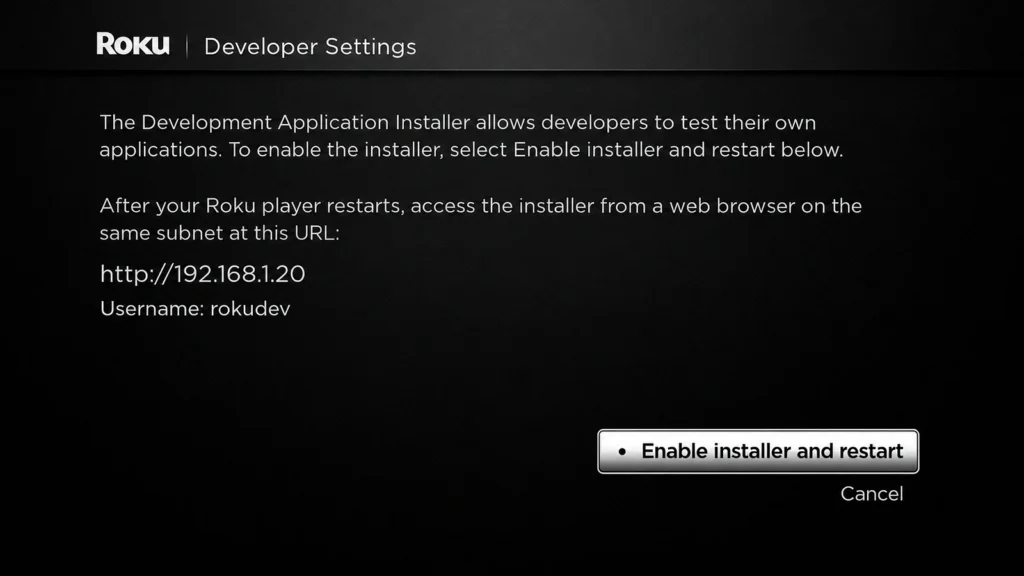
Step 3: Sign in from a computer
On a computer on the same network, type that address into a browser (for example http://192.168.1.20) and sign in with the username rokudev and your developer password.
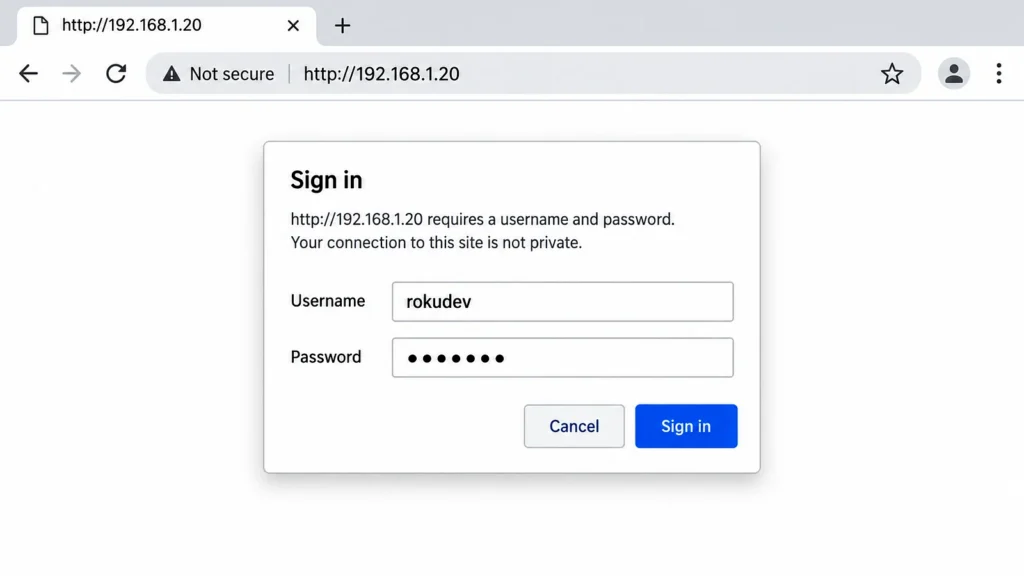
Step 4: Upload a package
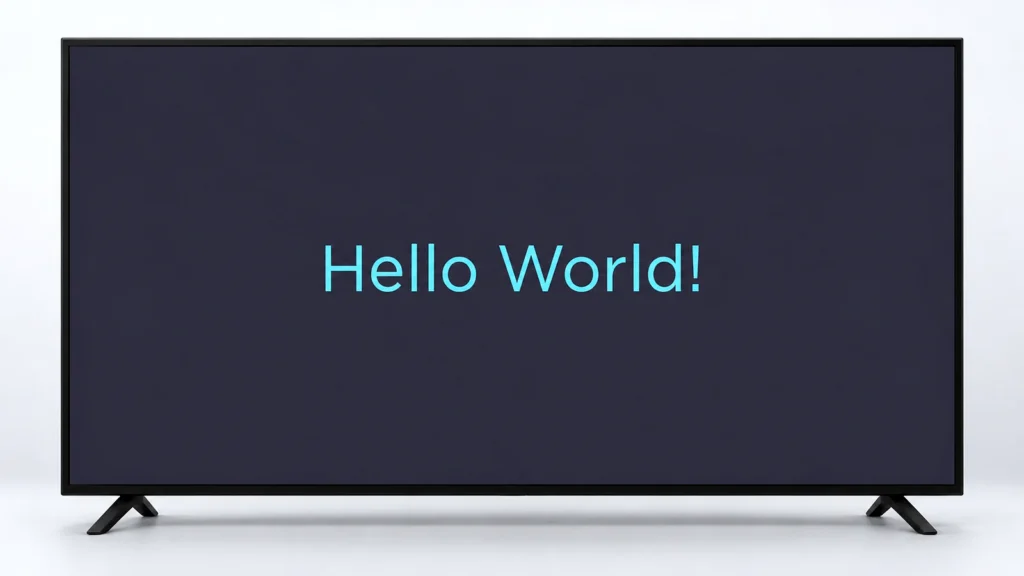
In the Development Application Installer, upload a Roku app package (.zip, not an Android APK), such as Roku’s Hello World sample, and select Install.
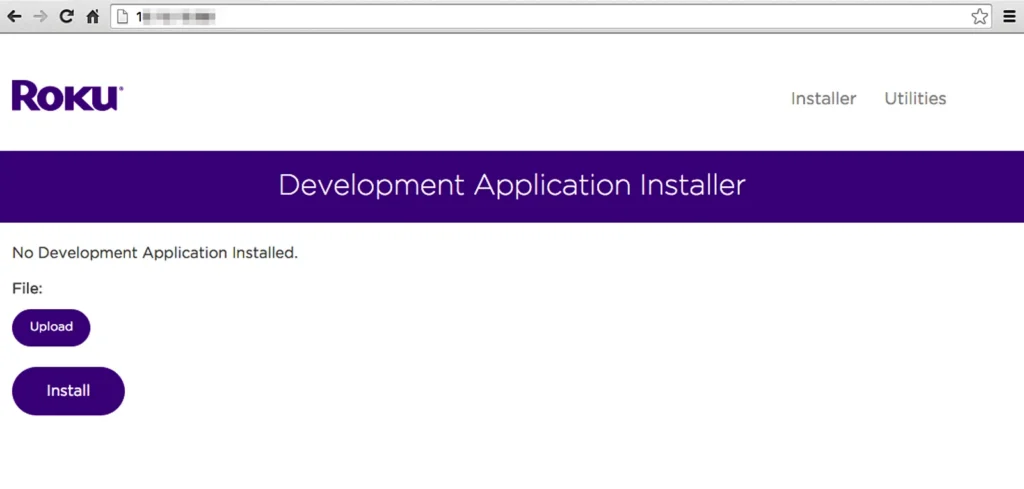
Step 5: Check it runs
Check the app opens on the Roku. This only tests sideloading: it doesn’t add IPTV on its own, and a new sideloaded app replaces the previous one.
8. Better Devices for IPTV, If You’re Buying
Roku is the most restrictive of the big streaming platforms for IPTV. If IPTV is the main reason you’re buying a device, these install proper player apps with a full TV guide:
- Fire TV Stick: inexpensive and runs TiviMate; see our Fire Stick guide (avoid the newest Vega OS models).
- Android TV or Google TV: the widest choice, straight from the Play Store; see our Android TV guide.
- Apple TV: App Store players plus AirPlay from an iPhone; see our Apple TV guide.
Our guide to choosing a good IPTV box compares them in more detail. If you already own a Roku, the two methods above work.
9. Legal and Practical Notes
IPTV is legal in Canada when the service holds the rights to what it streams; the app and the Roku are just tools. Developer Mode is Roku’s own feature for developers, and Roku can change or restrict it in an update, so don’t build your everyday viewing on it. Never install a package from a source you don’t fully trust, since it runs on your home network. Our guide on whether IPTV is legal in Canada explains what to check in a provider.
Frequently Asked Questions
Can you use IPTV on a Roku?
Yes. Add IPTVplayerio from the Streaming Store and upload your M3U link to it, or cast from your phone. Roku has no built-in IPTV app.
Do Roku private channel codes still work?
No. Roku removed non-certified channels in 2022, so the old codes fail. Guides that still recommend them are out of date.
Is IPTVplayerio free?
The app is free to add, but it has its own activation, separate from your IPTV subscription. Check its current terms in the app before activating.
Is there IPTV Smarters Pro or TiviMate for Roku?
No. Neither publishes a Roku version, so be wary of Roku apps using their names.
Why can’t my Pixel phone mirror to Roku?
Google Pixel phones don’t support Roku screen mirroring. Use IPTVplayerio on the Roku instead, or another Android phone.
Can I use Developer Mode to install IPTV?
Developer Mode is for testing your own Roku app packages; on its own it doesn’t add IPTV. For everyday viewing, use IPTVplayerio or casting.
Is IPTV on Roku as good as on a Fire TV Stick?
Usually not. Fire TV and Android TV run players like TiviMate with a full TV guide and more settings, which Roku doesn’t offer.
Have another question? Find more answers in our IPTV FAQ.
Conclusion
A Roku can play IPTV; it just does it on its own terms. IPTVplayerio is the everyday option: add it from the Streaming Store, send your M3U link to its MAC address from your phone, and it plays on the TV without the phone. Casting is the quick test, and Developer Mode is a tool for app developers rather than a way to watch.
Before you pay for a long plan for a Roku, try it on a free trial in the evening, when the Roku’s hardware and your Wi-Fi are under the most strain. If it struggles, the cheapest fix is often a Fire TV or Android TV stick in the same HDMI port rather than a different provider.