IPTV Toronto: Live TV, Movies & Series

Looking for IPTV in Toronto? Mode IPTV's IPTV Canada service streams live TV, movies and series to your TV, streaming device or computer. Choose a Standard (HD/FHD) or Premium (4K) IPTV Subscription, or start with a 24-hour IPTV Free Trial on your own screen. Below you'll find what's included and what to know for a condo, apartment or house.

Watching in Toronto: local TV, internet providers and support

Three things are specific to watching in Toronto: the stations and teams you follow, the company your internet comes from, and how you reach us.

Local TV and teams in Toronto

The Canadian lineup includes local stations from every province, next to national news, sports and US networks. For Toronto, these are the things to look for in the trial's live guide:

  • Toronto's local newscasts and round-the-clock city news, traffic and weather
  • Ontario public television and multilingual programming
  • The Ontario regional sports feeds that carry Maple Leafs games
  • Raptors, Blue Jays, Toronto FC and Argonauts coverage

The international section also covers Hindi, Punjabi, Tamil, Urdu, Chinese, Filipino and Arabic programming, all widely watched across the GTA. Station lineups change, so look up any must-have in the live guide during your trial, or ask us on WhatsApp.

Internet providers in Toronto

Most Toronto homes are on Bell or Rogers. Many condo towers are wired by Beanfield, and independents such as TekSavvy resell the same lines. Mode IPTV is not tied to any provider: it works on any connection that holds about 25 Mbps for HD/FHD and 50 Mbps for 4K. In a condo where internet is part of the fees, that building connection is the one to test. Plans cover 1 to 5 devices streaming at the same time.

Support for Toronto viewers

Mode IPTV is managed out of Toronto, Ontario. Support is online, not at a storefront: live chat and WhatsApp, 24 hours a day, in English and French. Your programme guide shows Eastern Time, and after you order, your login arrives by email in about 10 minutes.

Start with the television you use most

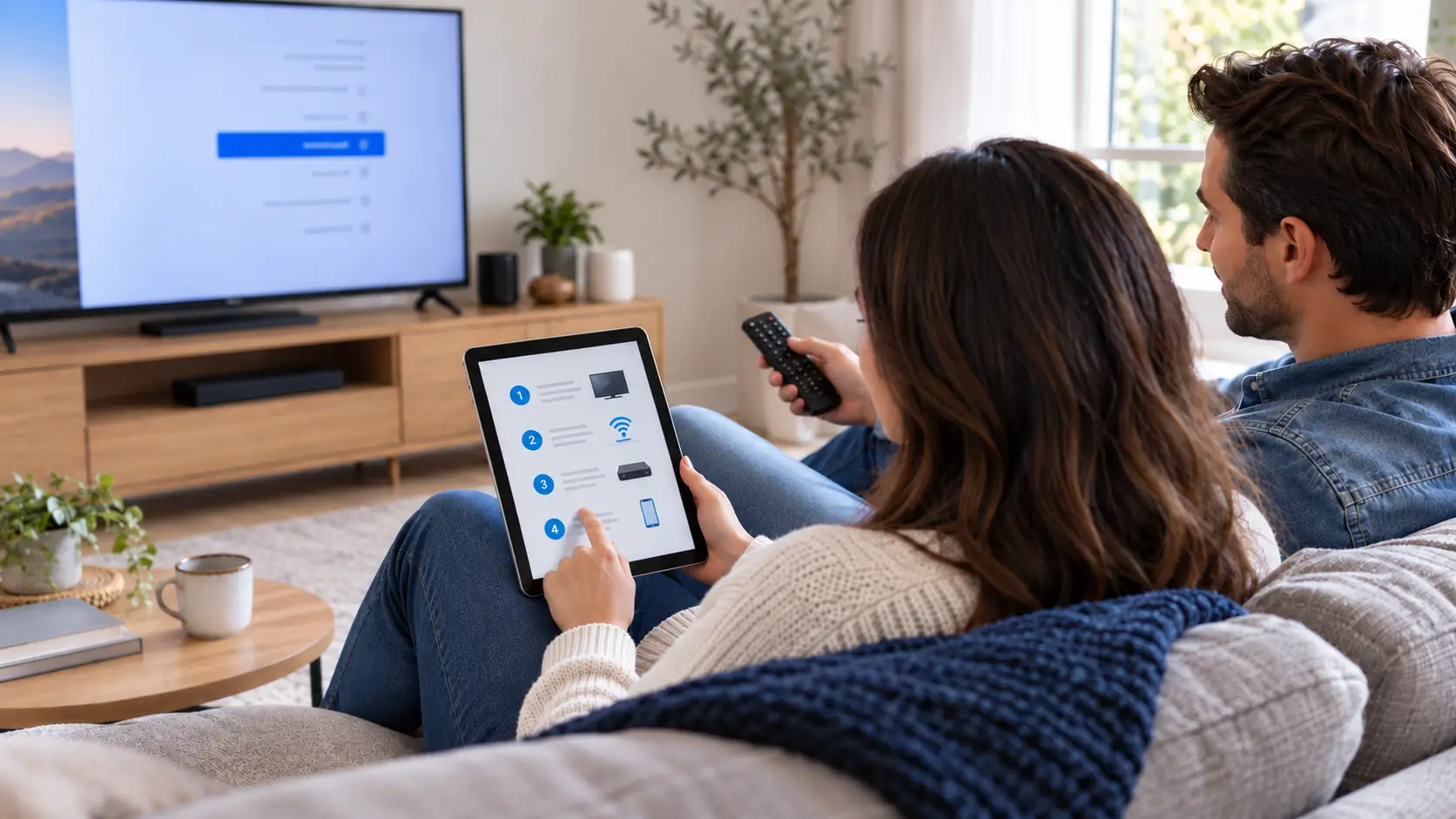
Your main screen is the best place to begin. Write down its brand and model, identify whether you will use the television's own apps or a separate streaming device, and check where it connects to your home network. A successful test on a phone does not tell you how the same service will behave on an older television.

For a home in North York, Scarborough, Etobicoke or central Toronto, the relevant question is the same: does your chosen setup work comfortably where you actually watch? In a condo with shared internet arrangements, check that you can install the required app and connect the device before ordering. If you already have a streaming player, identify its model before buying another one.

Make your Toronto viewing shortlist

Think in terms of programmes, languages and viewing routines rather than the size of a catalogue. Write down the news broadcasts, entertainment and sports coverage you would miss if you changed your current service. Check the current channel information and confirm any essential channel or event before subscribing.

Include everyone who will use the television in the test. Can they find their favourites, read the programme guide and use the remote without assistance? If different rooms need to watch at once, confirm the selected plan's simultaneous-connection allowance separately from its device compatibility.

Choose your plan after the test

Review the IPTV Subscription options once you know which device and viewing quality suit your home. Compare the full term price, included features and connection allowance. Keep any player-app charge or additional device purchase in your budget instead of comparing subscription prices alone.

Plans & pricing

IPTV Canada Subscription Plans & Pricing

Choose the IPTV subscription that matches your home display setup: Standard (HD/FHD) or Premium (4K + priority servers). Every IPTV Canada plan is priced in Canadian dollars, with no hidden fees, activation charges or automatic renewals.

Standard

3 Months

$39.99 CAD

Equivalent to $13.33 CAD/month


  • Instant Activation
  • Live TV and EPG Guide
  • Movies and VOD Shows
  • 15 000+ live IPTV channels
  • 60 000+ movies & series
  • Full EPG + 7-day catch-up
  • HD/FHD streams
  • Compatible with all devices
  • Anti-Freeze Technology
  • PPV and Sports Events
  • 7-day money-back guarantee
  • 24/7 bilingual support
Subscribe Now (Standard, 3 months)

Standard

6 Months

$59.99 CAD

Equivalent to $10.00 CAD/month

Save 25% vs the 3-month rate

  • Instant Activation
  • Live TV and EPG Guide
  • Movies and VOD Shows
  • 15 000+ live IPTV channels
  • 60 000+ movies & series
  • Full EPG + 7-day catch-up
  • HD/FHD streams
  • Compatible with all devices
  • Anti-Freeze Technology
  • PPV and Sports Events
  • 7-day money-back guarantee
  • 24/7 bilingual support
Subscribe Now (Standard, 6 months)

Standard

24 Months

$139.99 CAD

Equivalent to $5.83 CAD/month

Save 56% vs the 3-month rate

  • Instant Activation
  • Live TV and EPG Guide
  • Movies and VOD Shows
  • 15 000+ live IPTV channels
  • 60 000+ movies & series
  • Full EPG + 7-day catch-up
  • HD/FHD streams
  • Compatible with all devices
  • Anti-Freeze Technology
  • PPV and Sports Events
  • 7-day money-back guarantee
  • 24/7 bilingual support
Subscribe Now (Standard, 24 months)

7‑day money‑back guarantee on every IPTV Canada plan Learn More about the money-back guarantee

Your condo or apartment test checklist

  • Open the service on the main TV in its normal position.
  • Try it during your usual evening viewing period.
  • Check picture, sound and channel navigation while the household uses the internet normally.
  • If playback changes between rooms, compare the connection at each device rather than assuming the whole address has the same result.
  • Note the device, app, channel and time if you need help reproducing a problem.

Try Mode IPTV on your Toronto television

Start an IPTV Free Trial and work through your viewing shortlist at home. Once the setup feels right, compare the available terms and choose the plan that fits your household.

IPTV Toronto questions

Does living in a Toronto condo change the setup process?

The device and app determine the setup steps. Your building's network arrangements may affect how you connect, so test on the connection available inside your own unit.

Can I use more than one television?

Check both device support and the number of simultaneous connections included in your selected plan. Having an app installed on two televisions does not automatically mean both can stream together.

Should I cancel my current TV service first?

Complete your trial and check your essential programming before making that decision. Review any cancellation or bundle conditions with your existing provider separately.