• Home
  • Reseller
  • Setup Guides
  • Blog
  • Channels List
  • FAQ
  • Contact US
  • Home
  • Reseller
  • Setup Guides
  • Blog
  • Channels List
  • FAQ
  • Contact US
Start Free Trial

Set-Top Box

Understand the features and benefits of various set-top boxes for IPTV. Find recommendations and setup guides for optimal performance and easy streaming.

  • Home
  • Blog
  • Set-Top Box
IPTV on Multiple Devices 0
Setup Guides

How to Use IPTV on Multiple Devices ?

January 17, 2026 Emma No comments yet

To use an IPTV subscription on multiple devices, you must first check how many screens your plan allows at the same time, then install the app on each device and use the same login or playlist on all of them. Using an IPTV subscription on multiple devices lets you watch on your TV, phone, tablet, […]

How to change URL on IPTV Box
Setup Guides

How to Change URL on IPTV Box ?

December 10, 2025 Emma No comments yet

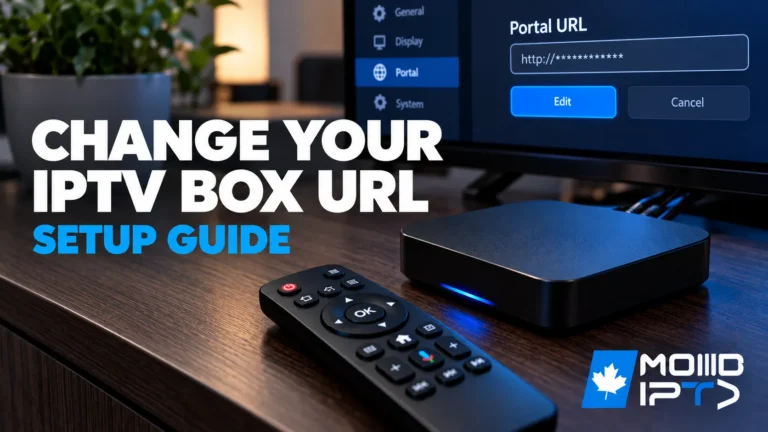
To change the URL on your IPTV box, begin by accessing your device’s settings menu and locating the portal or server configuration section. Navigate to the URL field displaying your current IPTV service address, then delete the old URL and carefully enter your new provider’s URL exactly as given. Save your changes and restart your […]

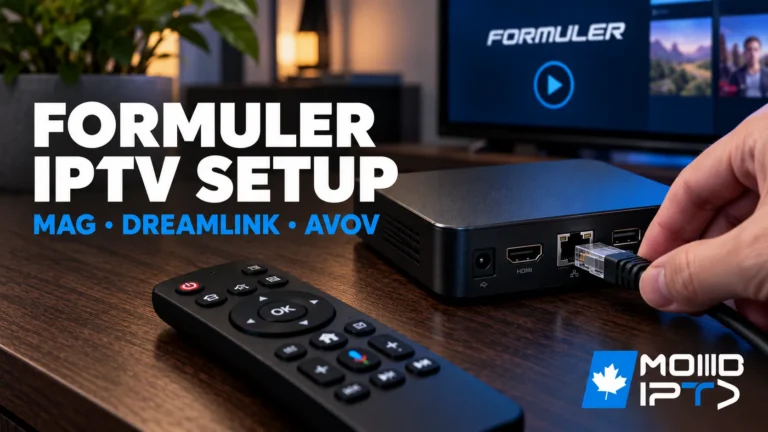
How to Configure IPTV on Formuler IPTV Box To set up IPTV on Formuler IPTV Box, you'll configure the device by establishing network connectivity through Ethernet or Wi-Fi settings, then launching MyTVOnline app to input your IPTV Canada provider's credentials via Xtream Codes API or M3U URL. You'll need to verify MAC address registration, configure portal URLs with correct protocols, optimize buffer sizes to 8-16MB, and enable HW+ hardware acceleration for smooth streaming. Proper DNS configuration using 8.8.8.8 or 1.1.1.1 ensures reliable connectivity, while systematic troubleshooting protocols resolve authentication failures and buffering issues efficiently. Unbox and Connect Your Formuler IPTV Box Unpack your Formuler box (Z8 Pro, Z10 Pro, or Z11 Pro Max) and connect it to your TV using an HDMI cable. Plug the power adapter into an electrical outlet and turn on the device. For optimal performance, connect an Ethernet cable directly from your router to the Formuler box, though Wi-Fi is also available. Turn on your TV and select the correct HDMI input. Complete the initial setup wizard by selecting your language, connecting to your network, and accepting the terms of service. Access MyTVOnline (MTO) Application Formuler boxes come with MyTVOnline (MTO) pre-installed, which is the dedicated IPTV application. From the home screen, locate and open the MyTVOnline app—it's usually prominently displayed. If you're setting up the device for the first time, MTO will launch automatically after initial configuration. The app interface will display options to add your IPTV service. Familiarize yourself with the remote control, particularly the navigation buttons and the dedicated MTO button for quick access. Add Your IPTV Service Credentials In MyTVOnline, select Add Portal or the + icon to begin adding your IPTV service. You'll need your provider's information, which typically includes Portal Name (create a custom name), Portal URL (server address from your provider), Username, and Password. Enter these details carefully in their respective fields. If your provider uses MAC address authentication, note your Formuler box's MAC address (found in Settings About) and provide it to your IPTV provider for activation. Save the portal configuration and wait for the system to verify the connection. Load Your Channel List and EPG Once the portal is added, MyTVOnline will connect to your provider's server and download your complete channel list, VOD library, and series collection. This process typically takes 30-90 seconds depending on your playlist size. The EPG (Electronic Program Guide) will automatically sync if your provider supports it. You'll see your content organized into categories Live TV, Movies, Series, and TV Catch-up. Use the remote to navigate through categories and test a few channels to ensure proper streaming. The Formuler's powerful hardware ensures smooth 4K playback with minimal buffering. Optimize Settings and Customize Your Experience Press the Settings icon in MyTVOnline to access configuration options. Enable hardware acceleration for best video performance. Adjust buffer settings (recommended 3-5 seconds for stable connections). Set your preferred video player and audio output options. Configure parental controls by setting up a PIN code to restrict access to adult content. Customize the interface theme and channel list layout according to your preferences. When you set up IPTV on Formuler IPTV Box, make sure to update the EPG refresh interval to keep your program guide up to date. Add your most-watched IPTV content to the favorites list for faster access. If your provider supports it, test the TimeShift and recording features to ensure they work properly.
Setup Guides

How to Configure IPTV on Formuler IPTV Box ?

November 25, 2025 Emma No comments yet

To set up IPTV on Formuler IPTV Box, you’ll configure the device by establishing network connectivity through Ethernet or Wi-Fi settings, then launching MyTVOnline app to input your IPTV Canada provider’s credentials via Xtream Codes API or M3U URL. You’ll need to verify MAC address registration, configure portal URLs with correct protocols, optimize buffer sizes […]

Good IPTV Box
Streaming Devices

How to Choose a Good IPTV Box ?

May 22, 2025 Emma Comments Off on How to Choose a Good IPTV Box ?

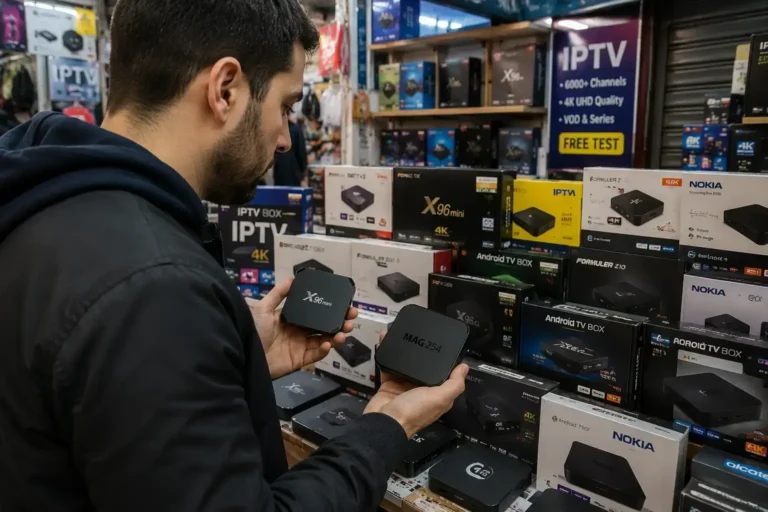
When choosing a good IPTV box, prioritize 4K HDR support and a quad-core processor for crisp visuals and smooth performance. Ensure it has dual-band Wi-Fi and Ethernet capabilities for stable connections and minimal buffering.  Look for at least 16GB of internal storage or expandable options, along with a user-friendly interface. Comparing top IPTV box models […]

Connect-One-Iptv-Box-to-2-Tv
Setup Guides

How to Connect One IPTV Box to 2 Tv

February 11, 2025 Emma Comments Off on How to Connect One IPTV Box to 2 Tv

When you’re looking to connect one IPTV Box to 2 Tv, it’s crucial to understand the tools and techniques involved. Start by considering an HDMI splitter, which allows the same content to be shared across multiple screens.  But what if your TVs don’t have HDMI ports ? You might need to explore alternative solutions like […]

Recharge IPTV Box Online Guide
Setup Guides

How to Recharge IPTV Box Online

February 10, 2025 Emma Comments Off on How to Recharge IPTV Box Online

To recharge IPTV box online, you’ll need to access your provider’s website and log into your account. Once there, select the subscription plan that best fits your needs, considering factors like duration, channel offerings, and cost.  Next, enter your payment details and confirm the transaction. You should receive a confirmation email, but double-check your account’s […]

Discover How to Rest IPTV Box
Troubleshooting

How to Reset IPTV Box ?

February 10, 2025 Emma Comments Off on How to Reset IPTV Box ?

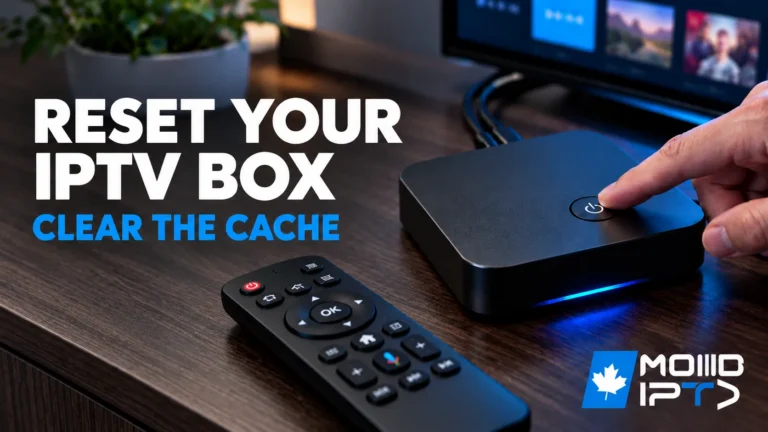
To reset IPTV box, start by accessing the settings menu using your remote control. Locate the reset option, which may vary depending on your device’s brand and model. For minor issues, perform a soft reset by unplugging the device for 60 seconds. If problems persist, execute a factory reset via the settings menu. After resetting, […]

Streaming Devices

What is IPTV BOX

March 10, 2024 ModeIPTV No comments yet

Have you ever considered ditching your traditional cable or satellite IPTV subscription in favor of something more modern and flexible? If so, you might want to take a closer look at IPTV box. These nifty devices allow you to stream a vast array of live TV channels, on-demand content, and popular streaming services directly to […]

Search

Categories

  • Apps & Players 2
  • Buyer Guides 23
  • Content & Channels 10
  • Setup Guides 31
  • Streaming Devices 2
  • Troubleshooting 9

Recent posts

  • iptv keep freezing
    Why Does My IPTV Keep Freezing at Night ?
  • iptv and cable tv in canada
    Is IPTV Better Than Cable TV in Canada?
  • iptv on multiple devices
    Can You Watch IPTV on Multiple Devices at Once?

Tags

Android TV Apple TV Buffering Fixes Canadian Content EPG Guide Family & Parental Control Firestick Free Trials GSE Smart IPTV iPhone & iPad IPTV Guides Kodi Legality & Safety M3U Playlists Movies & VOD Network & Wi-Fi PlayStation Streaming Roku Streaming Samsung TV Integration Set-Top Box Smarters Pro App Smart TV Streaming Sports Streaming Subscription Plans TiviMate VPN & Privacy Xbox IPTV

Customer Service Office
MODEIPTV LLC

3401 Dufferin St, Toronto , ON
M6A 2T9, Canada

DMCA.com Protection Status
Pages
  • IPTV Canada
  • IPTV Subscription
  • Blog
  • Installation Tutorials
Regulations
  • Privacy Policy
  • Terms and General Conditions
  • Legal Disclaimer
Customer Service
  • Order Cancellation
  • Refund Policy
Stay Updated