Topic

Android TV & Google TV

IPTV Canada on Android TV and Google TV boxes and televisions: which apps to install, how to set them up and what to look for in a box.

Apps & Players

Best Free IPTV Apps and Players (by Device)

The best free IPTV app depends on your device: TiviMate on Fire TV and Android TV, IPTV Smarters Pro on Samsung, LG, Apple TV and iPhone, and MyIPTV Player on Windows. None of them comes with channels. They're players…
Setup Guides

How to Set Up IPTV on TiviMate (Android TV and Fire Stick)

To set up IPTV on TiviMate, install it from Google Play on Android TV (or with Downloader code 272483 on a Fire Stick), open it and select Add Playlist, then choose Xtream Codes and type in the server URL, username and…

Setup Guides

How to Log In and Set Up IPTV Smarters Pro (All Devices)

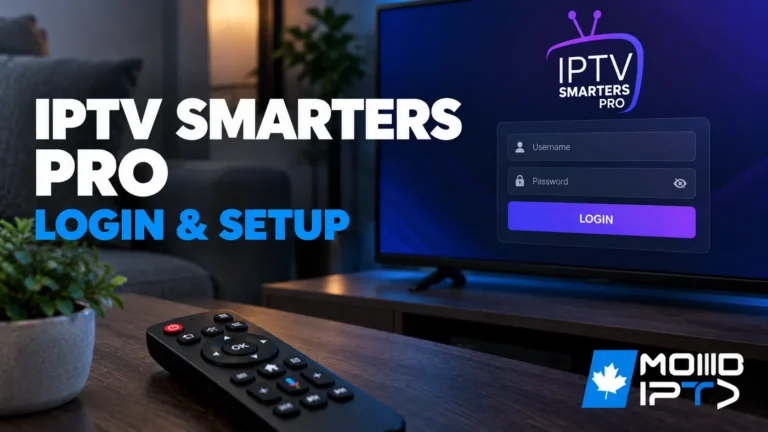
To log in to IPTV Smarters Pro, open the app, choose the Xtream Codes option (called Player API on iPhone and Apple TV), and type the username, password and server URL from your IPTV Canada welcome email, then select…

Buyer Guides

IPTV Box in Canada: What It Is, Do You Need One, and Which to Buy

An IPTV box is a small streaming device that plugs into your TV's HDMI port and runs the apps that play your IPTV Canada service: live channels, movies and series streamed over your internet connection. The box doesn't…

Setup Guides

How to Set Up IPTV on Android TV, Google TV and NVIDIA Shield

To set up IPTV on Android TV, install a player such as TiviMate, IPTV Smarters Pro or XCIPTV straight from the Google Play Store, then sign in with the Xtream Codes details or M3U link from your IPTV Canada provider…