Modeiptv
  • Home
  • Reseller
  • DMCA Report
  • Setup Guides
  • Blog
  • Channels List
  • FAQ
  • Contact US
Start Free Trial
How to change URL on IPTV Box
Setup Guides

How to Change URL on IPTV Box ?

December 10, 2025 Emma No comments yet

Changing the URL on your IPTV box takes 6 steps: power on the device and open your IPTV app, navigate to the playlist or settings menu, locate the existing M3U or Xtream Codes URL, delete or replace it with the new URL provided by your IPTV service, save the changes and refresh the playlist, then […]

best free iptv apps
Apps & Players

What are the best Free IPTV Apps?

December 10, 2025 Emma No comments yet

The best free IPTV apps are TiviMate, IPTV Smarters Pro, XCIPTV, OTT Navigator, Perfect Player, Televizo, and Sparkle TV, each suited to different devices and user needs. All support M3U playlists and Xtream Codes, with EPG integration and multi-device compatibility.  However, the player is only the tool, the IPTV service feeding it determines whether your […]

How to watch the FIFA World Cup 2026 without interruption
Content & Channels

How to Watch the FIFA World Cup 2026 Without Interruption ?

December 10, 2025 Emma No comments yet

To watch the FIFA World Cup 2026 without interruption, you’ll need a minimum 25 Mbps connection—though 50 Mbps is ideal for 4K HDR streaming across multiple devices. Use a hardwired Ethernet connection instead of Wi-Fi to eliminate lag spikes during crucial moments. Download backup streaming apps from official broadcasters or set up your IP TV […]

10 Top Canadian TV Shows to watch (2026)
Content & Channels

10 Top Canadian TV Shows to Watch (2026)

December 10, 2025 Emma No comments yet

If you’re exploring Top Canadian TV Shows, you’ll find a distinctive creative identity that balances sharp writing with genuine cultural specificity. Schitt’s Creek earns its emotional payoffs through patient character development, while Letterkenny delivers irreverent wordplay that respects its rural setting. Kim’s Convenience and Sort Of offer nuanced cultural portraits, and Orphan Black merges philosophical […]

How to Install IPTV Fire Stick
Setup Guides

How to Install IPTV Fire Stick ?

November 25, 2025 Emma No comments yet

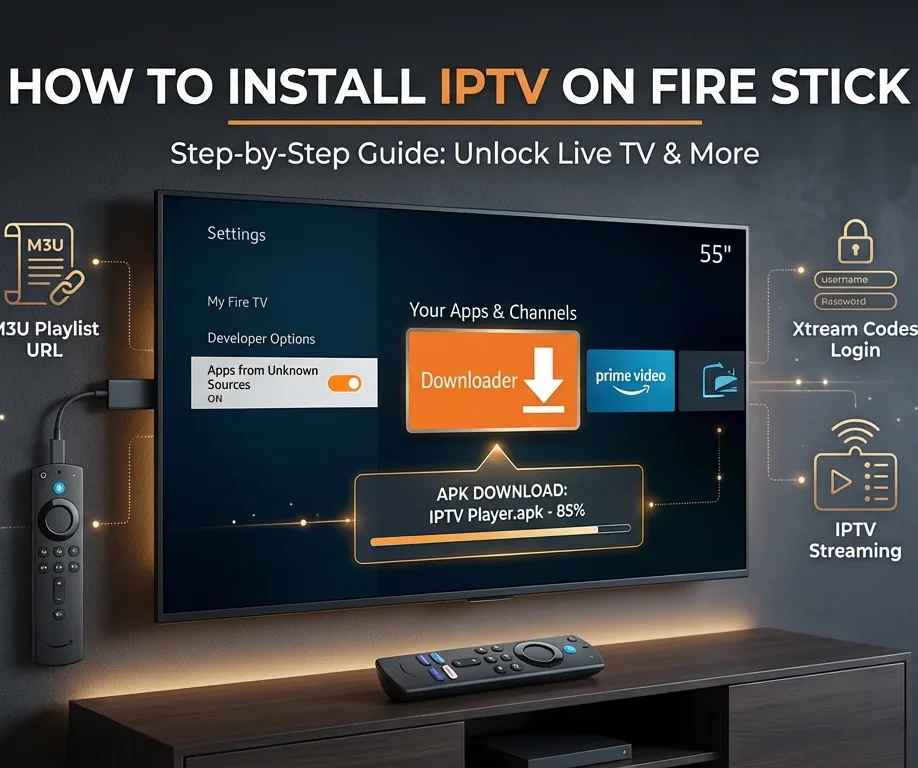
You’ll install IPTV Fire Stick by first enabling Developer Options in Settings > My Fire TV, then turning on “Apps from Unknown Sources” and “ADB Debugging“. Next, download the Downloader app from Amazon’s store, open it, and use its browser to download your preferred IPTV player’s APK file.  After installation, launch the IPTV app and […]

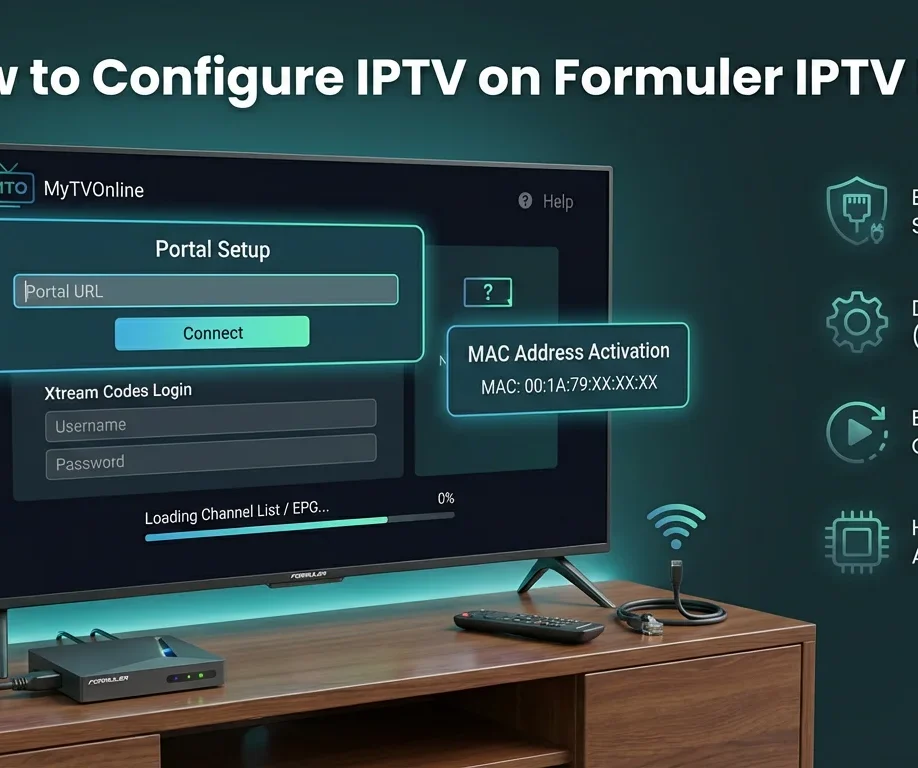
How to Configure IPTV on Formuler IPTV Box To set up IPTV on Formuler IPTV Box, you'll configure the device by establishing network connectivity through Ethernet or Wi-Fi settings, then launching MyTVOnline app to input your IPTV Canada provider's credentials via Xtream Codes API or M3U URL. You'll need to verify MAC address registration, configure portal URLs with correct protocols, optimize buffer sizes to 8-16MB, and enable HW+ hardware acceleration for smooth streaming. Proper DNS configuration using 8.8.8.8 or 1.1.1.1 ensures reliable connectivity, while systematic troubleshooting protocols resolve authentication failures and buffering issues efficiently. Unbox and Connect Your Formuler IPTV Box Unpack your Formuler box (Z8 Pro, Z10 Pro, or Z11 Pro Max) and connect it to your TV using an HDMI cable. Plug the power adapter into an electrical outlet and turn on the device. For optimal performance, connect an Ethernet cable directly from your router to the Formuler box, though Wi-Fi is also available. Turn on your TV and select the correct HDMI input. Complete the initial setup wizard by selecting your language, connecting to your network, and accepting the terms of service. Access MyTVOnline (MTO) Application Formuler boxes come with MyTVOnline (MTO) pre-installed, which is the dedicated IPTV application. From the home screen, locate and open the MyTVOnline app—it's usually prominently displayed. If you're setting up the device for the first time, MTO will launch automatically after initial configuration. The app interface will display options to add your IPTV service. Familiarize yourself with the remote control, particularly the navigation buttons and the dedicated MTO button for quick access. Add Your IPTV Service Credentials In MyTVOnline, select Add Portal or the + icon to begin adding your IPTV service. You'll need your provider's information, which typically includes Portal Name (create a custom name), Portal URL (server address from your provider), Username, and Password. Enter these details carefully in their respective fields. If your provider uses MAC address authentication, note your Formuler box's MAC address (found in Settings About) and provide it to your IPTV provider for activation. Save the portal configuration and wait for the system to verify the connection. Load Your Channel List and EPG Once the portal is added, MyTVOnline will connect to your provider's server and download your complete channel list, VOD library, and series collection. This process typically takes 30-90 seconds depending on your playlist size. The EPG (Electronic Program Guide) will automatically sync if your provider supports it. You'll see your content organized into categories Live TV, Movies, Series, and TV Catch-up. Use the remote to navigate through categories and test a few channels to ensure proper streaming. The Formuler's powerful hardware ensures smooth 4K playback with minimal buffering. Optimize Settings and Customize Your Experience Press the Settings icon in MyTVOnline to access configuration options. Enable hardware acceleration for best video performance. Adjust buffer settings (recommended 3-5 seconds for stable connections). Set your preferred video player and audio output options. Configure parental controls by setting up a PIN code to restrict access to adult content. Customize the interface theme and channel list layout according to your preferences. When you set up IPTV on Formuler IPTV Box, make sure to update the EPG refresh interval to keep your program guide up to date. Add your most-watched IPTV content to the favorites list for faster access. If your provider supports it, test the TimeShift and recording features to ensure they work properly.
Setup Guides

How to Configure IPTV on Formuler IPTV Box ?

November 25, 2025 Emma No comments yet

To set up IPTV on Formuler IPTV Box, you’ll configure the device by establishing network connectivity through Ethernet or Wi-Fi settings, then launching MyTVOnline app to input your IPTV Canada provider’s credentials via Xtream Codes API or M3U URL. You’ll need to verify MAC address registration, configure portal URLs with correct protocols, optimize buffer sizes […]

install iptv on gse smart iptv
Setup Guides

How to Install IPTV on GSE Smart IPTV ?

November 25, 2025 Emma No comments yet

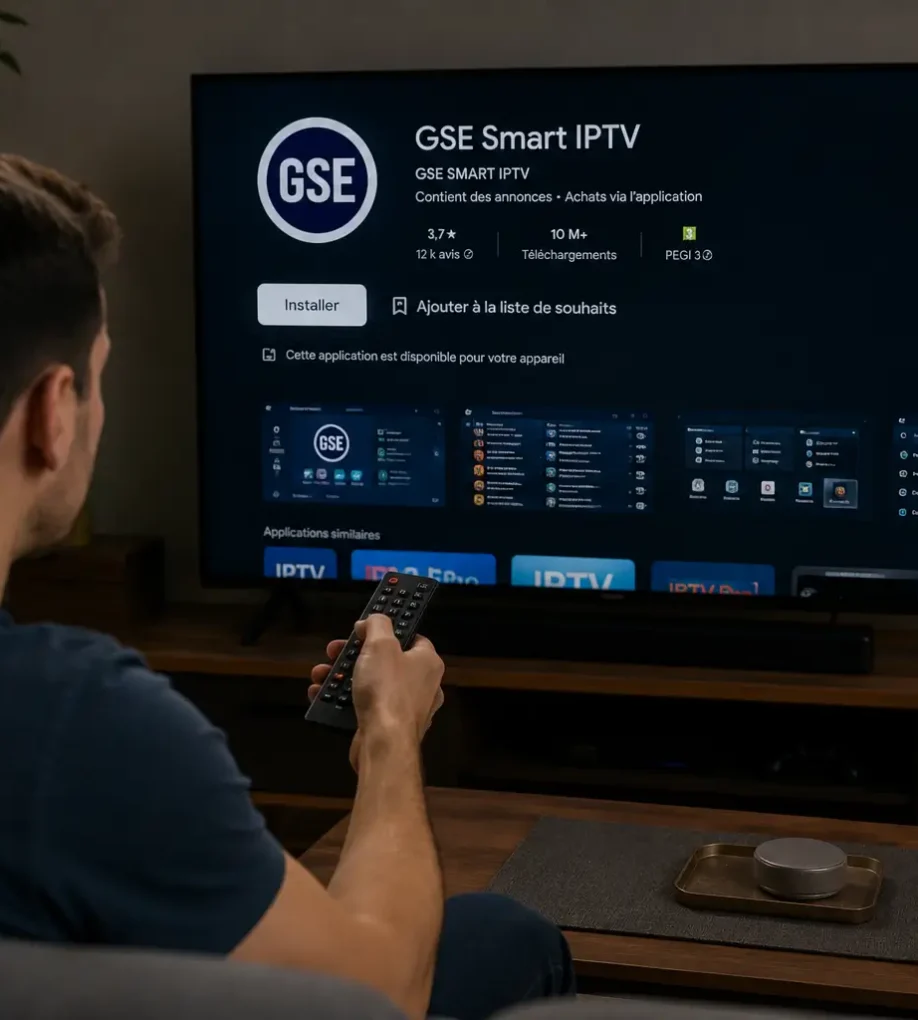
Installing IPTV on GSE Smart IPTV takes 7 steps: download and install the app, open the main menu, select Remote Playlists, enter your M3U URL or Xtream Codes credentials, save and wait for channels to load, configure your EPG, then test playback.  The app supports Android, iOS, macOS, and Fire TV, with Xtream Codes being […]

Top 5 Best IPTV Apps for Streaming in 2026
Apps & Players

Top 5 Best IPTV Apps for Streaming in 2026 ?

November 24, 2025 Emma No comments yet

You’ll find Tivimate leading the pack among the best IPTV Apps thanks to its premium EPG integration and multi-screen capabilities, while IPTV Smarters Pro offers reliable cross-platform functionality with full support for Xtream Codes API.  Perfect Player’s lightweight 15MB footprint suits legacy hardware, Flix IPTV eliminates local playlist management through cloud syncing, and GSE Smart […]

Who Is the Best and Biggest IPTV Provider in 2026
Buyer Guides

Who Is the Best and Biggest IPTV Provider in 2026 ?

November 24, 2025 Emma Comments Off on Who Is the Best and Biggest IPTV Provider in 2026 ?

When comparing IPTV subscription options globally, you’ll find Netflix leading with 485 million subscribers and 17.3% market share, while China’s iQIYI commands 420 million users domestically. Disney+ and Amazon Prime Video follow with 380 and 360 million respectively, leveraging bundled sports and ecosystem integration.  The biggest IPTV provider in 2026 and other top performers maintain […]

parental control password
Buyer Guides

What Is a Parental Control Password for IPTV and How Does It Work?

November 24, 2025 Emma No comments yet

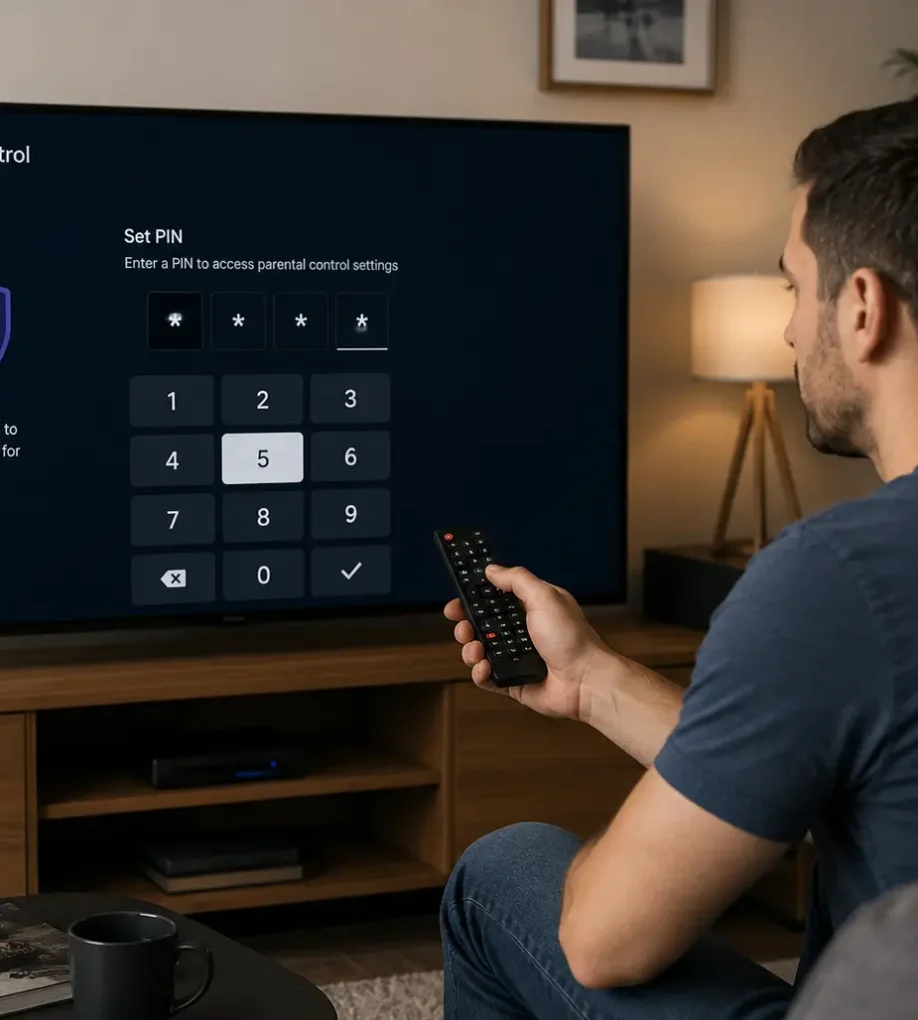
An IPTV parental control password is a 4-to-6-digit PIN that locks restricted channels and adult content behind a security prompt, while allowing children to browse age-appropriate programming freely. The PIN is set at the player level (TiviMate, IPTV Smarters Pro, XCIPTV) and engages whenever a locked channel is selected.  The most critical step is replacing […]

Posts pagination

Previous 1 … 3 4 5 … 9 Next

Search

Categories

  • Apps & Players 5
  • Buyer Guides 26
  • Content & Channels 12
  • Setup Guides 38
  • Streaming Devices 9
  • Troubleshooting 12

Recent posts

  • iptv on google tv
    How to Install IPTV on Google TV?
  • install kodi to firestick
    How to Install Kodi to Firestick?
  • difference between iptv and android box
    What Is the Difference Between IPTV and Android Box?

Tags

Android Android TV Apple TV Buffering Fixes Canadian Content EPG Guide Family & Parental Control Firestick Free Trials Google TV GSE Smart IPTV iOS iPhone & iPad IPTV Box IPTV Guides IPTV Smarters Pro Kodi Legality & Safety M3U Playlists Movies & VOD MyIPTV Player Network & Wi-Fi PlayStation Streaming Roku Streaming Samsung TV Set-Top Box Smarters Pro App Smart TV Smart TV Streaming Sports Streaming Subscription Plans TiviMate VPN & Privacy Xbox IPTV XCIPTV XCIPTV Player
Modeiptv

Customer Service Office ModeIPTV, LLC

3401 Dufferin St, Toronto, ON M6A 2T9, Canada
DMCA.com Protection Status
Pages
  • IPTV Canada
  • IPTV Subscription
  • Blog
  • Installation Tutorials
Regulations
  • Privacy Policy
  • DMCA Report
  • Terms and General Conditions
  • Legal Disclaimer
Customer Service
  • Order Cancellation
  • Refund Policy
Get in touch

ModeIPTV operates as a reseller of third-party streaming services. ModeIPTV does not host, encode, or originate any copyrighted content delivered through the service. Content is provided by upstream third-party providers, and users are responsible for ensuring they have the right to view content in their jurisdiction under applicable copyright law. See Disclaimer and Terms & Conditions for further details.

Copyright: © 2026 ModeIPTV. All Rights Reserved