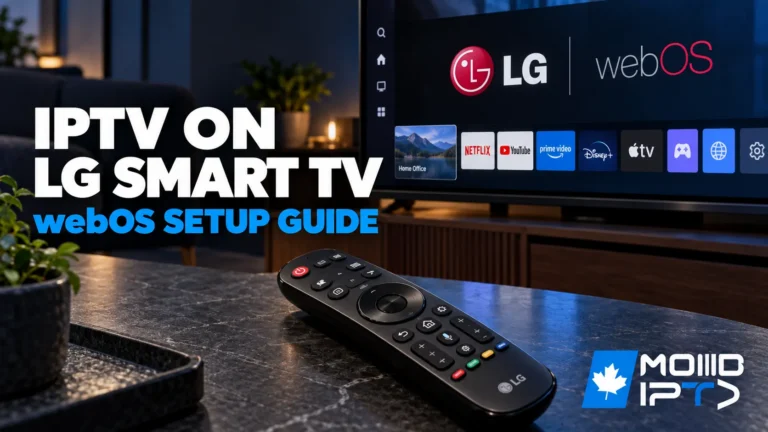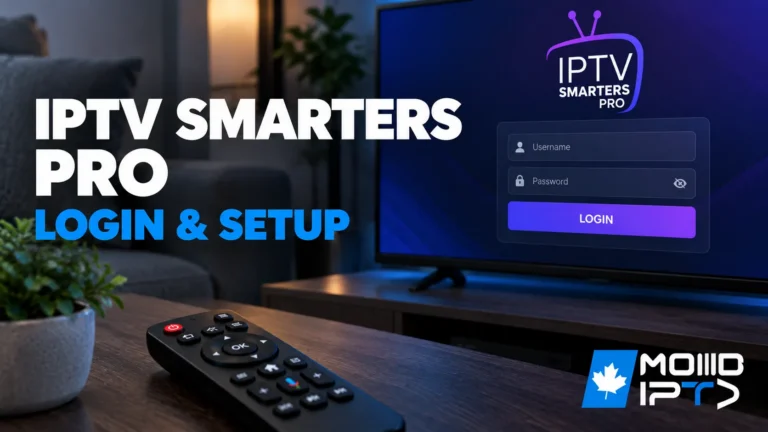
To log in to IPTV Smarters Player, open the app and tap “Load Playlist or File/URL.” If you’re using Xtream Codes API, enter your server URL, username, and password, then tap “Add User.” For M3U login, select “Login with M3U URL,” enter a profile name, and paste your complete playlist URL. Your channels will load […]
Smarters Pro App
Master the Smarters Pro app for an unparalleled IPTV experience. Get detailed tutorials and tips for maximizing its features with ModeIPTV.
Does Making Buffer Limit Lower Do Anything IPTV Smarters Pro ?
Lowering the buffer limit in IPTV Smarters Pro means the app stores less video before it starts playing. This can make channels start faster, especially on older devices or weak TV boxes, and may reduce lag on low-power hardware. But don’t change this first. Always check your internet and your IPTV provider, because many buffering […]
What are the best Free IPTV Apps?
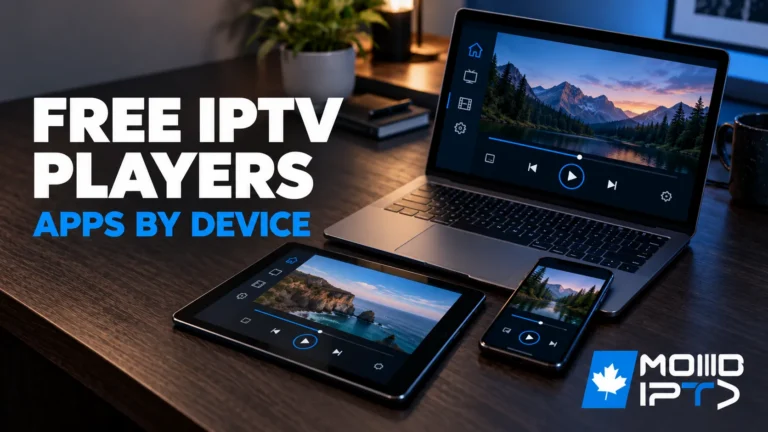
The best free IPTV apps are TiviMate, IPTV Smarters Pro, XCIPTV, OTT Navigator, Perfect Player, Televizo, and Sparkle TV, each suited to different devices and user needs. All support M3U playlists and Xtream Codes, with EPG integration and multi-device compatibility. However, the player is only the tool, the IPTV service feeding it determines whether your […]
Top 5 Best IPTV Apps for Streaming in 2026 ?
You’ll find Tivimate leading the pack among the best IPTV Apps thanks to its premium EPG integration and multi-screen capabilities, while IPTV Smarters Pro offers reliable cross-platform functionality with full support for Xtream Codes API. Perfect Player’s lightweight 15MB footprint suits legacy hardware, Flix IPTV eliminates local playlist management through cloud syncing, and GSE Smart […]
How to add VPN to IPTV smarters pro ?
You don’t add a VPN directly inside IPTV Smarters Pro — instead, run your VPN at the device or router level to protect your entire IPTV subscription. Install a trusted VPN app on your Fire TV, Android, or iOS device, enable the kill switch and DNS leak protection, connect to a nearby server, and verify […]
How to Turn Off Subtitles on IPTV Smarters Pro ?
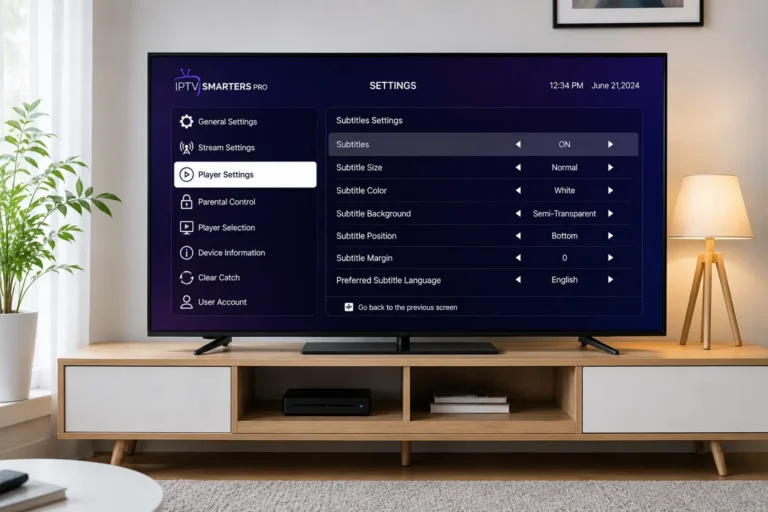
Turning off subtitles on IPTV Smarters Pro takes 6 steps: open the app and start playing any channel, access the player settings during playback, locate the CC or subtitle option, select “Off” or “None,” adjust subtitle settings globally, then save and restart the stream. The process works the same on Android, iOS, Firestick, and Smart […]