Modeiptv
  • Home
  • Reseller
  • DMCA Report
  • Setup Guides
  • Blog
  • Channels List
  • FAQ
  • Contact US
Start Free Trial

IPTV Guides

Access a comprehensive collection of guides, tutorials, and how-to articles for all aspects of IPTV services and various devices.

  • Home
  • Blog
  • IPTV Guides
  • Page 3

IPTV Guides

Access a comprehensive collection of guides, tutorials, and how-to articles for all aspects of IPTV services and various devices.

  • Home
  • Blog
  • IPTV Guides
  • Page 3
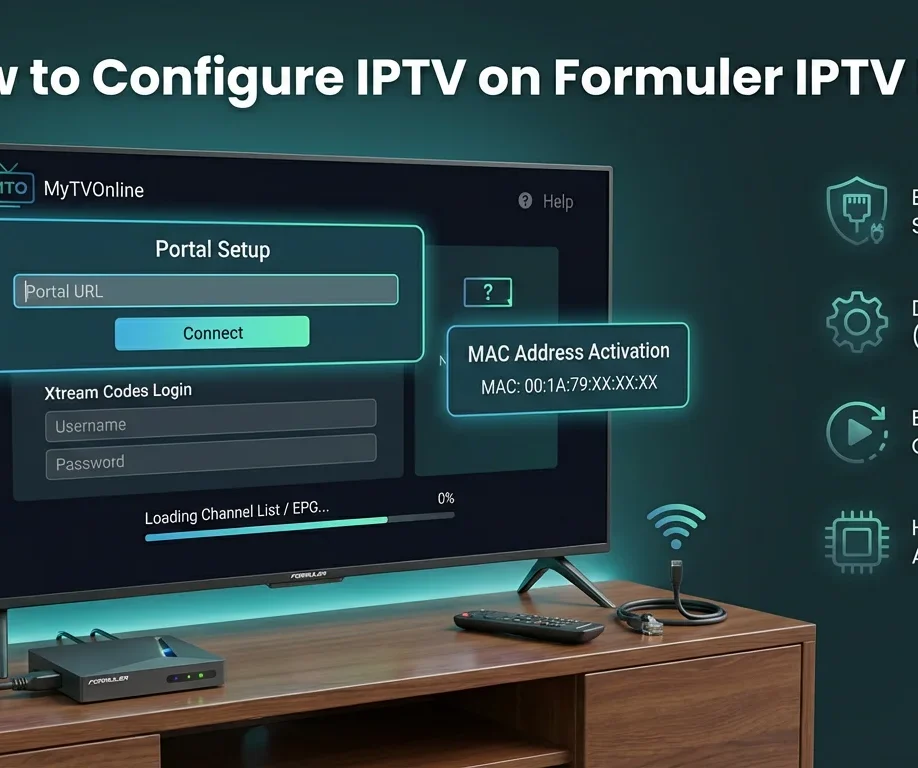
How to Configure IPTV on Formuler IPTV Box To set up IPTV on Formuler IPTV Box, you'll configure the device by establishing network connectivity through Ethernet or Wi-Fi settings, then launching MyTVOnline app to input your IPTV Canada provider's credentials via Xtream Codes API or M3U URL. You'll need to verify MAC address registration, configure portal URLs with correct protocols, optimize buffer sizes to 8-16MB, and enable HW+ hardware acceleration for smooth streaming. Proper DNS configuration using 8.8.8.8 or 1.1.1.1 ensures reliable connectivity, while systematic troubleshooting protocols resolve authentication failures and buffering issues efficiently. Unbox and Connect Your Formuler IPTV Box Unpack your Formuler box (Z8 Pro, Z10 Pro, or Z11 Pro Max) and connect it to your TV using an HDMI cable. Plug the power adapter into an electrical outlet and turn on the device. For optimal performance, connect an Ethernet cable directly from your router to the Formuler box, though Wi-Fi is also available. Turn on your TV and select the correct HDMI input. Complete the initial setup wizard by selecting your language, connecting to your network, and accepting the terms of service. Access MyTVOnline (MTO) Application Formuler boxes come with MyTVOnline (MTO) pre-installed, which is the dedicated IPTV application. From the home screen, locate and open the MyTVOnline app—it's usually prominently displayed. If you're setting up the device for the first time, MTO will launch automatically after initial configuration. The app interface will display options to add your IPTV service. Familiarize yourself with the remote control, particularly the navigation buttons and the dedicated MTO button for quick access. Add Your IPTV Service Credentials In MyTVOnline, select Add Portal or the + icon to begin adding your IPTV service. You'll need your provider's information, which typically includes Portal Name (create a custom name), Portal URL (server address from your provider), Username, and Password. Enter these details carefully in their respective fields. If your provider uses MAC address authentication, note your Formuler box's MAC address (found in Settings About) and provide it to your IPTV provider for activation. Save the portal configuration and wait for the system to verify the connection. Load Your Channel List and EPG Once the portal is added, MyTVOnline will connect to your provider's server and download your complete channel list, VOD library, and series collection. This process typically takes 30-90 seconds depending on your playlist size. The EPG (Electronic Program Guide) will automatically sync if your provider supports it. You'll see your content organized into categories Live TV, Movies, Series, and TV Catch-up. Use the remote to navigate through categories and test a few channels to ensure proper streaming. The Formuler's powerful hardware ensures smooth 4K playback with minimal buffering. Optimize Settings and Customize Your Experience Press the Settings icon in MyTVOnline to access configuration options. Enable hardware acceleration for best video performance. Adjust buffer settings (recommended 3-5 seconds for stable connections). Set your preferred video player and audio output options. Configure parental controls by setting up a PIN code to restrict access to adult content. Customize the interface theme and channel list layout according to your preferences. When you set up IPTV on Formuler IPTV Box, make sure to update the EPG refresh interval to keep your program guide up to date. Add your most-watched IPTV content to the favorites list for faster access. If your provider supports it, test the TimeShift and recording features to ensure they work properly.
Setup Guides

How to Configure IPTV on Formuler IPTV Box ?

November 25, 2025 Emma No comments yet

To set up IPTV on Formuler IPTV Box, you’ll configure the device by establishing network connectivity through Ethernet or Wi-Fi settings, then launching MyTVOnline app to input your IPTV Canada provider’s credentials via Xtream Codes API or M3U URL. You’ll need to verify MAC address registration, configure portal URLs with correct protocols, optimize buffer sizes […]

install iptv on gse smart iptv
Setup Guides

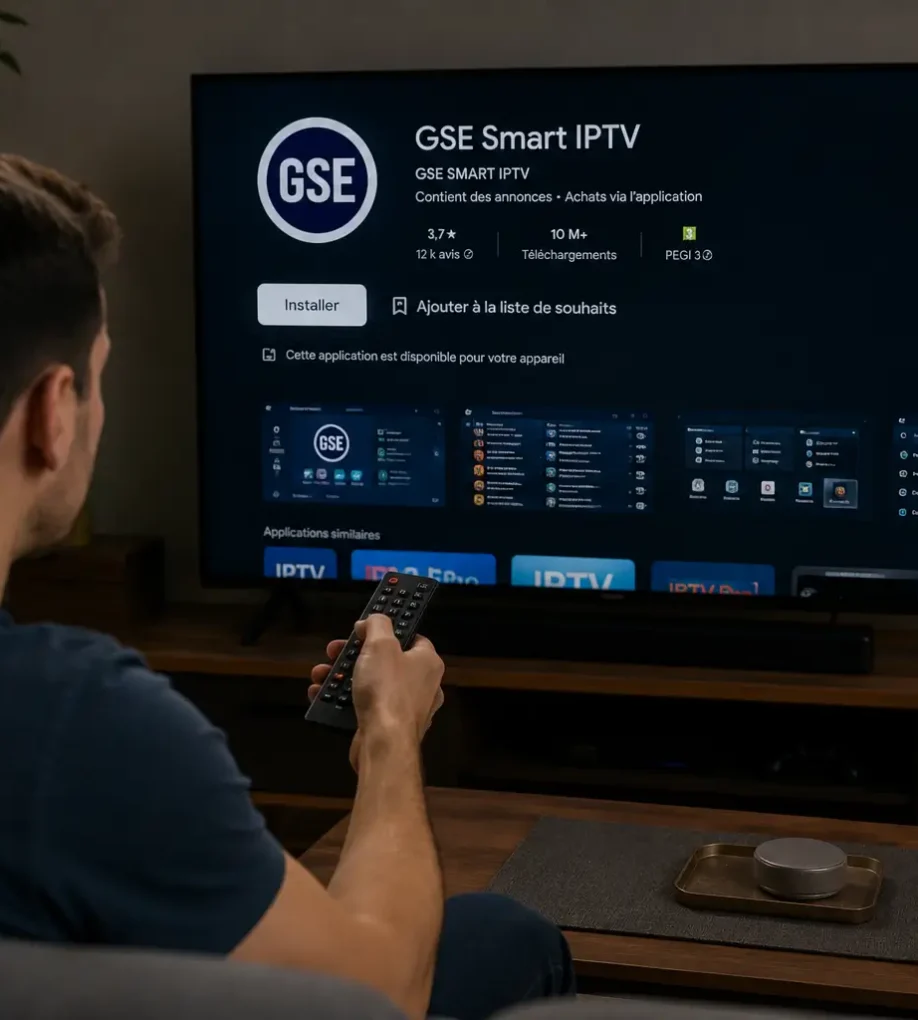
How to Install IPTV on GSE Smart IPTV ?

November 25, 2025 Emma No comments yet

Installing IPTV on GSE Smart IPTV takes 7 steps: download and install the app, open the main menu, select Remote Playlists, enter your M3U URL or Xtream Codes credentials, save and wait for channels to load, configure your EPG, then test playback.  The app supports Android, iOS, macOS, and Fire TV, with Xtream Codes being […]

install iptv on samsung
Setup Guides, Streaming Devices

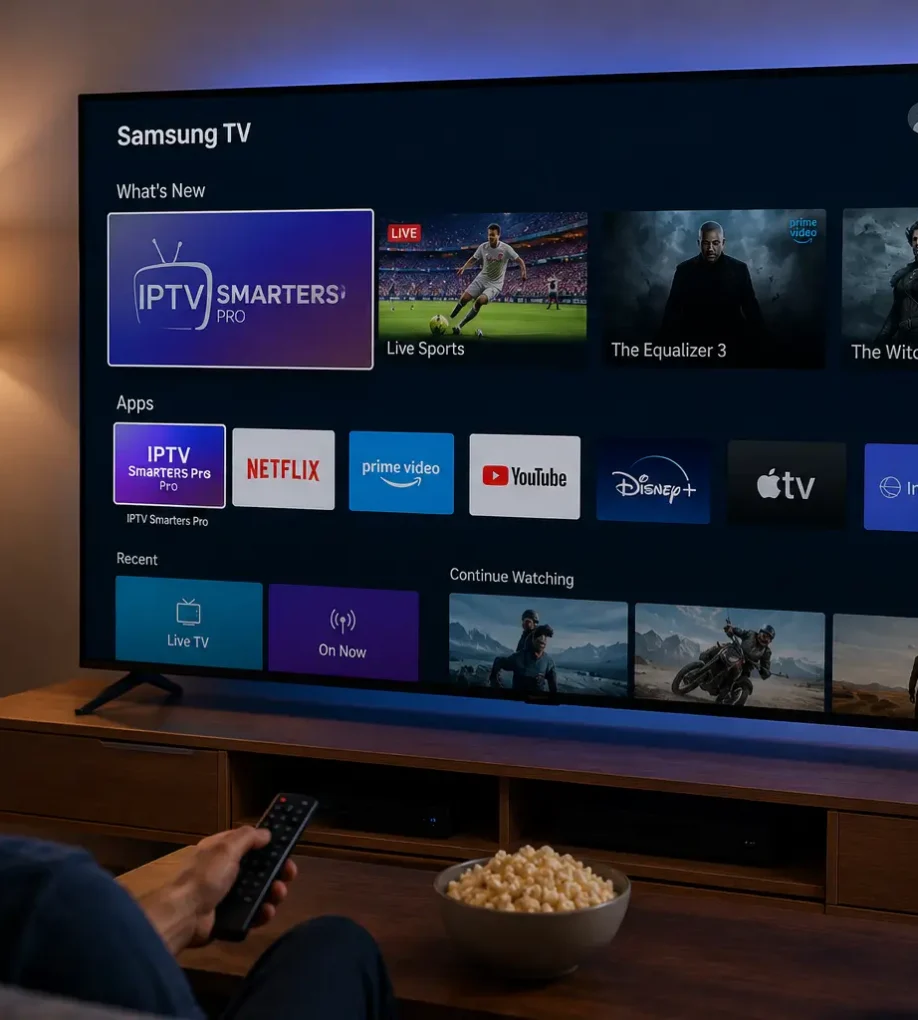
How to Install IPTV on Samsung TV ?

October 14, 2025 Emma No comments yet

Installing IPTV on your Samsung Smart TV takes 6 steps: connect your TV to a stable internet connection, sign in to your Samsung account, open the Samsung App Store and install a compatible IPTV app like IPTV Smarters Pro or Smart IPTV, launch the app and enter your M3U URL or Xtream Codes credentials, save […]

How to Clear Favourites on IPTV ?
Setup Guides

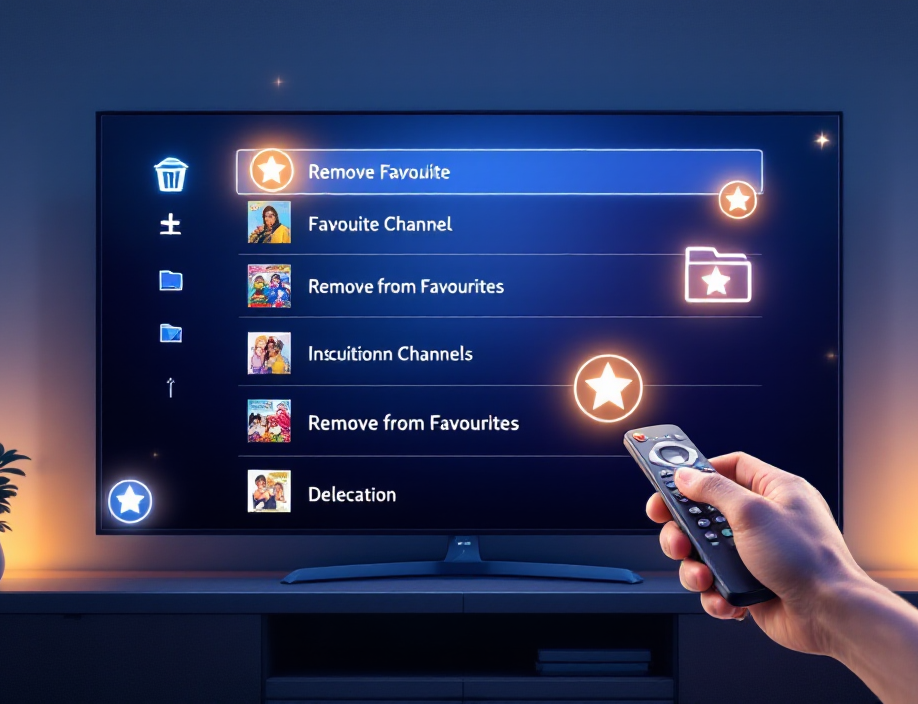
How to Clear Favourites on IPTV ?

October 14, 2025 Emma No comments yet

To clear IPTV favourites on IPTV, first check if they’re stored locally or synced via your provider/account to avoid cross-device changes. Back up/export your playlist or settings. Open the Favourites view, highlight an item, and use the context menu to Remove/Unfavourite; enable multi-select for bulk removal.  Disable auto-sync during cleanup, then refresh or restart the […]

How to add VPN to IPTV smarters pro​ ?
Setup Guides

How to add VPN to IPTV smarters pro​ ?

October 14, 2025 Emma No comments yet

You don’t add a VPN directly inside IPTV Smarters Pro — instead, run your VPN at the device or router level to protect your entire IPTV subscription. Install a trusted VPN app on your Fire TV, Android, or iOS device, enable the kill switch and DNS leak protection, connect to a nearby server, and verify […]

Install IPTV on IPTV Stream Player app
Setup Guides

How to Install IPTV on IPTV Stream Player app ?

July 2, 2025 Emma Comments Off on How to Install IPTV on IPTV Stream Player app ?

Installing IPTV on the IPTV Stream Player app is quick and simple. Just ensure your device is connected to a stable internet connection. Start by downloading the app from the Google Play Store (Android) or the App Store (iOS). Once installed, open the app, go to Settings, and enter your IPTV M3U playlist URL or […]

install iptv with xciptv player
Apps & Players, Setup Guides

How to Configure IPTV With XCIPTV Player ?

May 23, 2025 Emma Comments Off on How to Configure IPTV With XCIPTV Player ?

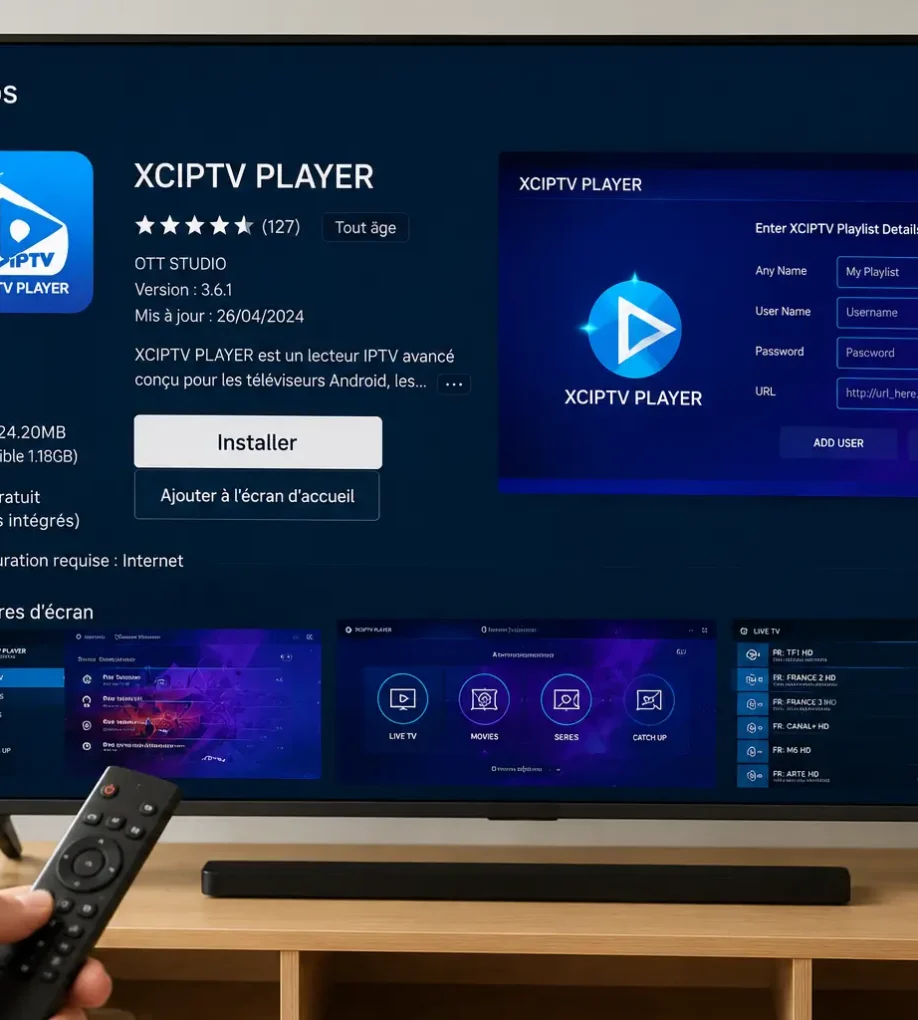
To configure IPTV with XCIPTV Player, start by downloading and installing XCIPTV  from the official website or trusted app store, launch the app and accept the user agreement, choose your preferred login method (Xtream Codes, M3U URL, or single stream), enter your IPTV provider’s credentials carefully, save the configuration and let the channel list populate, […]

choose a good iptv box
Streaming Devices

How to Choose a Good IPTV Box?

May 22, 2025 Emma Comments Off on How to Choose a Good IPTV Box?

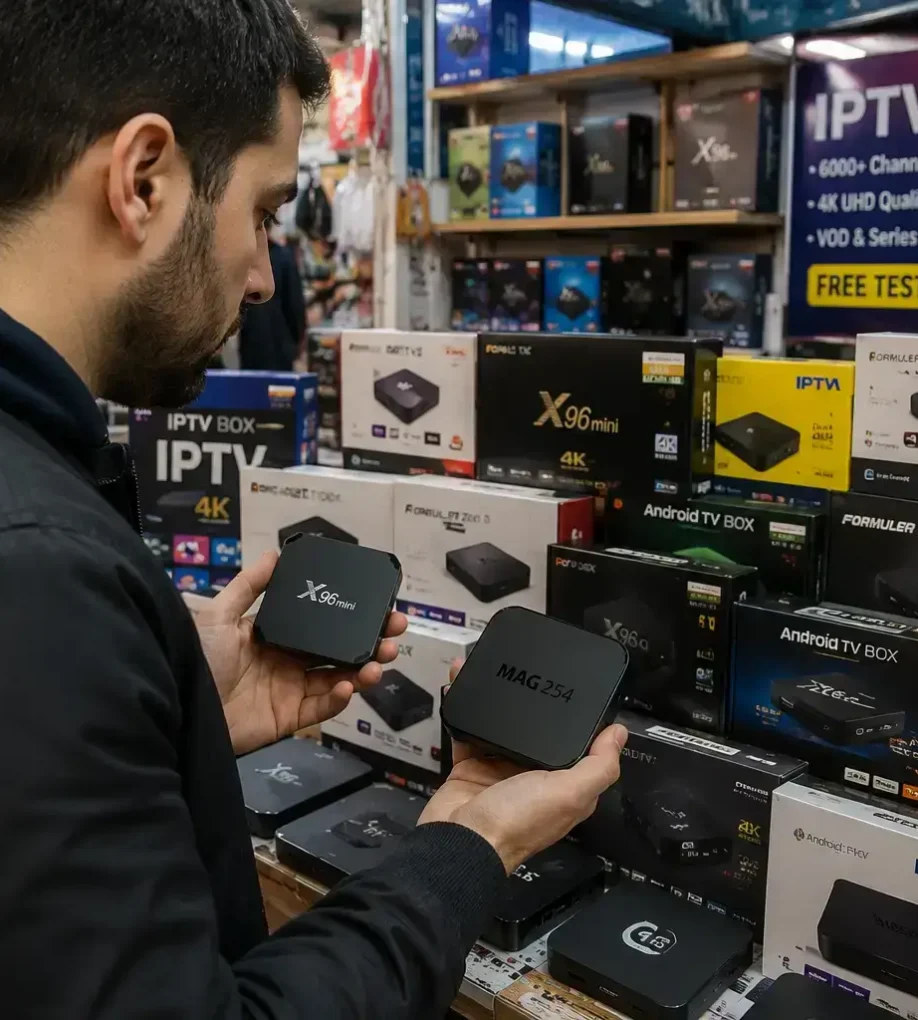
Choosing a good IPTV box comes down to seven key criteria: at least 2GB of RAM, support for 4K UHD playback, hardware acceleration, compatibility with major IPTV apps like TiviMate and IPTV Smarters Pro, regular firmware updates, multiple connectivity ports (Ethernet, HDMI 2.0, USB), and a reputable manufacturer with proper after-sales support.  Cheap boxes under […]

IPTV on IBO Player
Setup Guides

How to Configure IPTV on IBO Player ?

May 22, 2025 Emma Comments Off on How to Configure IPTV on IBO Player ?

To configure IPTV on IBO Player, first download the app from your device’s app store and locate the Mac address. Register and activate your player by entering the Mac address and purchase a license on the IBO Player website.  Add your IPTV Subscription playlists using an M3U link or Xtream Codes and restart the app […]

Install IPTV on Xbox
Setup Guides

How to Install IPTV on Xbox ?

April 21, 2025 Emma Comments Off on How to Install IPTV on Xbox ?

To set up IPTV on your Xbox, ensure you have a stable internet connection, an active IPTV subscription, and a compatible app like SS IPTV or MyIPTV Player from the Microsoft Store. Start by downloading your chosen app from the store. Once installed, launch it and enter your IPTV details, such as an M3U playlist […]

Posts pagination

Previous 1 2 3 4 5 Next

Search

Categories

  • Apps & Players 5
  • Buyer Guides 27
  • Content & Channels 12
  • Setup Guides 40
  • Streaming Devices 11
  • Troubleshooting 13

Recent posts

  • iptv smarters pro on firestick
    How to Download IPTV Smarters Pro on Firestick ?
  • iptv with nvidia shield tv
    How to Get IPTV on NVIDIA Shield TV?
  • iptv on google tv
    How to Install IPTV on Google TV?

Tags

Android Android TV Apple TV Buffering Fixes Canadian Content EPG Guide Family & Parental Control Firestick Free Trials Google TV GSE Smart IPTV iOS iPhone & iPad IPTV Box IPTV Guides IPTV Smarters Pro Kodi Legality & Safety M3U Playlists Movies & VOD MyIPTV Player Network & Wi-Fi NVIDIA Shield TV PlayStation Streaming Roku Streaming Samsung TV Set-Top Box Smarters Pro App Smart TV Smart TV Streaming Sports Streaming Subscription Plans TiviMate VPN & Privacy Xbox IPTV XCIPTV XCIPTV Player
Modeiptv

Customer Service Office ModeIPTV, LLC

3401 Dufferin St, Toronto, ON M6A 2T9, Canada
DMCA.com Protection Status
Pages
  • IPTV Canada
  • IPTV Subscription
  • Blog
  • Installation Tutorials
Regulations
  • Privacy Policy
  • DMCA Report
  • Terms and General Conditions
  • Legal Disclaimer
Customer Service
  • Order Cancellation
  • Refund Policy
Get in touch

ModeIPTV operates as a reseller of third-party streaming services. ModeIPTV does not host, encode, or originate any copyrighted content delivered through the service. Content is provided by upstream third-party providers, and users are responsible for ensuring they have the right to view content in their jurisdiction under applicable copyright law. See Disclaimer and Terms & Conditions for further details.

Copyright: © 2026 ModeIPTV. All Rights Reserved