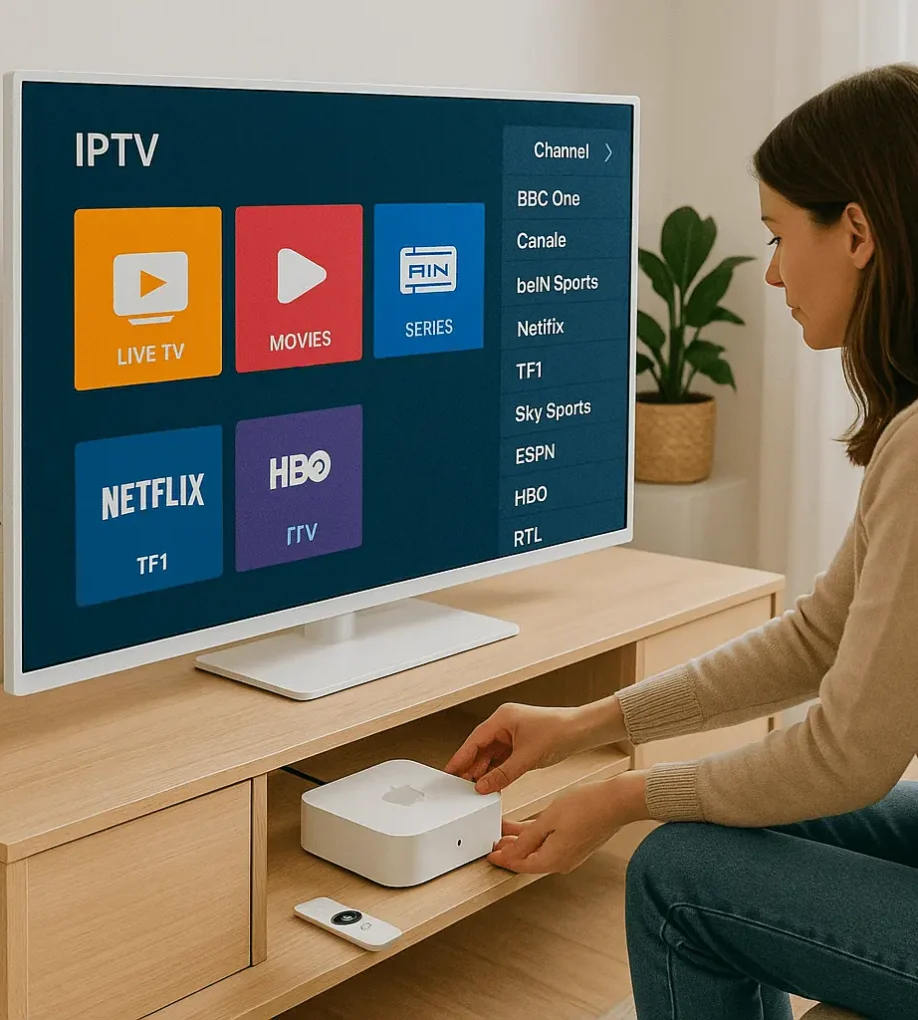
To set up IPTV on your Apple TV, you’ll need a compatible device, stable internet, and a reputable IPTV provider. Install the GSE Smart IPTV app from the App Store, launch it, and enter your IPTV subscription details. Configure the service provider details accurately, and you’ll be able to access live TV channels and on-demand […]
IPTV Guides
Access a comprehensive collection of guides, tutorials, and how-to articles for all aspects of IPTV services and various devices.
How to Get IPTV Free Trial ?
To access an IPTV free trial, visit the provider’s official website and look for the “Trial” or “Sign Up” button. Complete the registration by providing your name and email, then check your inbox for instructions on accessing the free trial. You’ll receive login details and installation steps to download a compatible IPTV player app and […]
Can I Record on IPTV ?
If you’re wondering whether you can record content on your IPTV Subscription, the answer is often yes – but it’s not always straightforward. Many IPTV apps offer recording features that let you schedule live recordings, but limitations like storage space and potential stream issues can make it tricky to capture content reliably. So, what’s the […]
Can I Use IPTV on Roku Tv ?
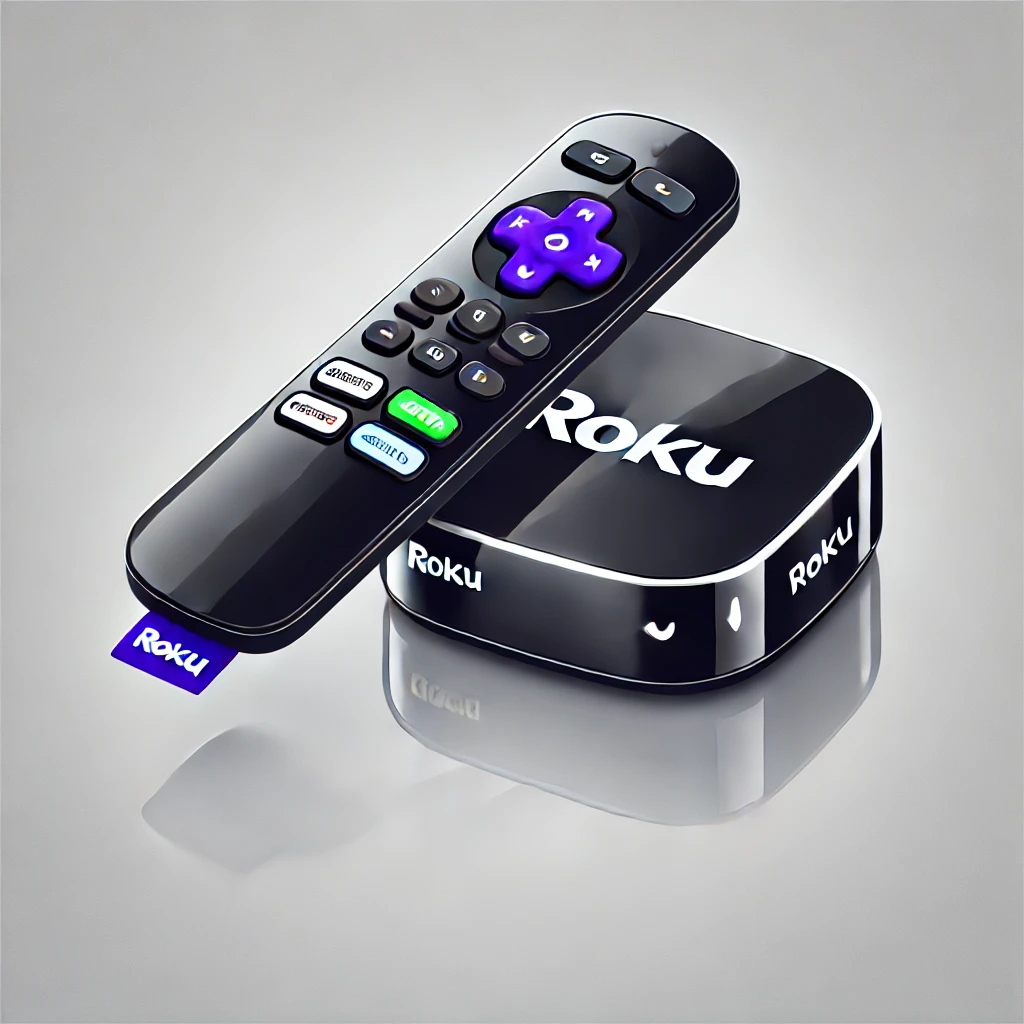
While Roku doesn’t natively support IPTV, you can still access your favorite live TV channels and on-demand content on your Roku device. To do this, you’ll need a compatible IPTV player app and a IPTV subscription from a reliable provider. Setting up IPTV on Roku involves a few technical steps, but once configured, you’ll unlock […]
What Is EPG on IPTV and How It Word ?
You’re probably curious about how EPG, or Electronic Program Guide, fits into the IPTV landscape and how it works. Imagine having a virtual guide that not only lists TV shows but also categorizes them, provides detailed descriptions, and even helps you plan your viewing schedule. EPG makes navigating countless channels much easier and more enjoyable. […]
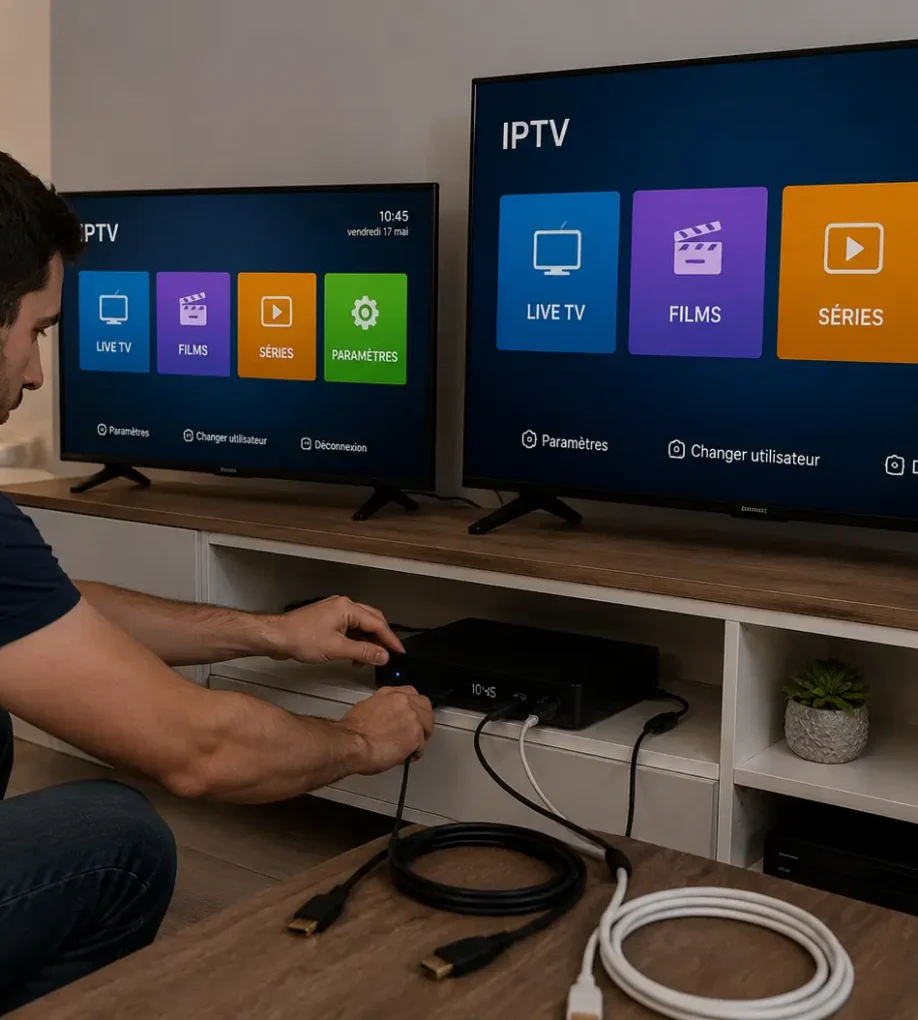
How to Connect One IPTV Box to 2 TVs?
You can connect one IPTV box to two TVs using several proven methods: an HDMI splitter (the simplest, mirrors the same content on both TVs), a wireless HDMI transmitter (connects two TVs in different rooms without cables), a long HDMI cable (cheap but limited by physical distance), or a network-based solution like DLNA streaming (lets […]
How to Turn Off Subtitles on IPTV Smarters Pro ?
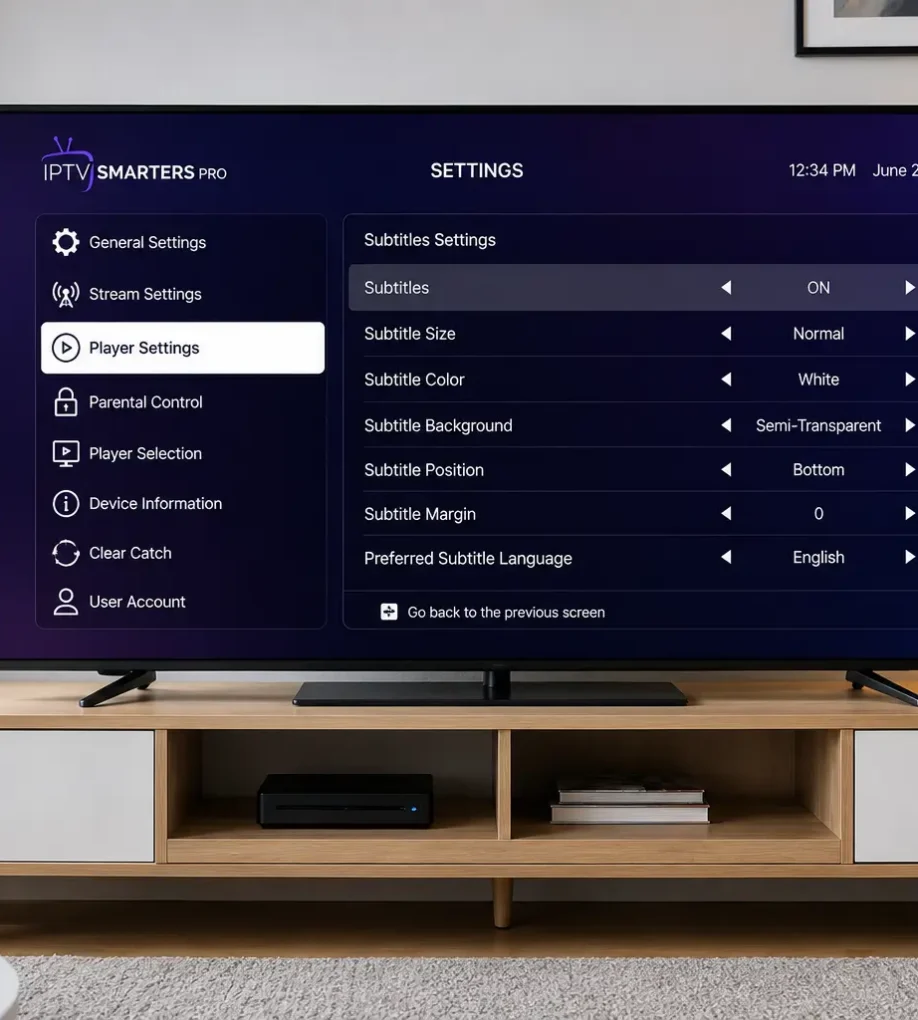
Turning off subtitles on IPTV Smarters Pro takes 6 steps: open the app and start playing any channel, access the player settings during playback, locate the CC or subtitle option, select “Off” or “None,” adjust subtitle settings globally, then save and restart the stream. The process works the same on Android, iOS, Firestick, and Smart […]
How to Set Up IPTV for Beginners
To set up IPTV, you’ll need a compatible device (smart TV, Fire Stick, Android box), a stable internet connection (10-15 Mbps), and a subscription from a reputable provider. Connect your device, download the IPTV app, and input the M3U URL during installation for channel access. Explore the app’s interface to customize options and integrate external […]
How to Recharge IPTV Box Online
To recharge IPTV box online, you’ll need to access your provider’s website and log into your account. Once there, select the subscription plan that best fits your needs, considering factors like duration, channel offerings, and cost. Next, enter your payment details and confirm the transaction. You should receive a confirmation email, but double-check your account’s […]
How to Get IPTV ?
To access IPTV services, you’ll need a stable internet connection, a compatible streaming device, and a subscription from a reliable provider. Research providers thoroughly, comparing channel offerings, pricing, and user reviews. Once subscribed, download and install the IPTV app on your device, entering the M3U URL or API details provided by your service. For enhanced […]