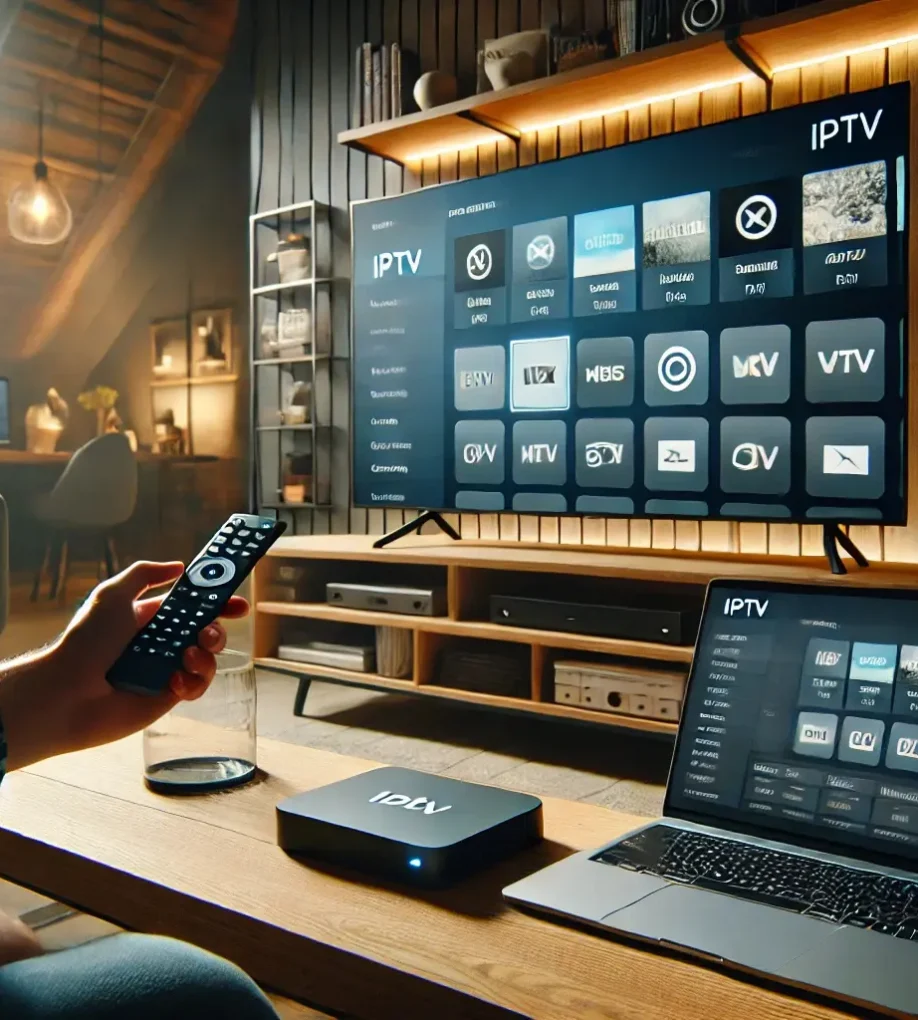
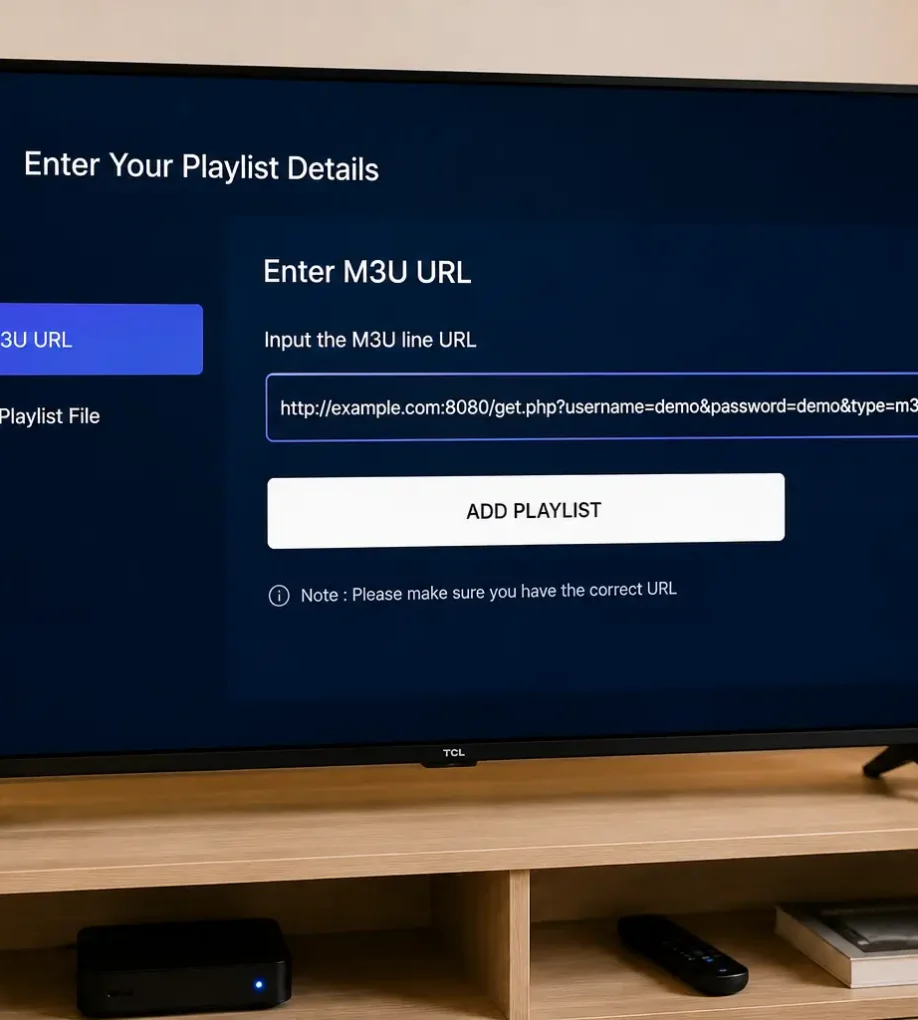
To configure IPTV with XCIPTV Player, first download the app from the Google Play Store or your device’s app platform. Open the app and at the login screen, choose between M3U Playlist URL or Xtream Codes API. Enter your IPTV Subscription credentials such as username, password, and M3U URL. Click “Sign In” to access channels […]
How to Configure IPTV on IBO Player ?
To configure IPTV on IBO Player, first download the app from your device’s app store and locate the Mac address. Register and activate your player by entering the Mac address and purchase a license on the IBO Player website. Add your IPTV Subscription playlists using an M3U link or Xtream Codes and restart the app […]
What Is EPG on IPTV and How It Word ?
You’re probably curious about how EPG, or Electronic Program Guide, fits into the IPTV landscape and how it works. Imagine having a virtual guide that not only lists TV shows but also categorizes them, provides detailed descriptions, and even helps you plan your viewing schedule. EPG makes navigating countless channels much easier and more enjoyable. […]
How to Set Up IPTV for Beginners
To set up IPTV, you’ll need a compatible device (smart TV, Fire Stick, Android box), a stable internet connection (10-15 Mbps), and a subscription from a reputable provider. Connect your device, download the IPTV app, and input the M3U URL during installation for channel access. Explore the app’s interface to customize options and integrate external […]
What Is M3U in IPTV?
M3U playlists are pretty key when it comes to IPTV. They’re just simple lists that let you stream live TV channels. You’ll find things like the channel name, an ID, and where the stream is coming from. Once you pop them into a player like VLC, it’s super easy to scroll through and pick a […]