Where Can I Get URL for IPTV ?
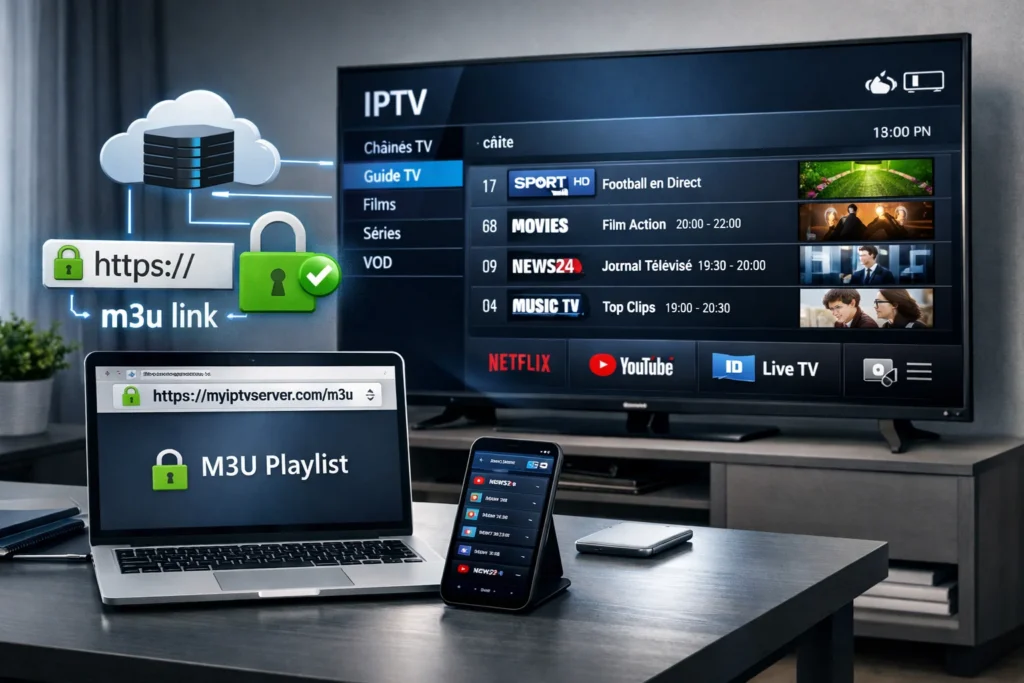
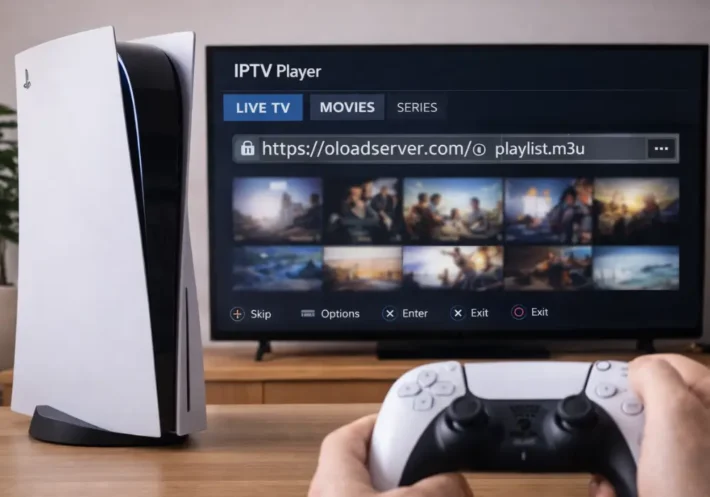
You can get URL for IPTV from a real IPTV provider account. After you subscribe, the provider gives you a personal link called an M3U playlist, plus a TV guide link (EPG). These links are connected to your username, your device, and an expiration date.
You usually find them in your account dashboard, along with limits like how many devices can watch at the same time.
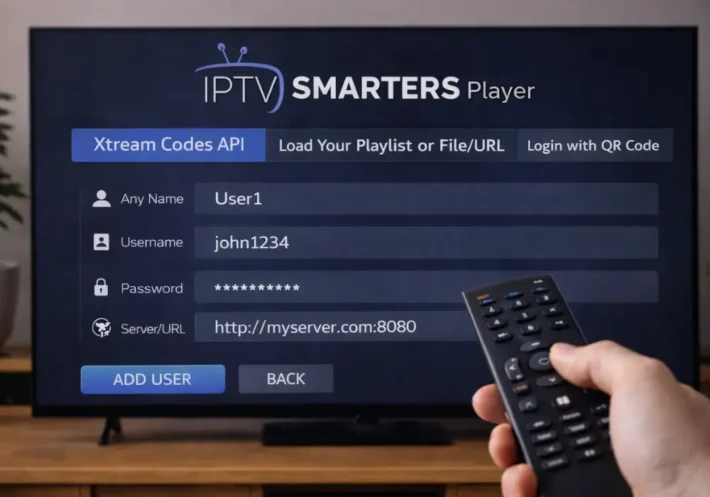
If your provider uses Xtream Codes, you don’t get one long link. Instead, you enter three things: server address, username, and password. Always test your link to make sure it works, and avoid links that don’t use secure HTTPS or that send you to strange websites.
Where IPTV URLs Actually Come From ?
An “IPTV URL” is not one single standard link. It usually comes from one of three main sources:
| Source Type | What It Is | How It Works | Reliability |
| Official IPTV services | Legal IPTV platforms with user accounts | Create personal links for each user, like M3U playlist links and TV guide (EPG) links tied to your account | High and stable |
| TV channels & streaming networks | Broadcasters and media companies | Generate protected streaming links for their own apps and partners, only for approved users or devices | High but restricted |
| Unofficial restreaming services | Services that repackage many channels | Collect many channels into one big playlist with one IPTV link, often without rights | Unstable and risky |
In short, IPTV URLs are not random links. They are generated by systems that control who can watch, on which device, and for how long. The more official the source, the more stable and reliable the IPTV URL will be.
How to Get an IPTV URL From Your Provider Account ?
If you use a legal IPTV service, the best way to get your IPTV URL is from your own account. These links are created for each user, and sometimes for each device, so they work more reliably.
Your account dashboard usually shows the main link, the security token, and how often it refreshes, which helps avoid errors or blocked requests.
Always check your account area first and make sure the link format matches what your provider explains in their help pages.
To get and check your IPTV links:
- Log in to your account and go to “Playlists” or “Apps” to copy the playlist URL and the TV guide (EPG) URL.
- Check how long the link is valid, how many devices can use it, and if it is locked to one device.
- Test the links in an IPTV app or player to see if they load correctly.
- If the links do not work or show an error, contact support and give them your username, device ID, and the time you tried to use the link.
Official M3U Playlist URLs vs. Xtream Codes Portals
The main difference between M3U links and Xtream Codes is how your access and updates are handled.
- With an M3U playlist, you usually get one single link. This link loads your channels and sometimes a TV guide (EPG). Your app refreshes it from time to time. It is simple and easy to use, but if your provider changes the link or security code, it can suddenly stop working.
- With Xtream Codes, you don’t use one long link. Instead, you enter three things: server address, username, and password. This system can show more details like channel groups, movie posters, and on-demand content. It also updates parts of the list without reloading everything. But if your login details are shared or leaked, many people can use them at once, which can slow the service.
Using Your IPTV URL in Apps Like IPTV Smarters
Whether you use an M3U link or Xtream Codes, the goal in IPTV Smarters is the same: add your provider details so the app can load channels, TV guide, and refresh them automatically. You just choose the right format and enter your info carefully to avoid errors.
Here is how to do it:
- Open IPTV Smarters and choose “Add User” or “New Profile.”
- Select the login type:
- Choose M3U Playlist if your provider gave you one long link.
- Choose Xtream Codes if you received a server URL, username, and password.
- Enter your details carefully:
- For M3U: paste your IPTV Subscription URL and, if provided, your EPG (TV guide) URL.
- For Xtream: enter server address, username, and password.
- Give your profile a clear name so you can recognize it later.
- Save and let the app load channels and the TV guide.
What Are the Red Flags of Unsafe or Fake IPTV URL Sources?
Some IPTV URLs may work at first, but that does not mean they are safe. Many fake or risky services show warning signs around the link, the website, and how they ask you to log in.
Here are the main danger signs to watch for:
- New or unstable websites: if the domain was created recently, changes servers often, or hides behind many short links, the service is likely unstable.
- No secure connection: avoid IPTV URLs that do not use HTTPS. Without security, your login details can be stolen.
- Strange redirects: if clicking a link sends you through many pages or different websites, it’s a bad sign.
- Suspicious playlist files: never trust M3U files that include ads, tracking codes, or download programs instead of just channels.
- Unrealistic offers: “lifetime” access and thousands of channels for very cheap usually mean illegal or unstable streams.
- Risky login methods: if they ask you to use Telegram bots, unknown apps, or special APK files, your device and data may be at risk.
Frequently Asked Questions
How Often Do IPTV Playlist URLS Change or Expire?
IPTV playlist URLs can change weekly to monthly, but unstable sources may expire daily. You’ll see link rotation tied to subscription cycles, provider load-balancing, and anti-leech controls, so you can’t assume persistent endpoints.
Can I Use One IPTV URL on Multiple Devices Simultaneously?
You usually can’t use one IPTV URL on multiple devices simultaneously unless your provider supports concurrent streaming. Most enforce device limits per account, often 1–3 streams; exceeding triggers throttling, token invalidation, or session termination.
Do IPTV URLS Work on Smart TVS Without Additional Apps?
Usually no, you can’t rely on smart TV native playback for IPTV URLs. Some models stream via a web browser, but codecs, DRM, and playlist formats face limited support. You’ll typically need an IPTV app.
Will a VPN Affect IPTV URL Performance or Accessibility?
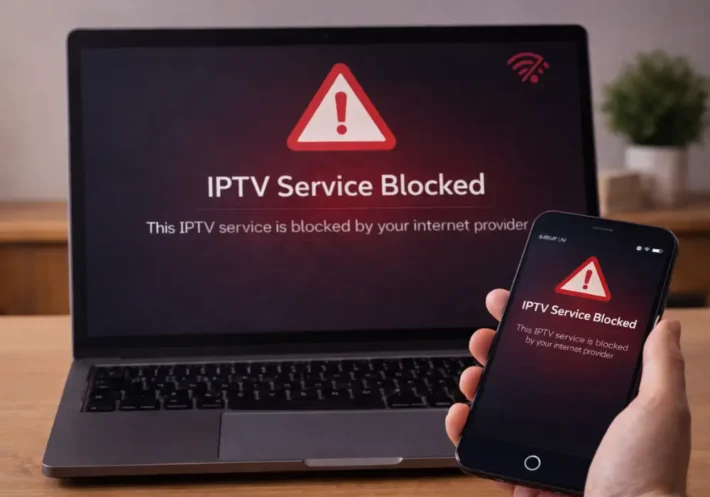
Yes, a VPN can affect IPTV URL performance and accessibility: VPN impact includes rerouting, ISP throttling bypass, or geo-unblocking; but it can increase Streaming latency, reduce throughput, and trigger server blocks if shared IPs are flagged.
How Can I Back up or Export My IPTV URL Settings Safely?
Export your IPTV settings via your app’s backup/export, then store the file in encrypted archives with a strong passphrase. Keep versioned cloud snapshots, verify integrity with hashes, and redact tokens before sharing.