Do You Need a VPN for IPTV ?
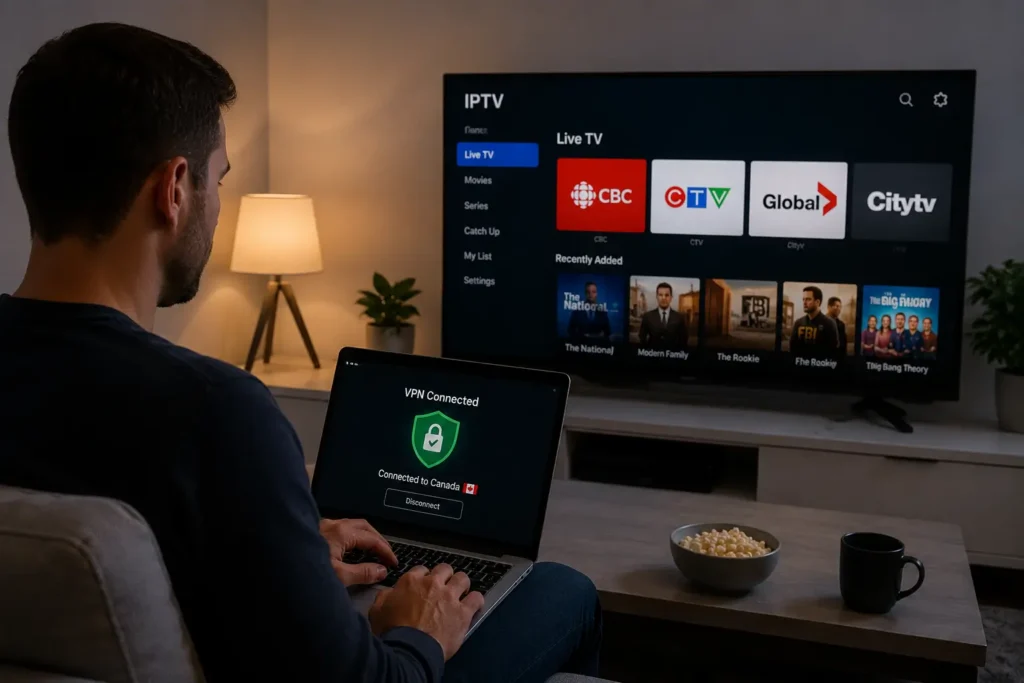
You don’t strictly need a VPN to use IPTV in Canada, but it’s strongly recommended in three specific scenarios: when your ISP is known for throttling streaming traffic during peak hours, when you want extra privacy from ISPs that log your activity, or when accessing geo-restricted content while traveling abroad.
A reliable IPTV provider with stable Canadian servers eliminates the need for a VPN in most everyday situations. However, pairing a quality VPN with a trusted IPTV service like IPTV Canada gives you the best of both worlds, uninterrupted streaming, full privacy, and protection during peak hours when ISPs throttle.
If you’ve been wondering whether you really need a VPN to watch IPTV, the short answer is: it depends on your setup, your ISP, and your priorities. This guide breaks down exactly when a VPN actually helps, when it doesn’t, and how to make the right call for your streaming experience.
What Does a VPN Actually Do for IPTV ?
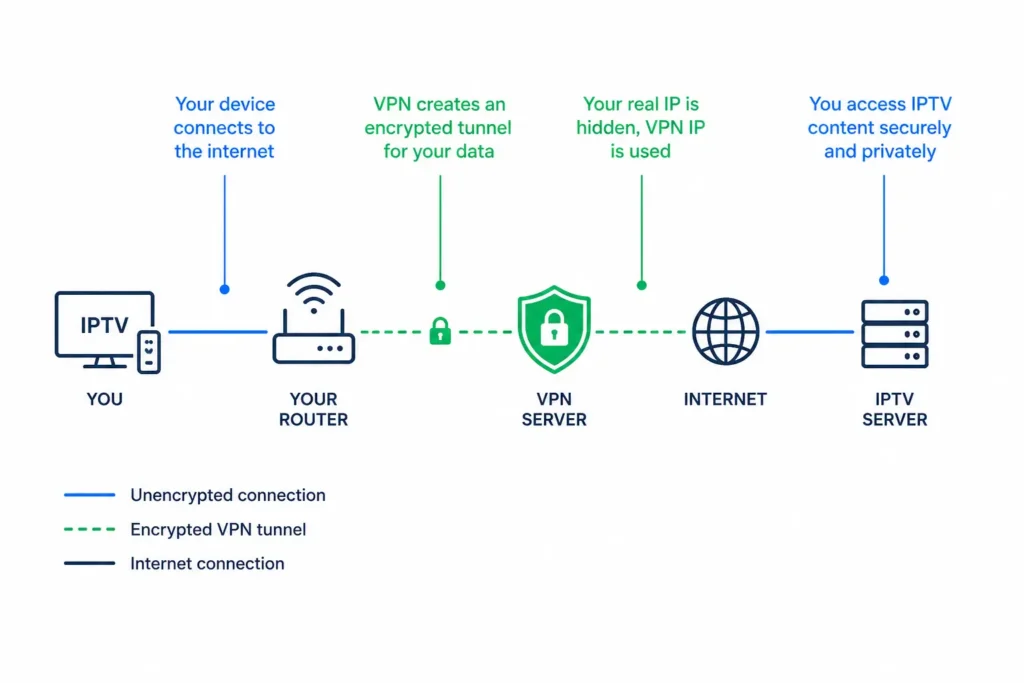
A VPN encrypts your internet traffic and routes it through a server in another location, hiding your real IP address from your ISP, websites, and third parties. According to the Mozilla VPN Resource Center, a VPN encrypts all your online traffic so even your internet service provider can’t see what you’re doing online.
For IPTV users specifically, this means your streaming activity becomes invisible to your ISP, which can prevent bandwidth throttling and protect your privacy.
A VPN doesn’t make unlicensed content legal, that’s a common misconception, but it does give you a more private and stable streaming experience overall.
When Should You Use a VPN With IPTV ?
There are four specific situations where a VPN becomes genuinely useful for IPTV users in Canada. Knowing which ones apply to you helps you decide whether the extra cost is worth it:
| Situation | VPN Recommended? | Why |
| ISP throttles streaming traffic | Yes | Bypasses speed limits during peak hours |
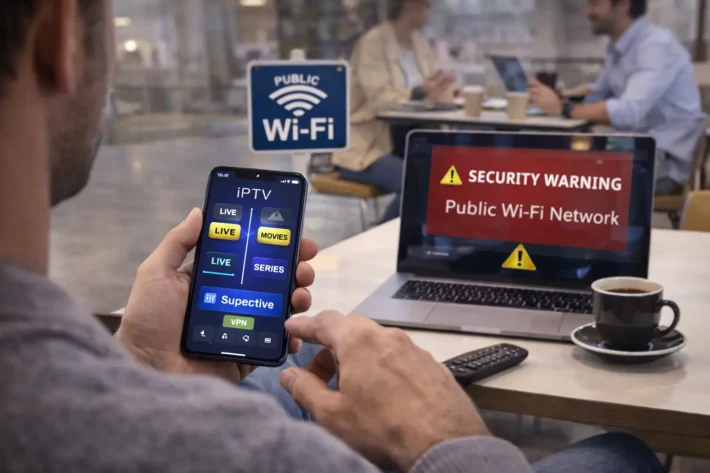
| Streaming on public Wi-Fi | Yes | Encrypts traffic on unsecured networks |
| Traveling abroad | Yes | Maintains access to your usual content |
| Standard home use with reliable ISP | Optional | A reliable IPTV provider already delivers stable streams |
| Watching licensed Canadian content at home | Optional | No real benefit in normal conditions |
If your IPTV streams already run smoothly without buffering, you probably don’t need a VPN. The main use case is solving specific technical problems, not improving an already-working setup.
Does a VPN Slow Down IPTV Streaming ?
Yes, a VPN almost always slows down your connection slightly because your traffic takes a longer route through encrypted servers. The slowdown can range from barely noticeable (5–10%) to significant (30–50%) depending on the VPN’s quality, server distance, and protocol.
Premium VPNs with servers physically located in Canada minimize this loss, while free or low-quality VPNs often cut speeds in half. For 4K IPTV streaming, this matters, you need at least 25 Mbps after the VPN slows your connection down. Always run a speed test with your VPN connected before assuming it’s fast enough for your streaming needs.
Are Free VPNs Safe for IPTV ?
Free VPNs are generally not recommended for IPTV streaming because they come with serious security and performance trade-offs. According to Privacy Canada, Canada’s independent digital privacy watchdog, free VPN providers often monetize by selling user data to third parties, displaying invasive ads, or maintaining detailed logs of your activity.
On top of that, free VPNs typically impose strict data caps, slow speeds, and limited server choices that make 4K streaming nearly impossible. If you’re going to use a VPN at all, choosing a reputable paid service is the only safe option that actually delivers the privacy and speed benefits you’re paying for.
How Do You Choose the Right VPN for IPTV ?
Choosing the right VPN for IPTV comes down to five practical criteria that directly impact your streaming experience:
- Servers in Canada or close to it : minimizes latency and slowdown.
- No-log policy : verified by independent audits, not just marketing claims.
- Fast protocols : WireGuard or OpenVPN (avoid outdated PPTP).
- Unlimited bandwidth : never accept data caps for streaming.
- Multi-device support : a single subscription should cover all your screens.
Avoid VPNs based in countries with mandatory data retention laws if privacy is your priority. A quality VPN paired with a reliable IPTV service gives you a setup that’s both private and consistently smooth.
Can a VPN Fix IPTV Buffering Problems ?
A VPN can fix buffering only when the cause is ISP throttling, not when the issue lives elsewhere. If your ISP intentionally slows streaming traffic during peak hours, a VPN routes around that throttling and often restores normal speeds.
However, if buffering comes from overloaded provider servers, weak Wi-Fi, or insufficient hardware, a VPN won’t help and may even make things worse by adding extra latency.
The smarter fix is identifying the real cause first: test your IPTV with a mobile hotspot to rule out ISP issues, check your Wi-Fi versus Ethernet connection, and verify your provider’s server status before assuming a VPN is the solution.
Conclusion
A VPN isn’t mandatory for IPTV in Canada, but it adds real value in specific scenarios, ISP throttling, public Wi-Fi, international travel, and extra privacy.
For everyday streaming at home with a reliable provider on a stable connection, you can usually skip it entirely. The most important factor isn’t whether you use a VPN, but whether your IPTV provider delivers stable, properly configured streams from quality infrastructure.
The smartest setup combines both when needed: a trustworthy IPTV provider with strong Canadian servers, paired with a reputable paid VPN if your ISP is known to throttle. That combination gives you privacy, speed, and reliability, without compromising the streaming experience you’re actually paying for.
Frequently Asked Questions
Is using a VPN with IPTV legal in Canada?
Yes. VPNs are completely legal in Canada. What matters is the content you access, streaming legal IPTV from a licensed provider stays legal whether you use a VPN or not.
Will a VPN unblock geo-restricted IPTV channels?
Sometimes. Many providers detect and block VPN traffic, but premium VPN services often bypass these restrictions through specialized streaming servers.
Does my IPTV provider know if I use a VPN?
Some can detect VPN usage based on traffic patterns, but most don’t actively block it. Check your provider’s terms of service to be safe.
Can I use a VPN on my Smart TV or Firestick?
Yes. Most premium VPNs offer apps for Firestick and major Android TV devices. For Smart TVs without VPN support, you can configure your router to apply VPN protection across all connected devices.
Will a VPN reduce my IPTV stream quality?
Slightly. A premium VPN typically reduces speeds by 5–15%, which is rarely noticeable. Free VPNs can cut speeds in half or worse.
Should I leave my VPN on all the time?
Only if you have a specific privacy or throttling concern. For everyday streaming on a reliable provider with no ISP interference, a VPN isn’t necessary 24/7.
What’s the best VPN protocol for IPTV streaming?
WireGuard is the top choice for IPTV, offering the fastest speeds and the most stable connections for live streaming. OpenVPN UDP is a solid alternative when WireGuard isn’t available. Avoid older protocols like PPTP, they’re slower and offer weaker encryption.
Can a VPN fix IPTV buffering issues?
Sometimes. If your ISP is throttling streaming traffic, a VPN can actually improve playback by hiding the type of traffic from your provider. However, if buffering comes from the IPTV provider’s overloaded servers or your slow internet, a VPN won’t help, and may even worsen it.
Will a VPN protect me from IPTV-related malware?
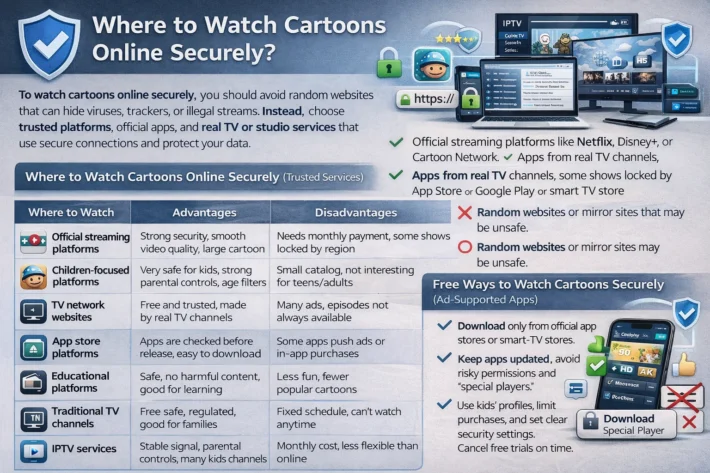
A VPN encrypts your traffic but doesn’t block malware directly. To protect against malicious IPTV apps or fake streaming sites, you also need updated antivirus software, app-store sourced installs only, and careful URL verification before clicking any IPTV-related link.
Do I need a separate VPN account for each device?
No, most premium VPN services allow 5 to 10 simultaneous connections per account. You can install the same VPN on your phone, TV, laptop, and router under one subscription, making it cost-effective for households with multiple IPTV-connected devices.
Will using a VPN affect my IPTV provider’s customer support?
It can, occasionally. Some providers may have trouble identifying your account when troubleshooting if your VPN is active. If support requests fail, temporarily disable the VPN, complete the troubleshooting, then reconnect — this resolves most VPN-related support issues.
What’s the difference between a VPN and a proxy for IPTV?
A VPN encrypts all your internet traffic and masks your IP at the system level. A proxy only redirects specific app traffic without encryption and doesn’t protect your data. For IPTV, a VPN is the safer choice, proxies offer minimal privacy protection.
Should I use a free VPN for IPTV?
Generally no. Free VPNs often log user data, sell browsing history to advertisers, throttle speeds aggressively, and inject ads into web pages. For IPTV streaming specifically, free VPNs are almost always too slow or unstable to deliver smooth playback.