What Is the Best Internet Speed for IPTV Without Buffering ?
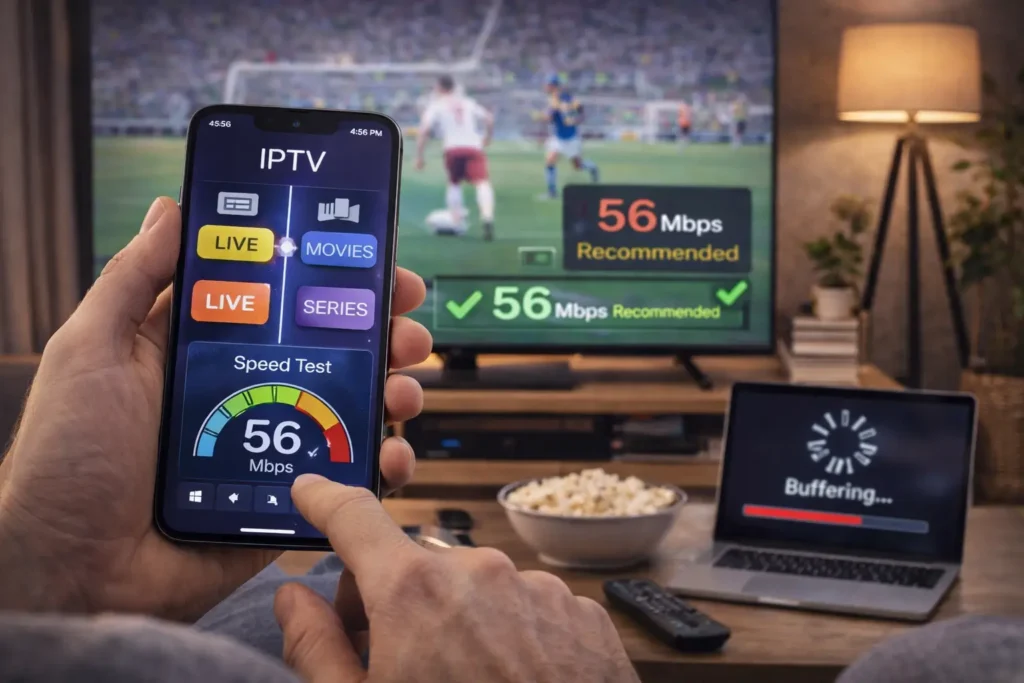
The best internet speed for IPTV without buffering is at least 25 Mbps for HD channels and 50 Mbps or more for 4K content, anything below that and you risk constant freezing, pixelation, and interrupted streams, especially during peak hours or when multiple devices share the same connection.
Your actual experience depends on more than just raw speed: connection stability, Wi-Fi quality, the number of devices on your network, and whether your ISP throttles streaming traffic all play a major role.
With a solid IPTV Subscription and the right internet setup, you can enjoy smooth, buffer-free playback on any device without a single interruption. Below is a clear breakdown of exactly how much speed you need and what to do if your connection is not keeping up.
How Much Speed Do You Actually Need for Each IPTV Quality Level?
The internet speed you need for IPTV depends on the streaming quality you want and how many devices are watching at the same time. Here is a quick breakdown per quality level:
- SD (Standard Definition): 5 to 10 Mbps is enough for a stable stream on a single device.
- HD (720p): A minimum of 15 to 25 Mbps is required to play without buffering.
- Full HD (1080p): 25 to 35 Mbps keeps the stream smooth and consistent.
- 4K / UHD: You need at least 50 Mbps dedicated to that single stream.
- Multiple Devices: These numbers are per device, if three people are streaming at the same time, multiply accordingly.
- Best Overall Plan: A 100 Mbps plan is the sweet spot for most households that use IPTV across multiple screens.
Why Does IPTV Buffer Even When Your Speed Test Looks Fast?
A speed test measures your peak download rate, but IPTV needs consistent speed without drops, even a one-second dip can cause a freeze or channel reload. Wi-Fi interference from walls, other electronics, and distance from the router is the most common hidden cause of buffering that a speed test will never reveal.
ISP throttling is another major factor: some providers deliberately slow down streaming traffic during peak evening hours even if your overall speed is fine.
Using a wired Ethernet connection instead of Wi-Fi and running a VPN to bypass throttling are two simple fixes that solve most buffering problems instantly.
Does Wi-Fi or Ethernet Make a Real Difference for IPTV?
Yes, and the difference is bigger than most people expect. A wired Ethernet connection delivers a stable, uninterrupted data flow directly to your device with zero interference, which is exactly what live IPTV streaming demands.
Wi-Fi, on the other hand, fluctuates constantly due to walls, distance, neighboring networks, and other devices competing for bandwidth on the same frequency.
If you cannot run a cable, use the 5GHz Wi-Fi band instead of 2.4GHz, it is faster and less congested, though it has a shorter range. For the smoothest IPTV experience, Ethernet is always the best choice, especially for 4K streaming.
How Many Devices Can Stream IPTV at the Same Time on Your Connection?
Every device streaming IPTV uses its own share of your bandwidth, so you need to plan for the total household usage, not just one screen. Two HD streams running at the same time need roughly 40 to 50 Mbps, while two 4K streams can easily consume 100 Mbps together. Add in phones, tablets, gaming, and video calls happening in the background, and your available bandwidth drops fast.
A good rule is to take your internet plan speed, subtract 30% for other household activity, and divide the rest by the number of IPTV streams you want to run. If the math does not add up, upgrading your internet plan is cheaper than dealing with constant buffering.
What Can You Do Right Now to Reduce IPTV Buffering?
Start by switching from Wi-Fi to a wired Ethernet connection on your main streaming device, this single change fixes buffering for most users. If Ethernet is not possible, move your router closer to your device or invest in a mesh Wi-Fi system to eliminate dead zones.
Use a VPN to prevent your ISP from throttling IPTV traffic, especially during evening peak hours when throttling is most aggressive. Inside your IPTV app, try lowering the stream quality from 4K to HD or switching the player format from Auto to HLS.
Finally, restart your router once a week to clear memory and refresh the connection, it takes 30 seconds and prevents many performance issues.
Frequently Asked Questions (FAQ)
What is the minimum internet speed for IPTV?
The absolute minimum is 10 Mbps for SD channels on a single device. For a reliable experience with HD content, aim for at least 25 Mbps.
Is 100 Mbps enough for IPTV on multiple devices?
Yes, 100 Mbps is enough to run 3 to 4 HD streams simultaneously with room left for other internet activity in your household.
Why does my IPTV buffer only at night?
Your ISP likely throttles streaming traffic during peak evening hours when network demand is highest. A VPN usually solves this by hiding your IPTV traffic from your provider.
Is Wi-Fi 6 good enough for IPTV streaming?
Wi-Fi 6 is a significant improvement over older standards and handles IPTV well, but a wired Ethernet connection still provides the most stable and buffer-free experience.
Does using a VPN slow down IPTV?
A premium VPN may reduce your speed by 5 to 10 percent, but it often improves IPTV performance by preventing ISP throttling. Free VPNs will slow you down and are not recommended.
How can I test if my internet is fast enough for IPTV?
Run a speed test at speedtest.net during peak evening hours. If your download speed stays above 25 Mbps consistently, your connection can handle HD IPTV without issues.
Should I upgrade my internet plan just for IPTV?
Only if your current plan is below 25 Mbps or if multiple people stream at the same time. A 100 Mbps plan is the best value for most IPTV households.