How to Watch the FIFA World Cup 2026 Without Interruption ?
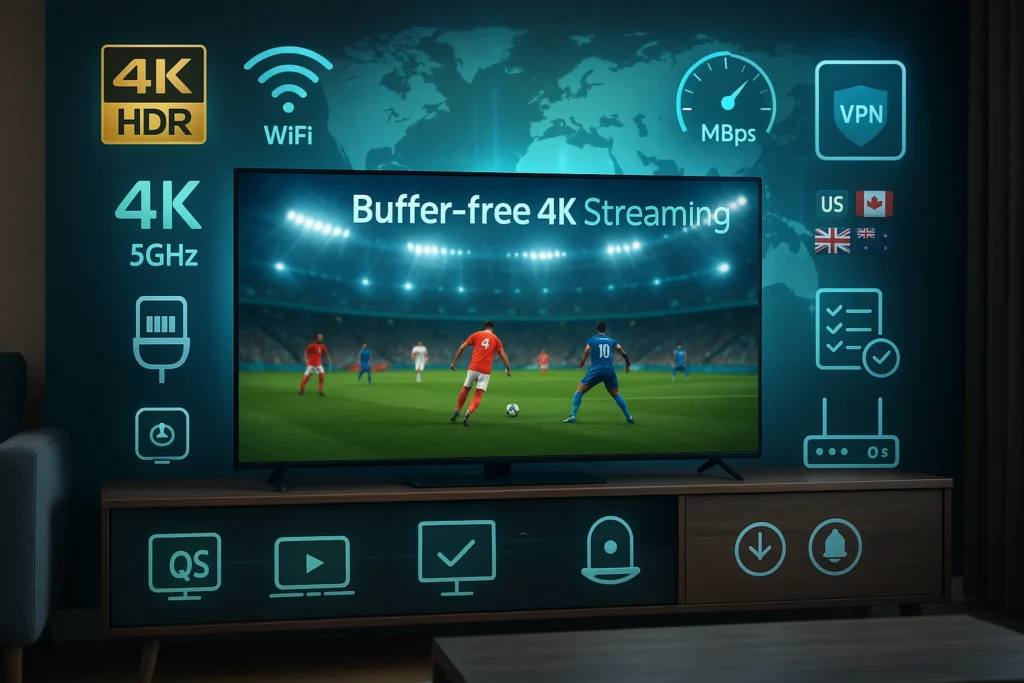
To watch the FIFA World Cup 2026 without interruption, you’ll need a minimum 25 Mbps connection—though 50 Mbps is ideal for 4K HDR streaming across multiple devices. Use a hardwired Ethernet connection instead of Wi-Fi to eliminate lag spikes during crucial moments.
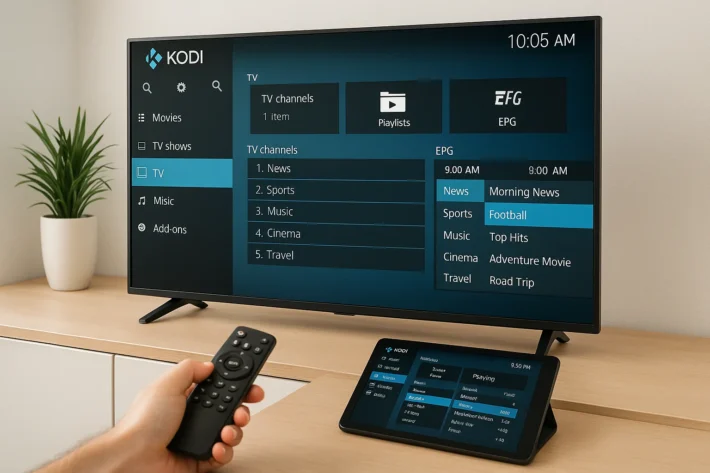
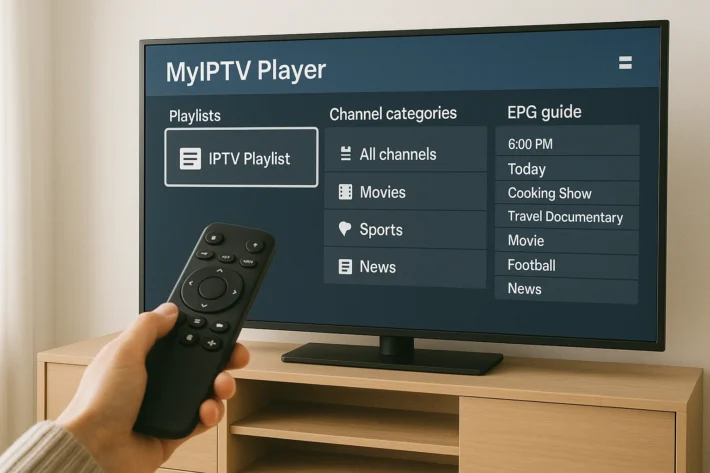
Download backup streaming apps from official broadcasters or set up your IP TV platform, and test your setup a week early. Below, you’ll find the complete gear and network optimization checklist for smooth, buffer-free viewing.
Choose the Right Streaming Platform for Your Region
| Region | Official Broadcasters | Official Streaming Platforms | Language Options | Cost | Key Features |
| United States | Fox Sports, Telemundo | Fox Sports app, Peacock, Telemundo Deportes, Sling TV, FuboTV, YouTube TV | English, Spanish | $5-$80/month | All 104 matches, 4K available on select platforms |
| Canada | TSN, CTV, RDS | TSN Direct, CTV app, RDS app | English, French | $20-$25/month | Exclusive Canadian rights, mobile streaming |
| United Kingdom | BBC, ITV | BBC iPlayer, ITV Hub | English | Free (TV license required) | 4K HDR for select matches, no subscription needed |
| Australia | SBS, Optus Sport | SBS On Demand, Optus Sport app | English | Free / $25/month | SBS offers free coverage, Optus premium |
| Worldwide (IPTV Alternative) | All Regional Broadcasters | Trusted IPTV Subscriptions | Multiple languages (50+) | $20-$80/month | Access multiples sport channels, no geo-restrictions, 4K streaming, multi-device support (2-5 devices), works anywhere in the world. |
Why Some Users Choose IPTV for FIFA World Cup 2026
IPTV subscriptions offer convenient World Cup access by consolidating channels from the US, Canada, UK, and 100+ international broadcasters into one service. Key advantages include:
- No Geographic Limits – Stream from anywhere without VPN or regional restrictions.
- Cost-Effective – $20-$80/month versus $100+ for multiple regional subscriptions.
- Multi-Language Commentary – Access 50+ languages including English, Spanish, French, Arabic, and Portuguese.
- Multiple Broadcast Feeds – Watch matches from different commentary teams and camera angles.
- Travel-Friendly – Perfect for expats wanting home country coverage abroad.
- Multi-Device Support – Stream on 2-5 devices simultaneously.
- VOD & Replays – On-demand access to any missed matches.
These features make IPTV popular for fans seeking flexible, unrestricted World Cup coverage from multiple sources. IPTV content includes live match broadcasts from all participating countries, pre-match and post-match analysis, highlight reels, full match replays, documentary coverage, and exclusive behind-the-scenes footage.
Optimize Your Internet Connection for Live Sports
Once you’ve locked in your streaming platform, your internet connection becomes the make-or-break factor for buffer-free World Cup viewing.
For 4K streaming, you’ll need a minimum of 25 Mbps, though 50 Mbps provides headroom for multiple devices.
Network stability matters more than raw internet speed during live matches. Run a speed test at your router, then at your viewing device to identify weak points.
Ethernet connections eliminate Wi-Fi interference entirely—consider a powerline adapter if hardwiring isn’t practical.
Prioritize your streaming device through your router’s QoS settings. Disable automatic updates on other devices during matches. If you’re on Wi-Fi, switch to the 5GHz band for faster throughput and less congestion. These tweaks ensure penalty kicks arrive in real-time.
Quick Setup Checklist
| Step | Action | Timeline |
| 1 | Identify official broadcasters in your region | 2 months before tournament |
| 2 | Test your internet speed (minimum 10 Mbps for HD, 25 Mbps for 4K) | 1 month before |
| 3 | Subscribe to your chosen service and test streaming quality | 2 weeks before |
| 4 | Download apps on all devices (TV, mobile, tablet) | 1 week before |
| 5 | Set up match notifications for favorite teams | Before tournament starts |
| 6 | Test backup streaming options in case of technical issues | 1 week before |
Use a VPN to Access Geo-Restricted Coverage
Broadcasting rights split World Cup coverage by region, so your location determines which commentary, camera angles, and matches you can watch. Your IP address controls what you can access, and streaming restrictions can block your preferred broadcasters when traveling.
A VPN to stream (Virtual Private Network) changes your virtual location, giving you access to broadcasts from other countries. Key benefits include:
- Access ad-free streams from certain regions.
- Watch tactical analysis from international networks.
- Bypass blackout rules for specific matches.
- Choose commentary teams you prefer.
Select a VPN with servers in your target country—UK servers for British broadcasts, Germany for German coverage, Mexico for Latin American streams, or US for American networks.
Frequently Asked Questions
What Is the Official FIFA World Cup 2026 Match Schedule and Kickoff Times?
You’ll find the official FIFA World Cup 2026 match schedule on FIFA.com, featuring 104 games across 16 match venues in three countries. Kickoff times adjust based on your time zone—sync your calendar now.
Can I Watch World Cup Matches for Free Legally?
You can access free streaming through official broadcaster apps and online platforms like Telemundo, BBC iPlayer, or SBS On Demand, depending on your region. You’ll need a VPN for geo-restricted content access.
Which Commentators and Analysts Will Cover the World Cup Broadcasts?
You’ll find detailed commentator profiles and analyst insights on broadcaster apps like Fox Sports and Telemundo closer to the tournament. Check their streaming platforms for lineup announcements, pre-match data breakdowns, and expert coverage schedules.
How Can I Avoid Social Media Spoilers During Live Matches?
You’ll want to adjust your social media settings to mute keywords like “goal,” “score,” and team names. Enable spoiler alerts on apps, use browser extensions, and consider temporarily unfollowing sports accounts during matches.
Are There Official FIFA Apps for Watching Match Highlights and Replays?
Yes, you’ll find FIFA+ offers robust FIFA app features including on-demand match highlights and full replays. It’s free, data-efficient, and streams across multiple devices—perfect for catching every goal you’ve missed.