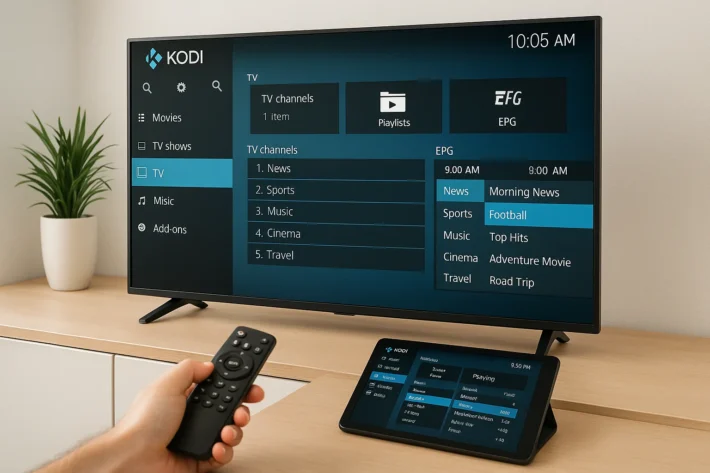
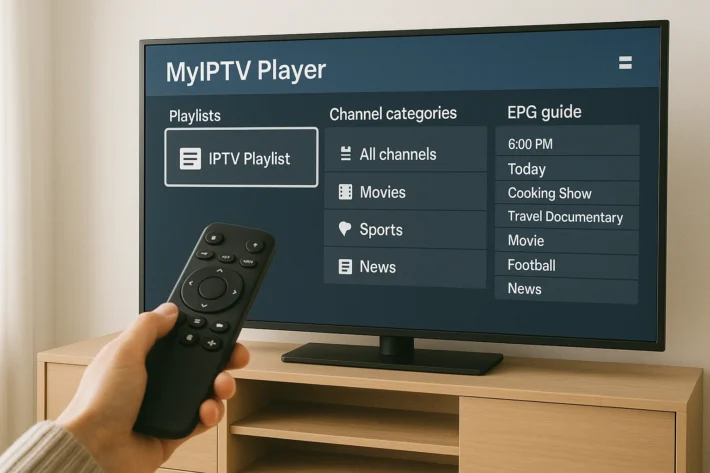
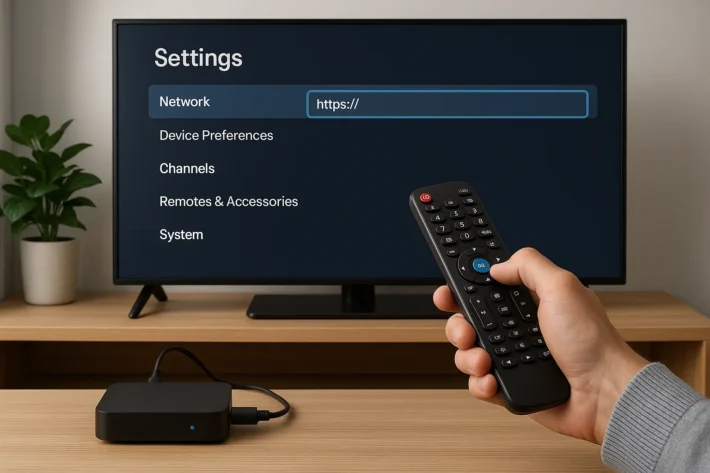
What are the best Free IPTV Apps ?
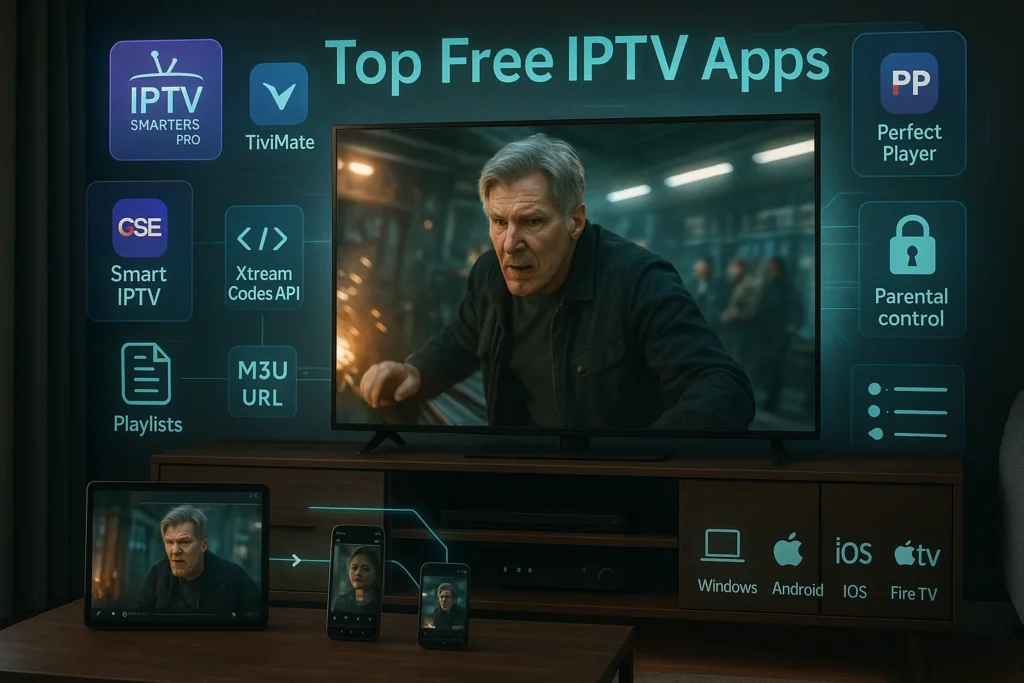
The best free IPTV apps for activating your IP TV subscription include IPTV Smarters Pro, which leads as the most popular player with multi-platform support and intuitive interface. You’ll also find excellent options in TiviMate’s premium features with a free tier, GSE Smart IPTV’s versatile format support, Perfect Player’s lightweight performance, and OTT Navigator for modern design enthusiasts.
Each application offers distinct strengths depending on your device, technical expertise, and feature priorities for managing your IPTV subscription.
IPTV Smarters Pro
IPTV Smarters Pro is the most widely used free IPTV player, offering a sleek interface for streaming live TV, movies, and series. The app supports M3U URLs and Xtream Codes API, making it compatible with virtually any IPTV provider.
Key features include integrated EPG, parental controls, multi-screen viewing, and the ability to manage multiple subscriptions in one app. Available for Android, iOS, Windows, macOS, and Fire TV, users can organize channels into favorites and enjoy content in HD or 4K quality.
The app is completely free to download, though you need an active IPTV subscription to access content. Ranked among the top free IPTV apps, setup is straightforward—simply enter your provider’s credentials or M3U URL, and channels load automatically.
TiviMate IPTV Player
TiviMate is one of the best IPTV players designed for Android TV, Fire TV Stick, and Android devices. The free version offers excellent functionality including multiple playlist support, customizable channel lists, detailed TV guide, and a modern interface.
It supports M3U playlists and Xtream Codes API for seamless integration. Standout features include picture-in-picture mode, time-shift functionality, and a favorites system that syncs across devices.
The interface resembles traditional cable TV guides, making transitions easy for conventional TV users. The free version allows one playlist, sufficient for most users with a single IPTV subscription. Setup requires adding your provider’s playlist URL or credentials.
GSE Smart IPTV
Getting GSE Smart IPTV for your IPTV, is a powerful free player available for iOS, Android, and Apple TV, offering advanced features without payment. It supports M3U, JSON, and Xtream Codes formats, accommodating different IPTV configurations.
Features include built-in EPG, parental controls, Chromecast compatibility, and unlimited playlist support. Users can create custom categories, hide unwanted channels, and rearrange channel order.
The app supports various video formats and offers cloud backup for settings restoration across devices. As one of the best free IPTV apps, it features a clean, responsive interface that allows switching between list and grid views. Setup involves adding your IPTV provider’s M3U URL or Xtream Codes details, then customizing to your preference.
Perfect Player IPTV
Perfect Player IPTV is a lightweight, free player for Android and Windows, known for minimal resource usage and fast performance. Despite being free, it includes full EPG support, multiple playlist support, customizable themes, and parental controls.
The interface resembles traditional set-top boxes, making it easy to navigate with remote controls. It handles M3U and XSPF formats, supporting both local files and remote URLs. Users can customize interface aspects from color schemes to button layouts.
Perfect Player performs well even on older devices with smooth channel switching and minimal buffering. Setup is simple—add your playlist URL, and the app automatically populates channels with EPG data.
OTT Navigator IPTV
OTT Navigator IPTV is a newer free player for Android devices, offering a modern, visually appealing interface with advanced functionality. It supports M3U playlists and Xtream Codes API with easy configuration.
Features include comprehensive EPG, multi-view for watching multiple channels simultaneously, recording capabilities, and an intuitive favorites system. The beautiful, customizable interface rivals premium apps with smooth animations and logical organization. Users can create custom groups, hide content, and set parental locks.
It supports external players like VLC and MX Player and works across Android phones, tablets, and TV boxes with automatic settings sync. As one of the most versatile free IPTV apps available, setup requires entering your provider’s details or M3U URL.
Comparative Table of Free IPTV Applications
| Application | Platforms | Supported Formats | Multi-Playlist | Recording | Interface |
| IPTV Smarters Pro | Android, iOS, Windows, macOS, Fire TV | M3U, Xtream Codes | Unlimited | No | Modern and intuitive |
| TiviMate | Android, Android TV, Fire TV | M3U, Xtream Codes | 1 (free) / Unlimited (premium) | Yes (premium) | Traditional TV guide style |
| GSE Smart IPTV | iOS, Android, Apple TV | M3U, JSON, Xtream Codes | Unlimited | No | Clean and customizable |
| Perfect Player | Android, Windows | M3U, XSPF | Unlimited | No | Classic set-top box style |
| OTT Navigator | Android, Android TV | M3U, Xtream Codes | Unlimited | Yes | Modern with animations |
Frequently Asked Questions
Are Free IPTV Apps Legal to Use in My Country?
The legality depends on your country regulations and the content’s source. You’ll need to research local legal implications, as streaming copyrighted material without authorization is typically illegal, while legitimate free services remain lawful in most jurisdictions.
Can I Use Free IPTV Apps Without an Internet Connection?
No, you can’t use free IPTV apps without an internet connection. They’re designed for streaming live content, not offline viewing. App limitations prevent downloading, as these services rely entirely on real-time data transmission.
Do Free IPTV Apps Work With VPN Services?
Yes, most free IPTV apps offer VPN compatibility, allowing you to enhance streaming security while accessing content. You’ll find that using a VPN can protect your data and potentially bypass geographic restrictions effectively.
What Internet Speed Do I Need for Smooth IPTV Streaming?
You’ll need at least 10-25 Mbps for smooth streaming quality, depending on resolution. SD requires minimal bandwidth requirements, while 4K demands significantly more. It’s wise to exceed minimum speeds to accommodate network fluctuations and multiple devices.
Can I Cast Free IPTV Apps to My Chromecast Device?
Yes, you’ll find several casting methods available for streaming to Chromecast. Many free IPTV apps support built-in casting, while others require compatible devices like smartphones or tablets to mirror content to your TV.